
Here, we gather our articles on Wi-Fi, mesh networks and Starlink. Every guide builds on real assignments in houses, flats, holiday cottages, offices and on boats, and we also show our own measurements and screenshots. Search for a word or choose a topic in the list below.
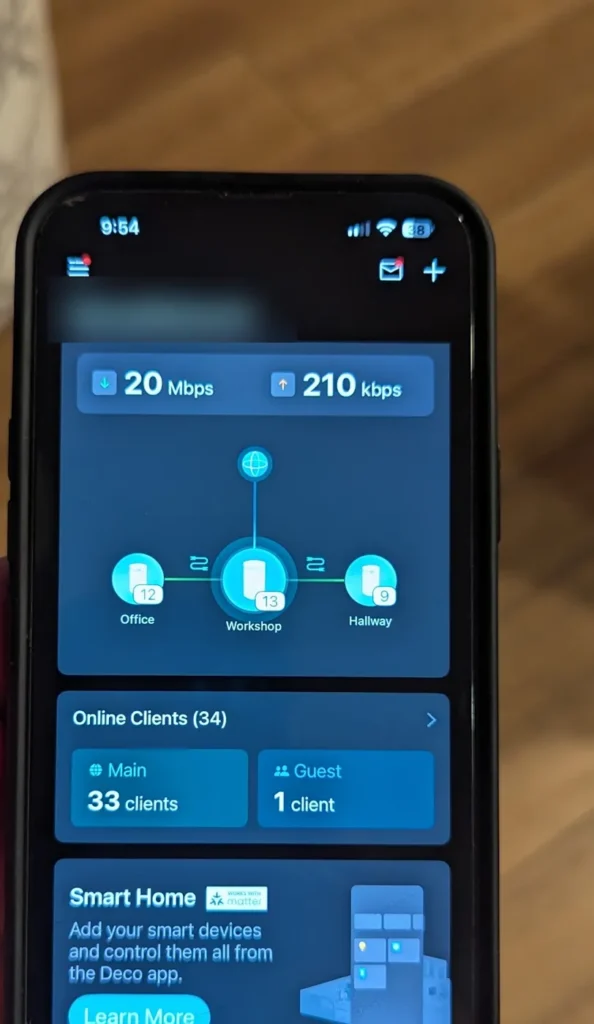
Our articles on Wi-Fi, mesh and coverage
Many problems with wireless networks come from the placement of the router or the nodes. That is why we first explain how you choose between mesh and a traditional router and then how you find the right number of nodes and the right placement. If the Wi-Fi keeps dropping, follow our step-by-step troubleshooting.
Starlink, fibre, 4G and 5G
The connection matters as much as the network indoors. For example, we describe how you connect Starlink to a mesh network, and we present our measurements with Starlink at sea from a ship between Los Angeles and Ensenada. There are also guides on fibre in the house and on 4G and 5G as a backup connection.
Standards, cable and security
New standards such as Wi-Fi 7 and MLO deliver higher capacity, but only when the equipment and the placement are right. At the same time, a stable network often requires cabling between the nodes. Security is also part of the work, which is why we write about WPA3, guest networks and smart homes as well as about access points in the office.
How to use the articles
Every article starts with a short summary and ends with frequently asked questions. As a result, you can quickly see whether the guide applies to your problem. We also update the articles when new routers, mesh systems or standards arrive, and at the same time, we add new measurements from our assignments.
More articles on Wi-Fi and IT
Wi-Fi Problem is part of Datorkirurgen AB, which also writes about IT security and networks for businesses. If you need help after reading a guide, feel free to contact our customer service. We work from €200 per hour excluding VAT, and before we start, you always receive an estimate of time and cost.
Coverage and placement
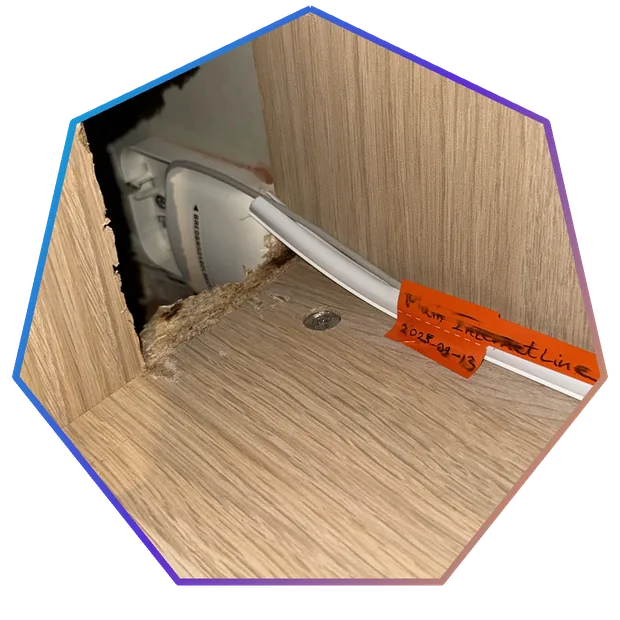 Network cabling: cable to mesh nodes, sockets and cabinetsNetwork cabling in houses and flats: cable to mesh nodes, new sockets and a network cabinet, hidden in trunking. How it works. From per…Read the article →
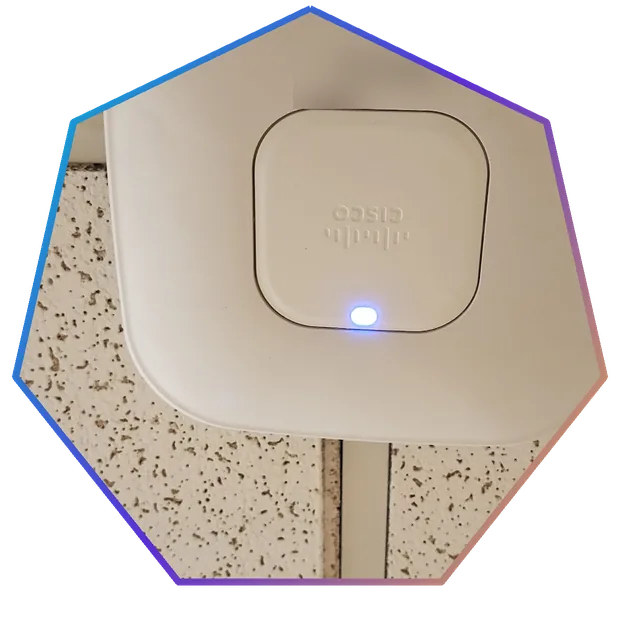 Wi-Fi in the office: ceiling access points, PoE and guest networksWi-Fi in the office that handles meetings and many users: ceiling access points, PoE, guest networks and roaming. We plan and measure. From per…Read the article →
Fibre, 4G and 5G
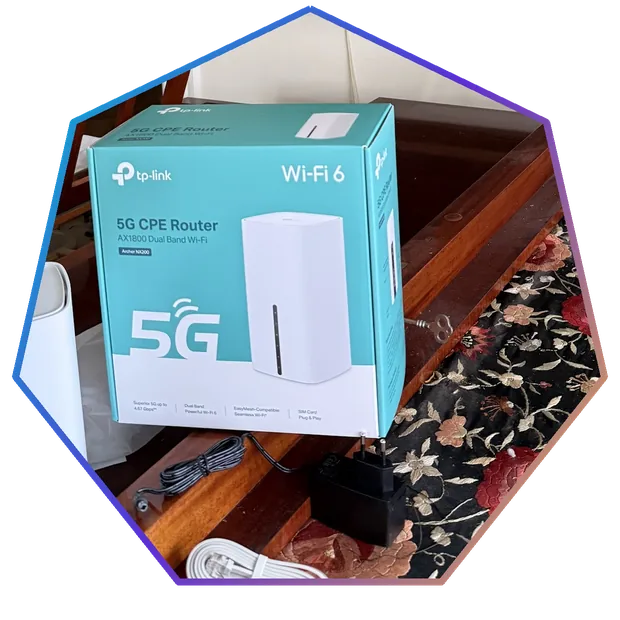 4G and 5G router for the holiday cottage, the boat and as a backup connection4G and 5G router for the holiday cottage, the boat and as a backup connection for businesses: placement, external antenna and mesh. From per…Read the article →
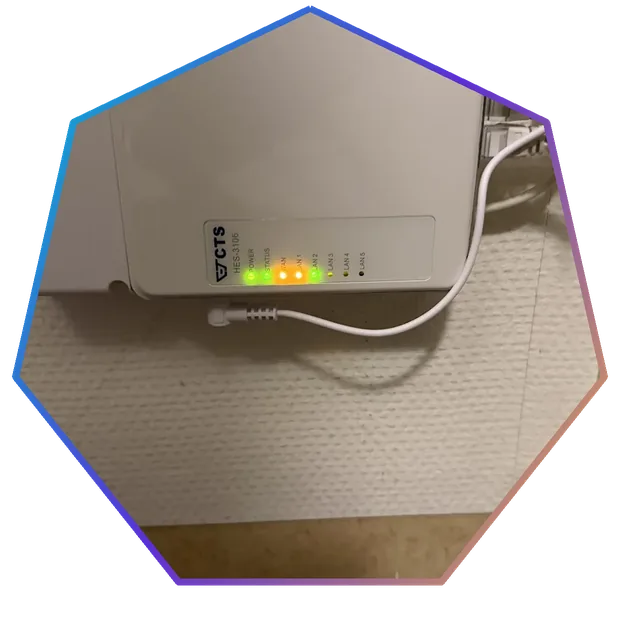 Fibre in the house: media converter, router and mesh connected correctlyFibre in the house at full speed: how to connect the media converter, router and mesh without double NAT or two wireless networks. From…Read the article →
Mesh networks
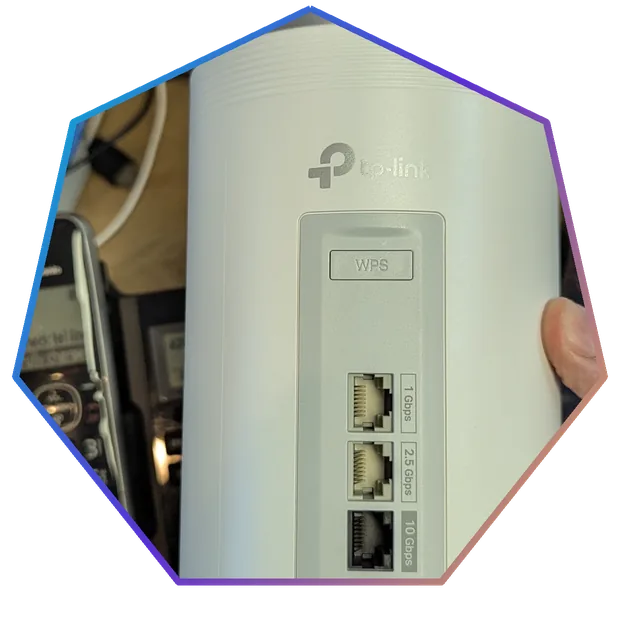 Mesh router or traditional router: the difference and when mesh pays offMesh router or traditional router? We explain the difference, when mesh pays off and how the right number of nodes and backhaul cover the…Read the article →
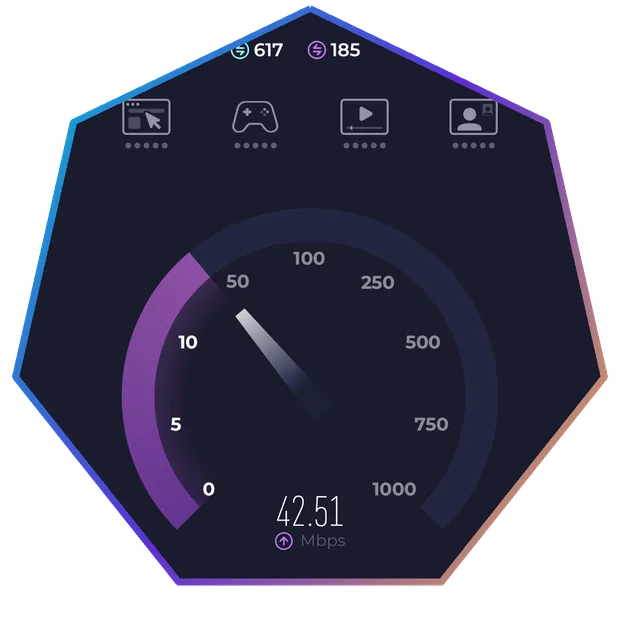 The right number of mesh nodes and the right placement: coverage in every roomHow many mesh nodes do you need and where should they stand? This is how we measure the signal and place the nodes in…Read the article →
Security
Services
4G and 5G router for the holiday cottage, the boat and as a backup connection4G and 5G router for the holiday cottage, the boat and as a backup connection for businesses: placement, external antenna and mesh. From per…Read the article →Fibre in the house: media converter, router and mesh connected correctlyFibre in the house at full speed: how to connect the media converter, router and mesh without double NAT or two wireless networks. From…Read the article →Mesh router or traditional router: the difference and when mesh pays offMesh router or traditional router? We explain the difference, when mesh pays off and how the right number of nodes and backhaul cover the…Read the article →Network cabling: cable to mesh nodes, sockets and cabinetsNetwork cabling in houses and flats: cable to mesh nodes, new sockets and a network cabinet, hidden in trunking. How it works. From per…Read the article →The right number of mesh nodes and the right placement: coverage in every roomHow many mesh nodes do you need and where should they stand? This is how we measure the signal and place the nodes in…Read the article → Wi-Fi 7 and MLO in practice: what do they deliver, and when does an upgrade pay off?Wi-Fi 7 and MLO in practice: what 6 GHz, 320 MHz channels and several bands at once deliver at home and in the office,…Read the article →Wi-Fi in the office: ceiling access points, PoE and guest networksWi-Fi in the office that handles meetings and many users: ceiling access points, PoE, guest networks and roaming. We plan and measure. From per…Read the article →
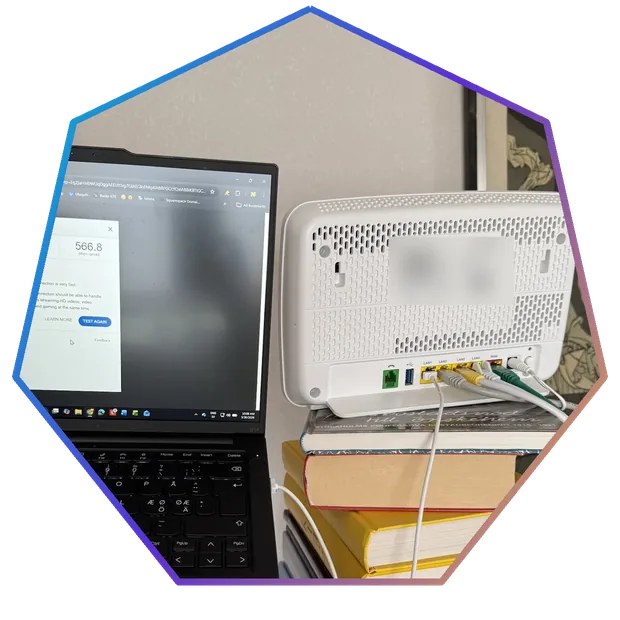 Wi-Fi keeps dropping: how to troubleshoot step by stepWi-Fi keeps dropping? Troubleshoot step by step: placement, channels, mesh, router settings and the connection itself. Help from per hour.Read the article →
 WPA3, guest networks and smart homes: how to make Wi-Fi secureSecure Wi-Fi with WPA3, guest networks and a separate network for smart home devices, cameras and printers, at home and in the office. From…Read the article →
Starlink
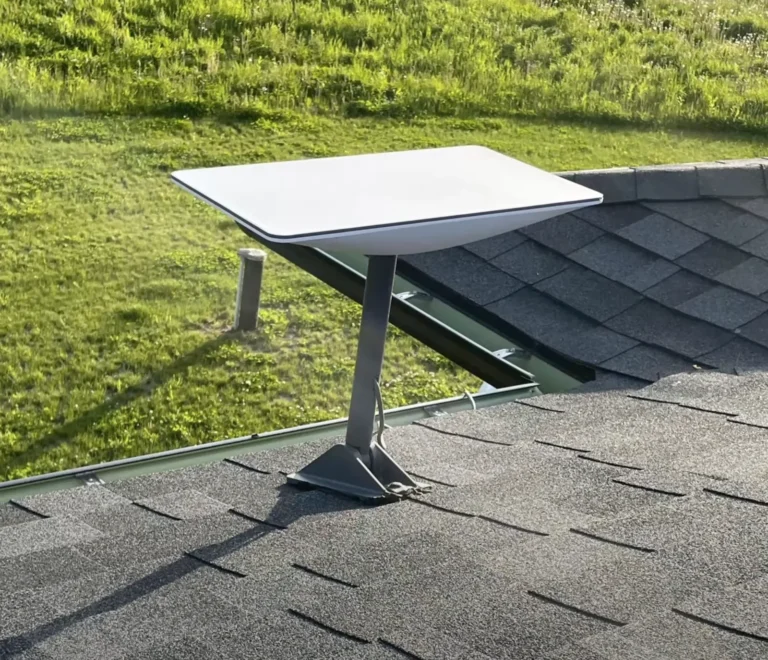 Starlink and mesh: bypass mode or Starlink’s own nodesStarlink and mesh: how to extend Wi-Fi in a house, cottage, boat and office with Starlink’s nodes or bypass mode and your own mesh…Read the article →
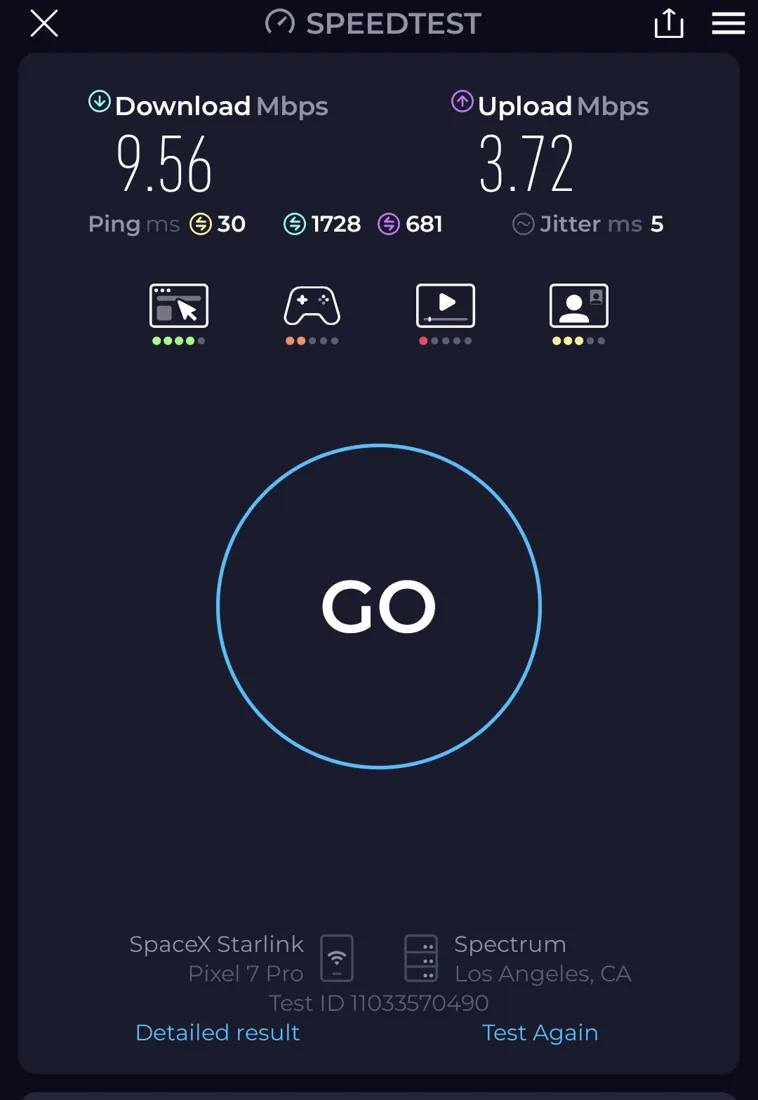 Starlink at sea: our measurements from a shipStarlink at sea in practice: our own measurements on board a ship with speed, latency under load and what it means for boats and…Read the article →
Troubleshooting
Wi-Fi standards
No articles match your search.