
Wi-Fi keeps dropping? Troubleshoot step by step: placement, channels, mesh, router settings and the connection itself. Help from €200 per hour.
When Wi-Fi keeps dropping, the cause is almost always one of five things: a weak signal, interference on the channel, problems between mesh nodes, faulty router settings or outages in the connection itself. Troubleshooting is therefore about first finding out whether the fault lies in the wireless network or in the internet connection. After that, a few measurements narrow down the cause. In this guide, we go through the method we use on our own assignments, step by step.
Step 1: Decide whether the fault is Wi-Fi or the internet
Start by connecting a computer directly to the router with a network cable. If the connection also drops then, the fault lies in the connection, for example the fibre, the media converter or the 4G/5G router. If, on the other hand, the cabled connection stays stable while Wi-Fi keeps dropping, the fault lies in the wireless network. Also look at the router’s status lights and log. A recurring outage on the internet side often shows up there as ”WAN down” or similar. There is more about the connection in the guide fibre in the house.
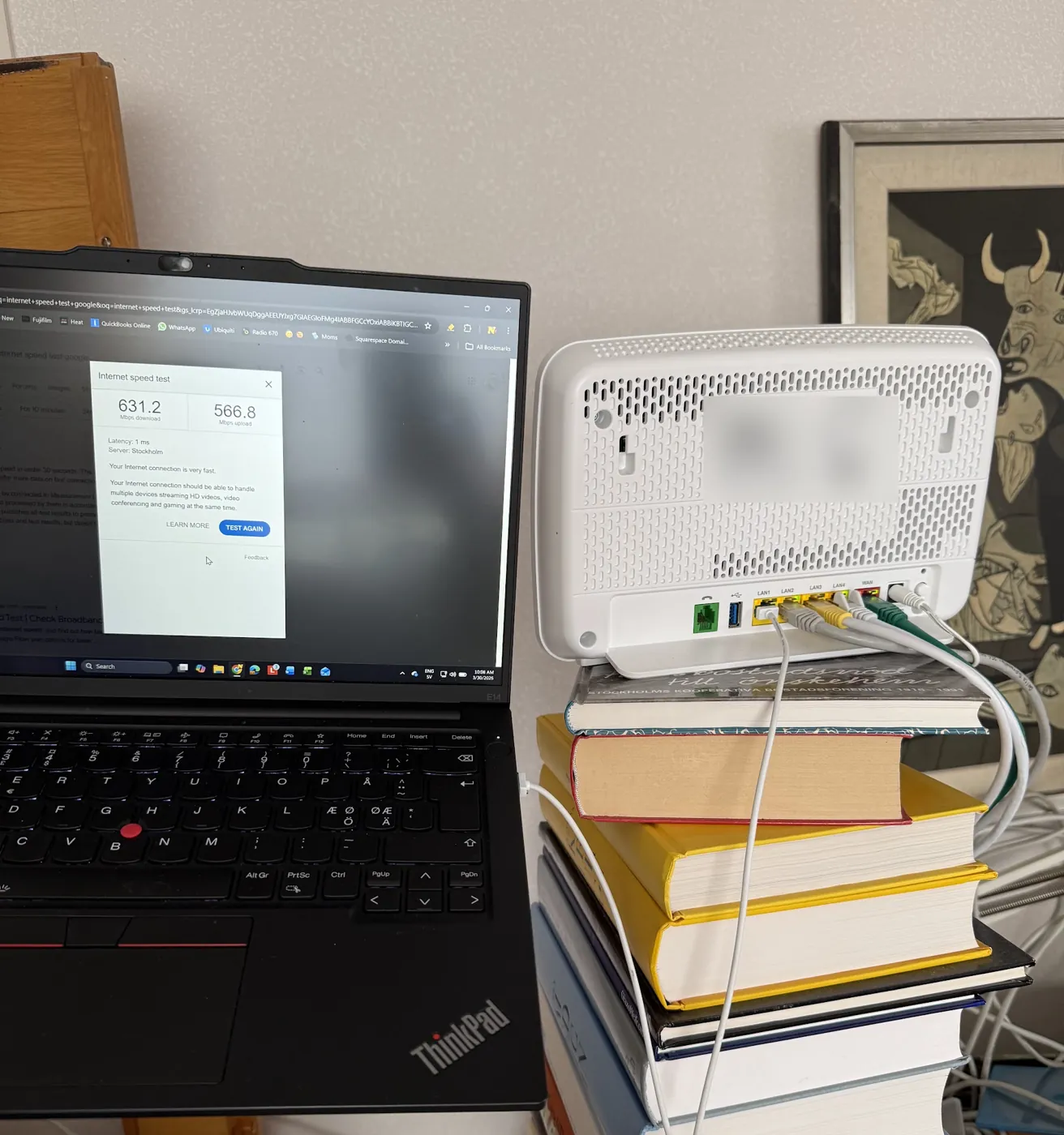
Step 2: Measure the signal where Wi-Fi keeps dropping
If the dropouts only happen in certain rooms, a weak signal is the most common cause. Measure the signal strength in that room with a phone app or the computer’s wireless diagnostics. A value around −67 dBm or stronger is enough for video calls, while values weaker than −75 dBm often cause dropouts. Then move the router higher up and further away from walls, cupboards and electronics. Concrete and tiles dampen the signal the most, so simply turning the antennas rarely helps. Our advice on placement is in the guide on router placement.
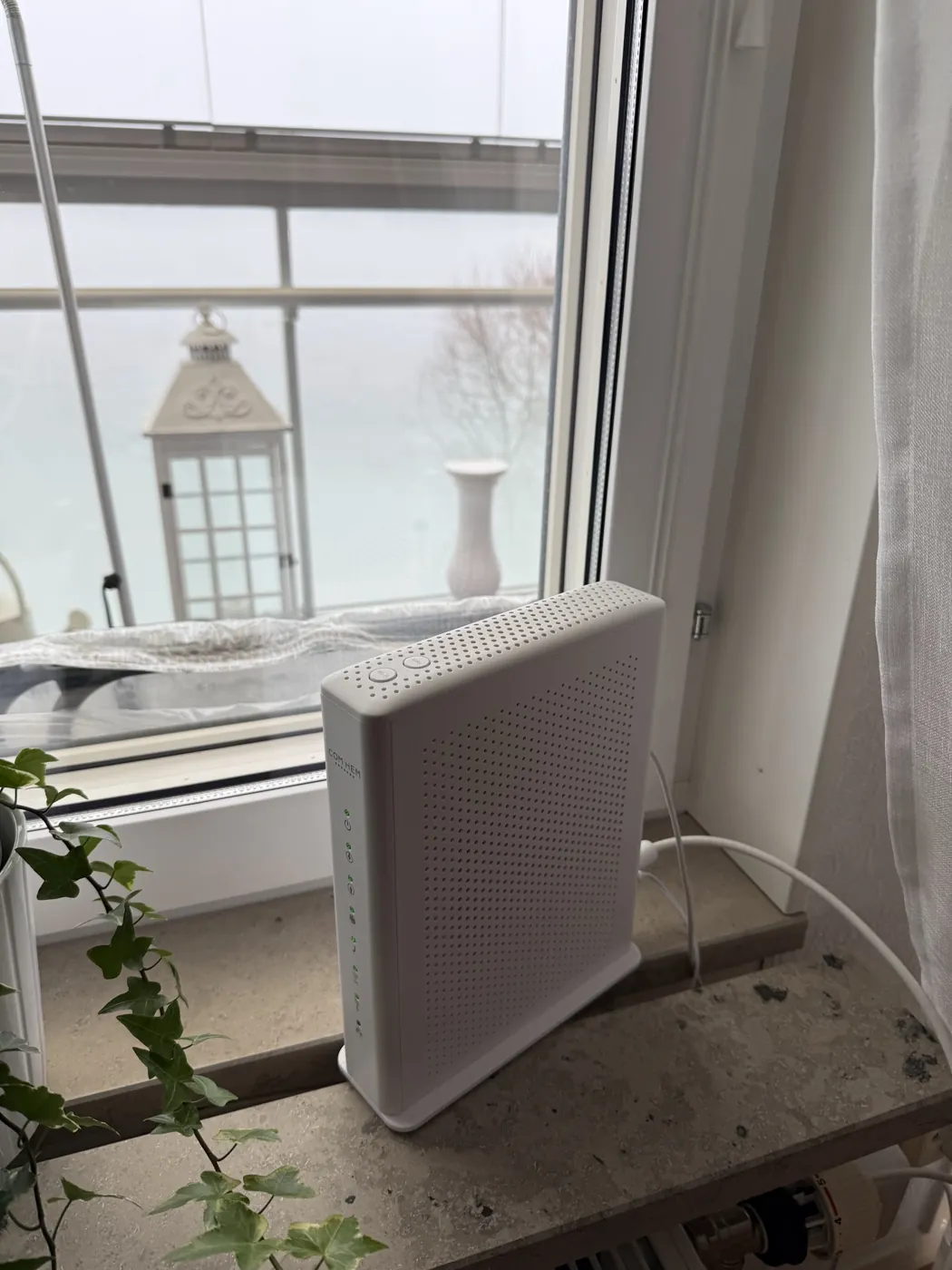
Step 3: Look for interference and the wrong channel
In blocks of flats, dozens of networks often share the same channels. The 2.4 GHz band in particular easily becomes congested, and Wi-Fi can then drop despite a strong signal. Check which channels the neighbours use and choose a less busy channel. On 5 GHz, a channel width of 80 MHz gives high speed, but 40 MHz can be more stable in densely built areas. Furthermore, some 5 GHz channels must switch when the router detects radar, known as DFS, which causes short dropouts. There is more in the guide on interference and channel selection.
Step 4: When Wi-Fi keeps dropping in a mesh network
In a mesh system, devices often lose the connection when one node stands too far from the next. The node keeps its contact, but the link between the nodes becomes too weak. Check in the app how the nodes connect and whether any node has a low signal. An extender can also cause dropouts when devices jump between the router’s network and the extender’s network. A mesh system with correctly placed nodes, or with network cable between the nodes, usually solves the problem. We describe the difference in the guide mesh router or traditional router.
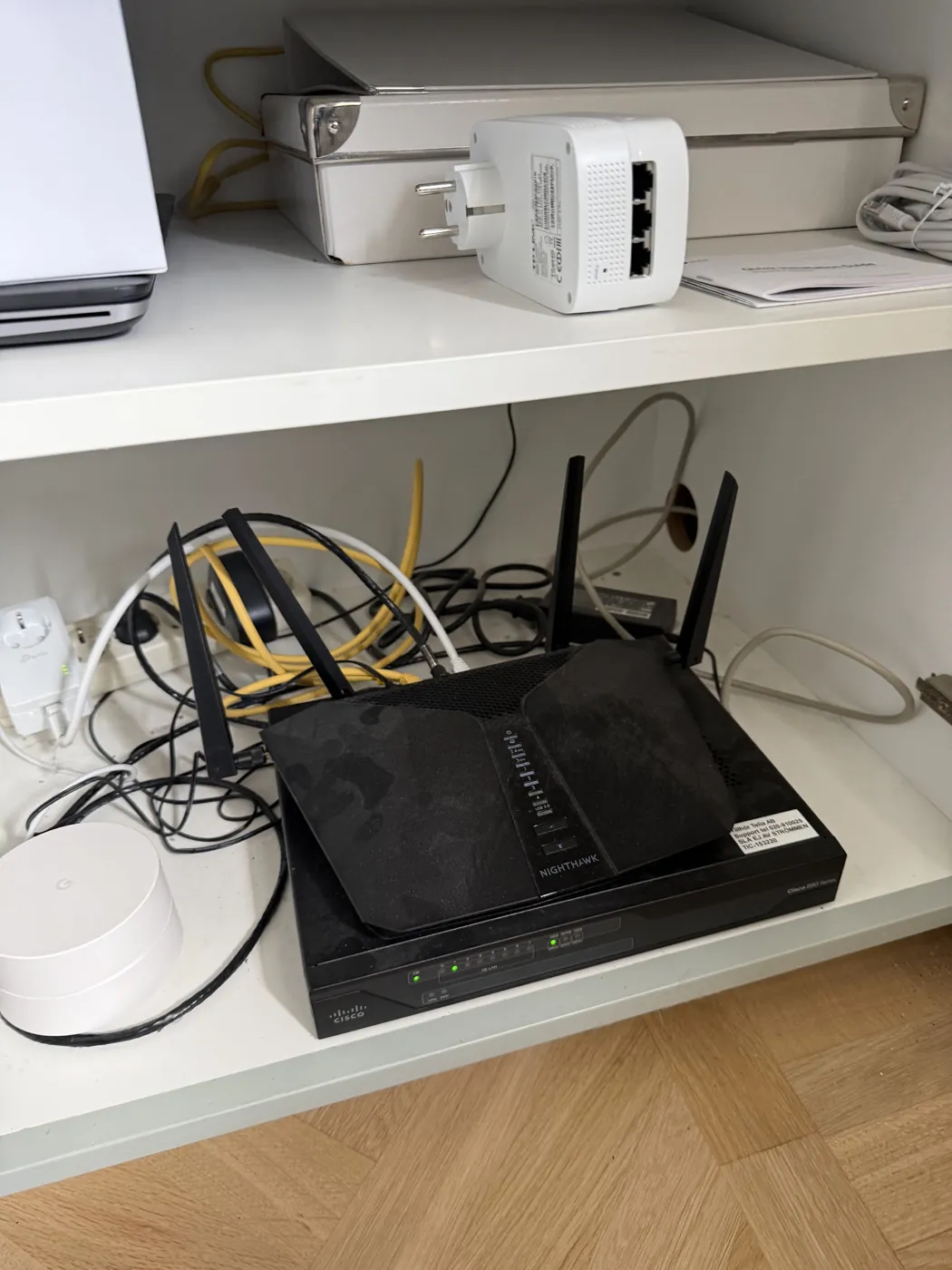
Step 5: Go through the router’s settings
First, check that the router’s firmware is up to date. Old versions often have bugs that cause recurring dropouts. Then check that only one router hands out addresses on the network. Two routers in a row cause double NAT and sometimes address conflicts. If the operator’s router remains, it should run in bridge mode, or you should turn off its Wi-Fi. Finally, features such as power saving, band steering and automatic channel switching may need adjusting for devices that do not handle them well.
Quick check when Wi-Fi keeps dropping
- Is the connection stable with a network cable? If not: troubleshoot the connection.
- Is the signal weaker than −75 dBm in the room? If so: placement or mesh.
- Are there many neighbouring networks on the same channel? If so: change channel or band.
- Are there two routers that both broadcast Wi-Fi? If so: bridge one or turn it off.
- Is the router’s firmware old? If so: update it.
Step 6: Check the device that keeps dropping
Sometimes the fault lies in a single computer, phone or printer. Update the drivers and the operating system, forget the network and connect again. Also check that the device does not have an old saved network with the same name, because it may then switch between the networks. Many smart home devices only support 2.4 GHz and can lose the connection when the router steers them towards 5 GHz. In the guide on devices that will not connect, we go through the most common cases. For printers, there is also Business IT Support’s guide on Epson printers on the network.
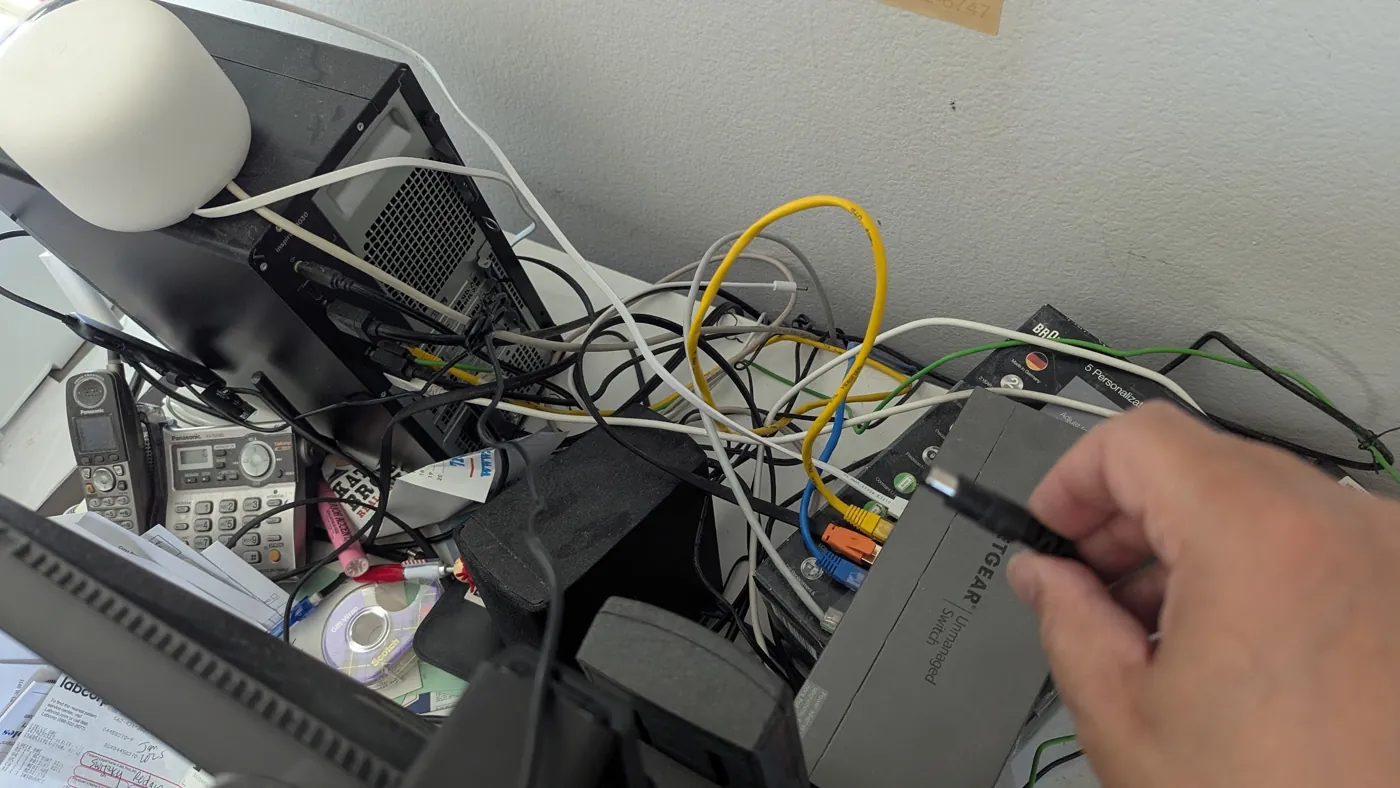
When Wi-Fi keeps dropping despite everything
If the dropouts continue after you have gone through the steps above, the cause may be harder to find, for example interference from other equipment or faults in cables and sockets. We then measure the signal, channels and latency in every room and log the dropouts over time. After that, we fix the cause and verify the result with a new measurement. We also go through the router’s log, because it often shows exactly when and why the connection broke. You can also find advice on home networks from the Swedish regulator Post- och telestyrelsen (PTS).
Does your Wi-Fi still keep dropping?
Describe when the dropouts happen, where in the home and which equipment you have. We troubleshoot remotely across Sweden and on site in the Stockholm area. Prices from €200 per hour excluding VAT. Describe the problem →
Frequently asked questions when Wi-Fi keeps dropping
Questions about Wi-Fi dropouts
- Why does my Wi-Fi keep dropping all the time?
- How do I know whether the fault is Wi-Fi or the internet?
- Why does only my computer lose Wi-Fi?
- Why does my phone lose Wi-Fi when I move between rooms?
- What signal strength does stable Wi-Fi need?
- Can the neighbours’ Wi-Fi interfere with my network?
- What is DFS and can it cause dropouts?
- Does restarting the router help?
- Why does the TV lose Wi-Fi when we stream?
- Can mesh fix Wi-Fi that keeps dropping?
Wi-Fi keeps dropping: routers and devices
- Why does Wi-Fi keep dropping in the evening?
- Can an extender cause dropouts?
- What is double NAT?
- Should I turn off Wi-Fi in the operator’s router?
- Why does the printer lose the connection?
- Do old routers drop the connection more often?
- How do I update the router’s firmware?
- Does the microwave oven affect Wi-Fi?
- Why does Wi-Fi keep dropping at the holiday cottage?
- Can a faulty network cable cause dropouts?
More about troubleshooting, prices and help
- Does switching to 5 GHz help?
- How long should you log the dropouts?
- Why does the laptop lose Wi-Fi when the lid closes?
- Can a VPN make Wi-Fi keep dropping?
- Can Wi-Fi Problem troubleshoot remotely?
- What does Wi-Fi troubleshooting cost?
- Which areas do you cover on site?
- Do I need to buy a new router?
- Why does Wi-Fi keep dropping after a power cut?
- How do I prevent dropouts in the future?