Fibre in the house at full speed: how to connect the media converter, router and mesh without double NAT or two wireless networks. From €200 per hour.
From the fibre socket to Wi-Fi in every room
Fibre in the house gives a fast and stable connection, but only if the chain after the fibre is built correctly. First, the fibre enters the house and ends in a socket or a fibre box. Then a media converter turns the light signal into an ordinary network. After that, the router takes over, hands out addresses and creates the wireless network. Finally, mesh nodes or access points spread the network further through the house. If a link is missing or sits in the wrong place, you therefore get neither the speed you pay for nor the coverage you need. That is why we always go through the whole chain, from the fibre to the room where you notice the problem.
The media converter: handle it with care
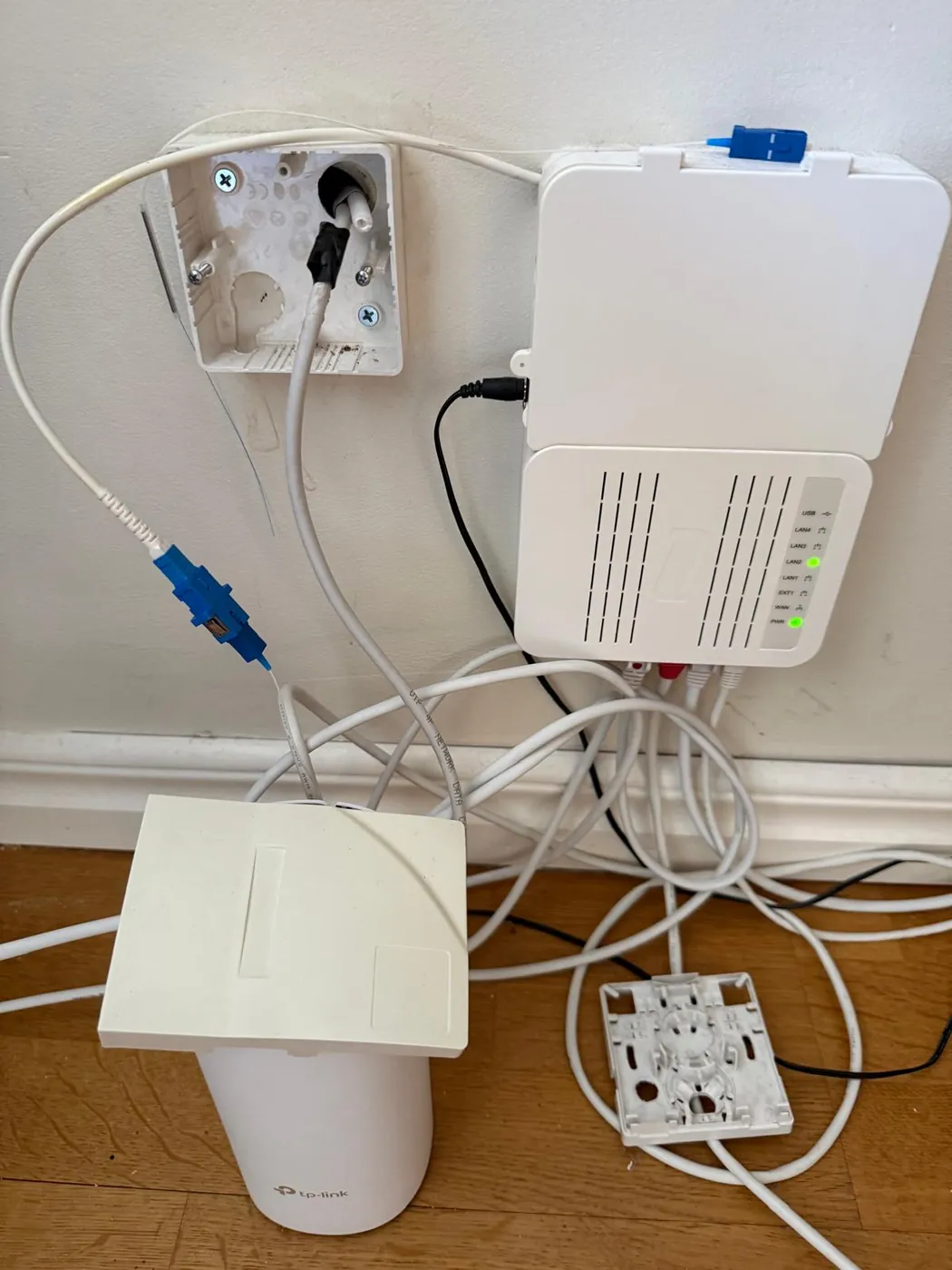
The media converter usually belongs to the city network or the fibre association, so you should not move or open it without their approval. The fibre cable between the socket and the converter is also delicate. Never bend it sharply, and keep the connectors clean and protected with their caps when they are not plugged in. Never look into a fibre connector, because the invisible laser light can damage your eyes. If the fibre light shines red or does not light up at all, the fault generally lies with the network owner, and they are the ones you should contact.
One router, not two
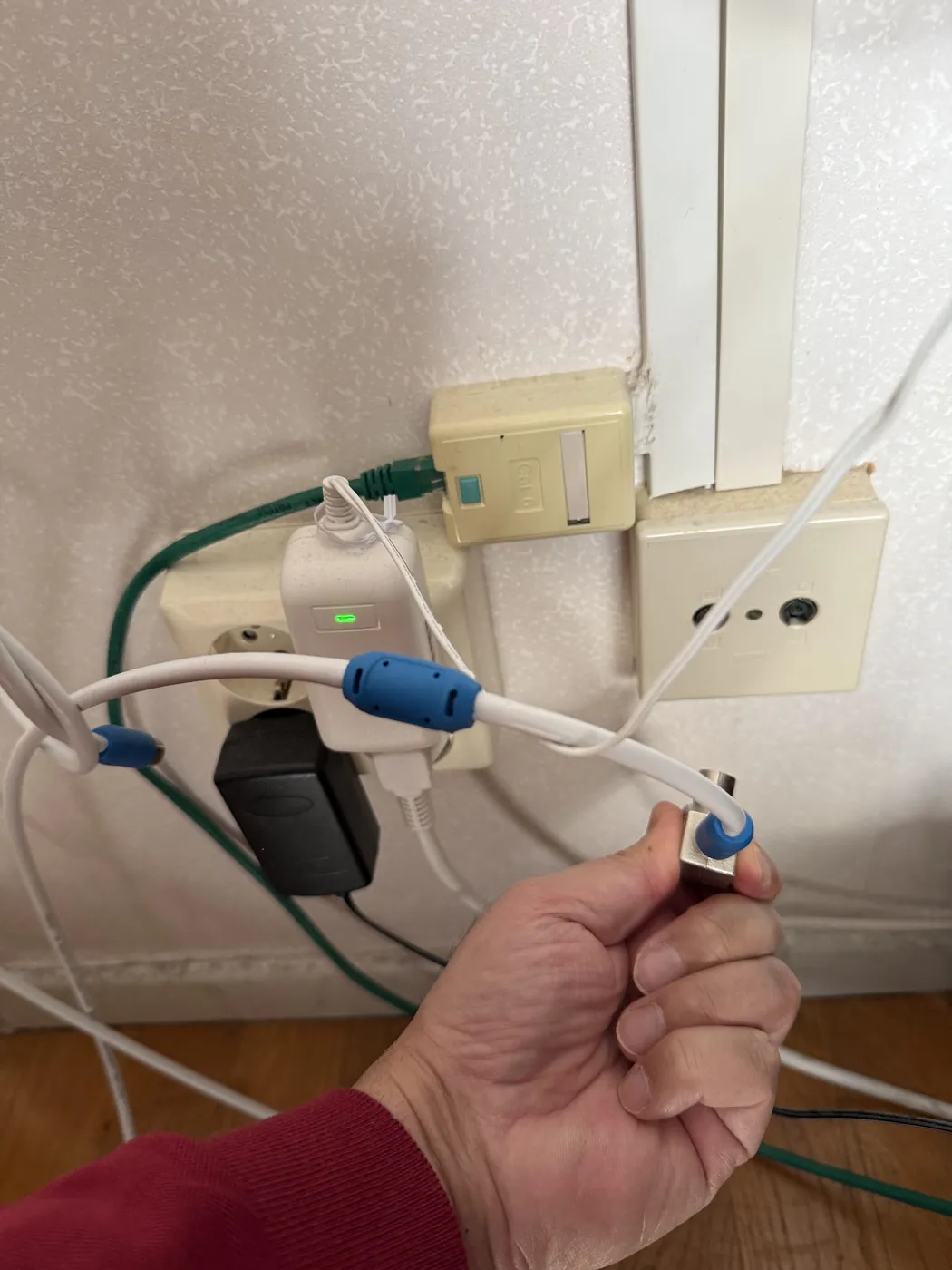
One of the most common mistakes we see is two routers in a row, for example. The broadband provider has sent a router, and then someone has connected their own mesh system after it. As a result, both hand out addresses and both broadcast Wi-Fi. The outcome is double NAT, two wireless networks that interfere with each other and devices that jump between them. The solution is simple: one device should be the router. Either we put the operator’s router in bridge mode, or we put the mesh system in access point mode. Which is best, however, depends on which features you need. We go through the troubleshooting step by step in the guide on Wi-Fi that keeps dropping.
The right order for fibre in the house
- The fibre socket or fibre box from the network owner.
- The media converter, which turns light into network.
- The router, which is the only device that hands out addresses.
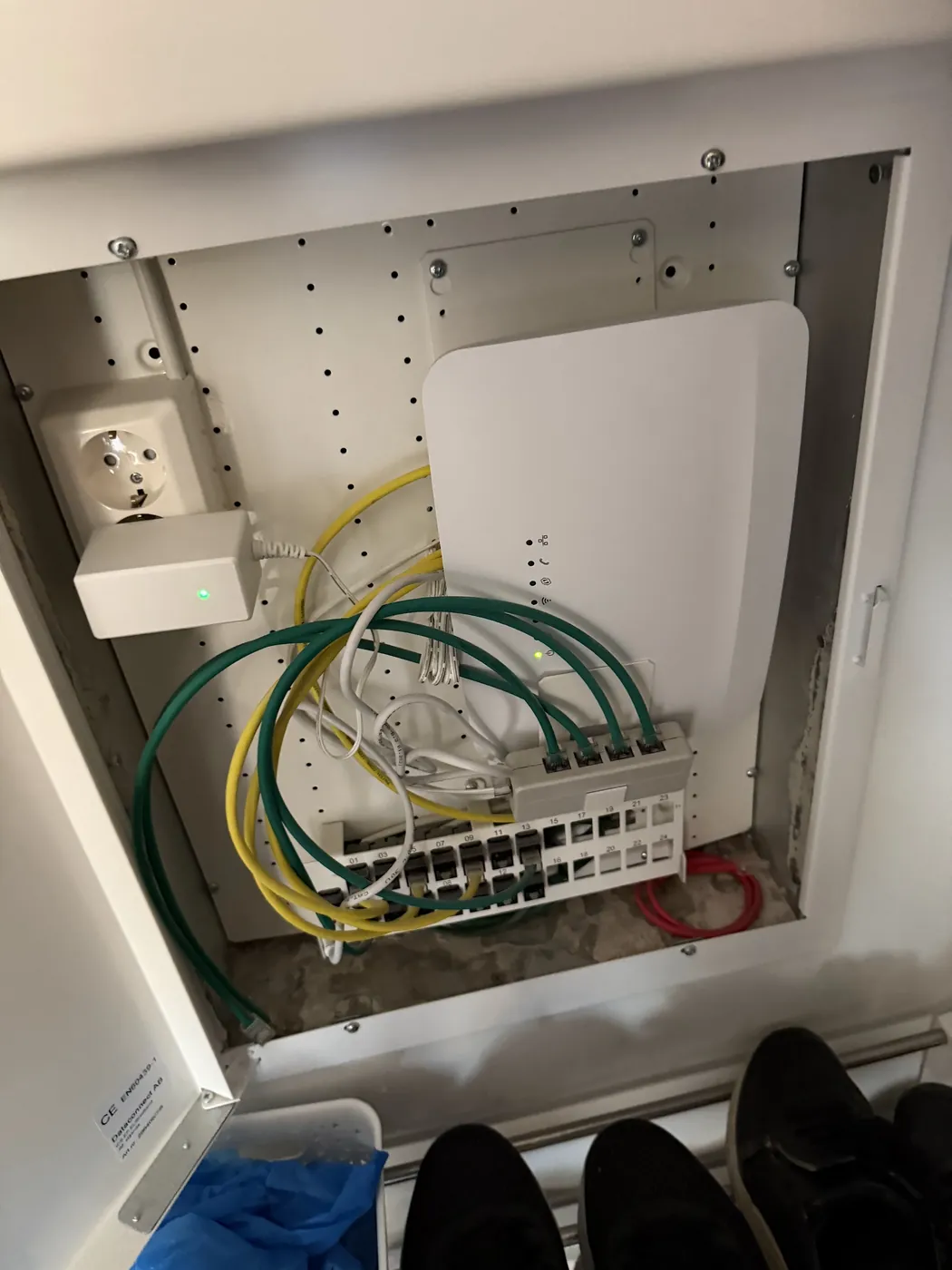
- A switch if several cables need to continue through the house.
- Mesh nodes or access points, preferably connected by cable.
The fibre often sits in the wrong place
The fibre socket often ends up wherever it was easiest to bring in the cable, for example in a corner of the basement, in a storeroom or in a garage. A router standing there sends most of its signal in the wrong direction, and coverage in the rest of the house therefore turns weak. There are, however, two good solutions. The first is to run a network cable from the media converter to a central spot and put the router there. The second, instead, is to leave the router where it is and connect a mesh node by cable at the central spot. There is more about cable in the guide on network cabling.
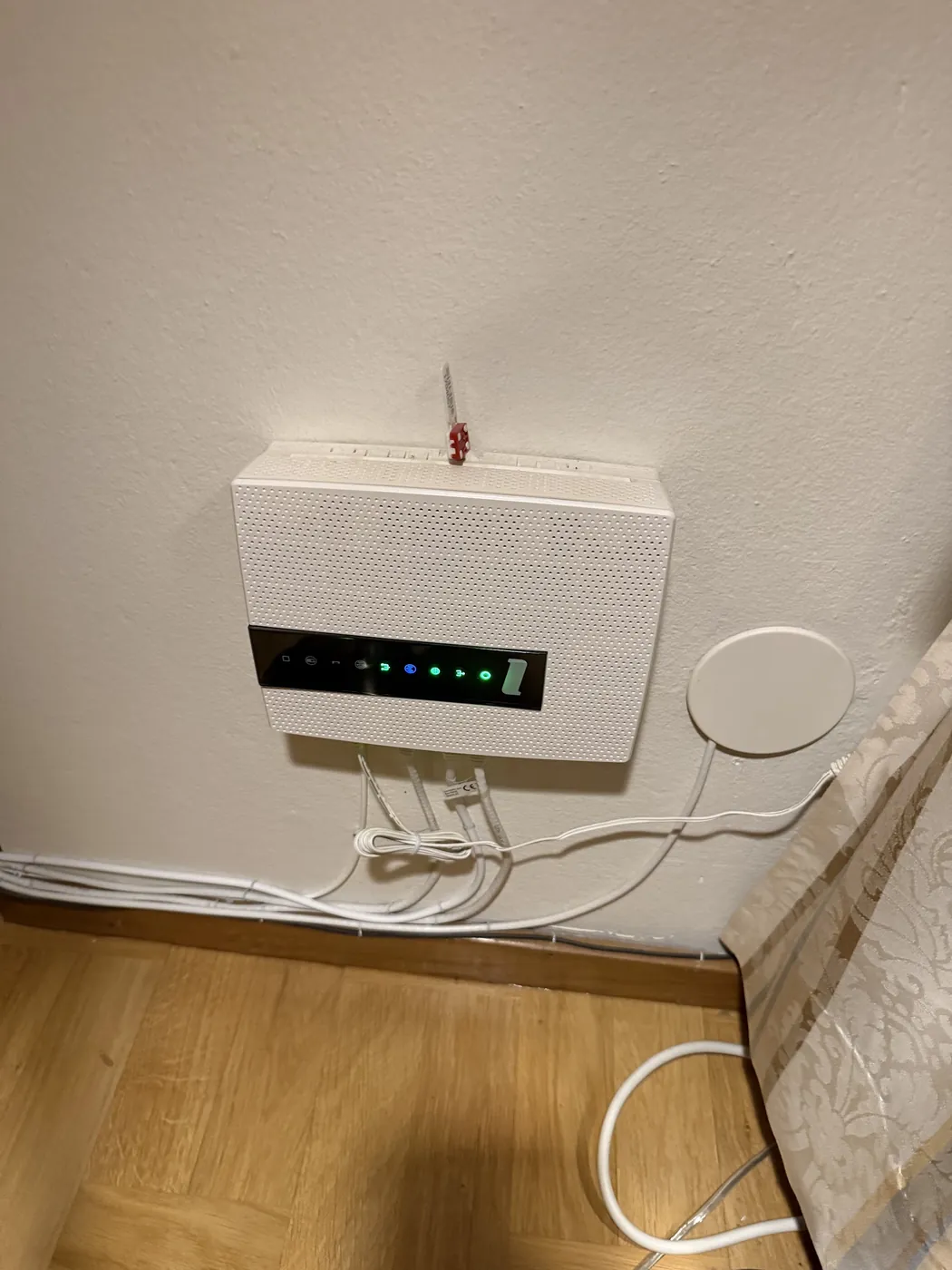
Does fibre in the house give the speed you pay for?
To know whether the fibre delivers the right speed, we measure with a computer connected by cable directly to the router. Measurements over Wi-Fi show the wireless network’s speed, not the fibre’s. If the cabled measurement is too low, we then check the router’s ports, the cables and the subscription. Many older routers also only have 1 Gbit/s ports, and they are then not enough for the fastest subscriptions. If, on the other hand, the cabled measurement is good but Wi-Fi is slow, the fault lies in the wireless network, and it is mesh, placement or channels that we need to fix. Compare with the guide on mesh router or traditional router.
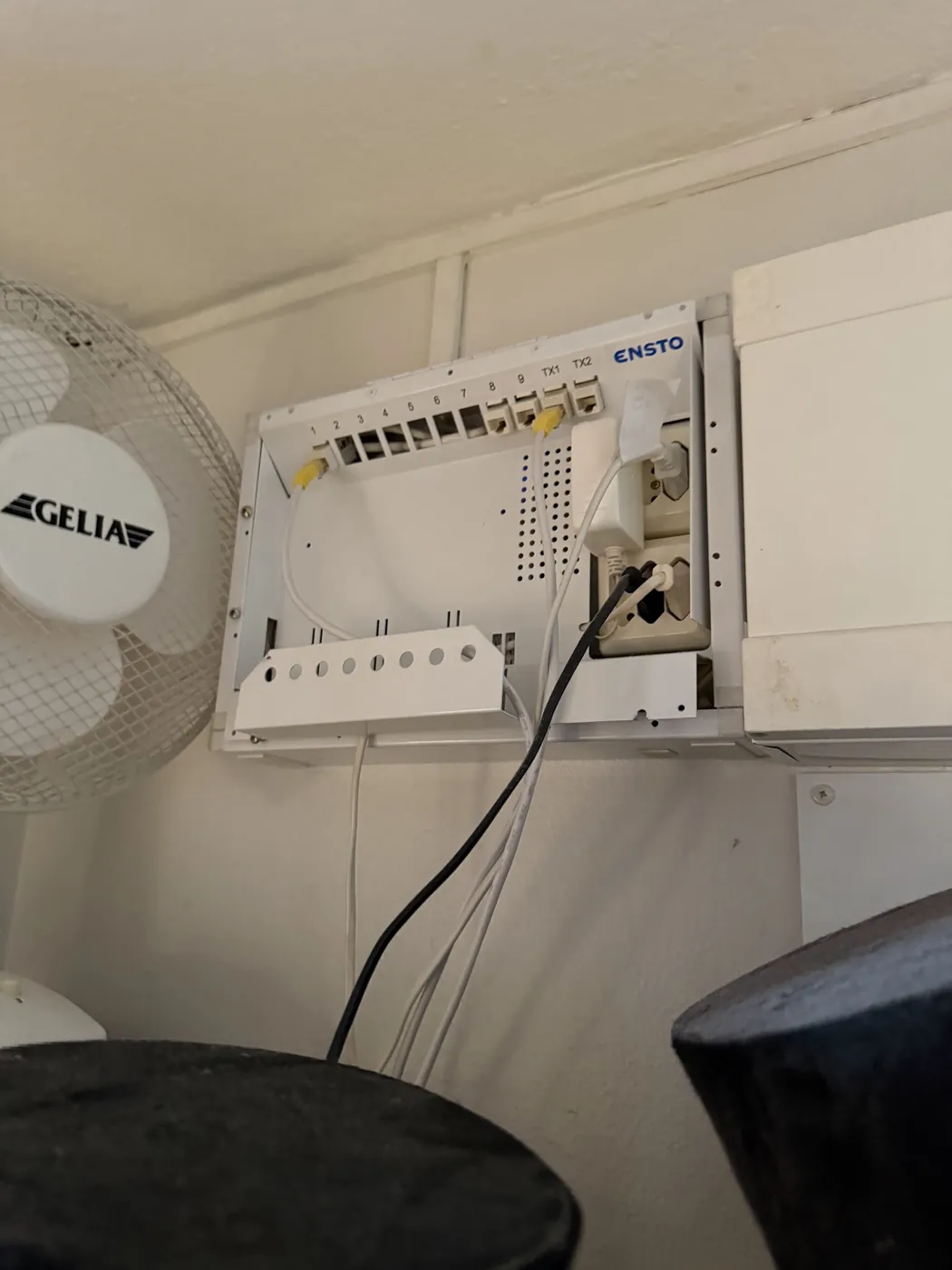
Backup when the fibre goes down
Fibre is stable, but excavation damage and power cuts happen. For people who work from home or run a business, a backup connection via 4G or 5G can therefore be worth the money. There is more about this in the guide on 4G and 5G routers as backup. Datorkirurgen AB has also written about internet via Starlink for places without fibre.
When you change provider
Many people change broadband provider to get a better price, and a new router often comes with it. The new router has a different network name and password, so all devices lose the connection at the same time. The new router may also end up after the existing mesh system, and double NAT then appears again. We therefore recommend that you keep the same network name and password in your own mesh system, and that the operator’s router runs in bridge mode or disappears completely if the provider allows it. In this way, neither computers, TVs nor smart devices notice that you have changed provider. Also check that the new provider delivers via the same port on the media converter, because some city networks use different ports for different providers. Finally, we are happy to help with the switch itself, so that the outage is as short as possible.
Would you like help with the fibre and the network?
We connect the media converter, router and mesh correctly from the start, and we troubleshoot existing installations in the Stockholm area. Prices from €200 per hour excluding VAT. Describe your installation →
Frequently asked questions about fibre in the house
Questions about fibre in the house
- What is a media converter?
- Who owns the media converter?
- May I move the media converter?
- What do the lights on the media converter mean?
- Why does the fibre light shine red?
- Whom should I call when the fibre does not work?
- Can you extend the fibre cable?
- How do you handle fibre connectors safely?
- Why is the fibre socket in the basement?
- Can the router stand far from the fibre socket?
Router, mesh and double NAT
- What is double NAT?
- Do I need the operator’s router?
- What is bridge mode?
- Should my mesh system run in access point mode?
- Can I use my own router with fibre?
- Why do I have two wireless networks with different names?
- How do I connect mesh to fibre?
- Do I need a switch after the router?
- Can my router handle 1 Gbit/s fibre?
- What do 2.5 Gbit/s ports mean?
Speed, backup and help
- How do I measure the fibre speed correctly?
- Why is Wi-Fi slower than the fibre?
- Why do I not get full speed with cable?
- Does a new router help when the fibre is slow?
- Do I need a backup connection for the fibre?
- Does the fibre work during a power cut?
- Can Starlink be a backup for fibre?
- What does help with fibre and router cost?
- Can you help remotely?
- Do you help across Stockholm?