
))) wifiproblem –mesh –starlink
Wi-Fi experts for mesh, Starlink and full coverage
Wi-Fi Problem fixes poor coverage, dropouts and slow Wi-Fi in houses, flats, holiday cottages, offices and on boats. We measure first, then choose the right mesh system and the right number of nodes, and we also connect Starlink, fibre, 4G and 5G so that the connection reaches all the way out.
- Wi-Fi experts in Stockholm and across Sweden, on site or remotely
- More than 30 years of experience with networks, especially mesh and Starlink
- Direct mobile: +46 (0)70 55 444 08
- You can also contact us viaWhatsApp and FaceTime
- Also part of Datorkirurgen AB
From €200 per hour excluding VAT
You receive an estimate of time and cost before we start. In addition, we fix many problems within one to two hours.
RUT tax deduction for private individuals in Sweden. Pay half the labour costApplies to work on site in your home, according to the Swedish Tax Agency’s rules.
Contact a Wi-Fi expert
Latest articles
News from Wi-Fi Problem
Starlink
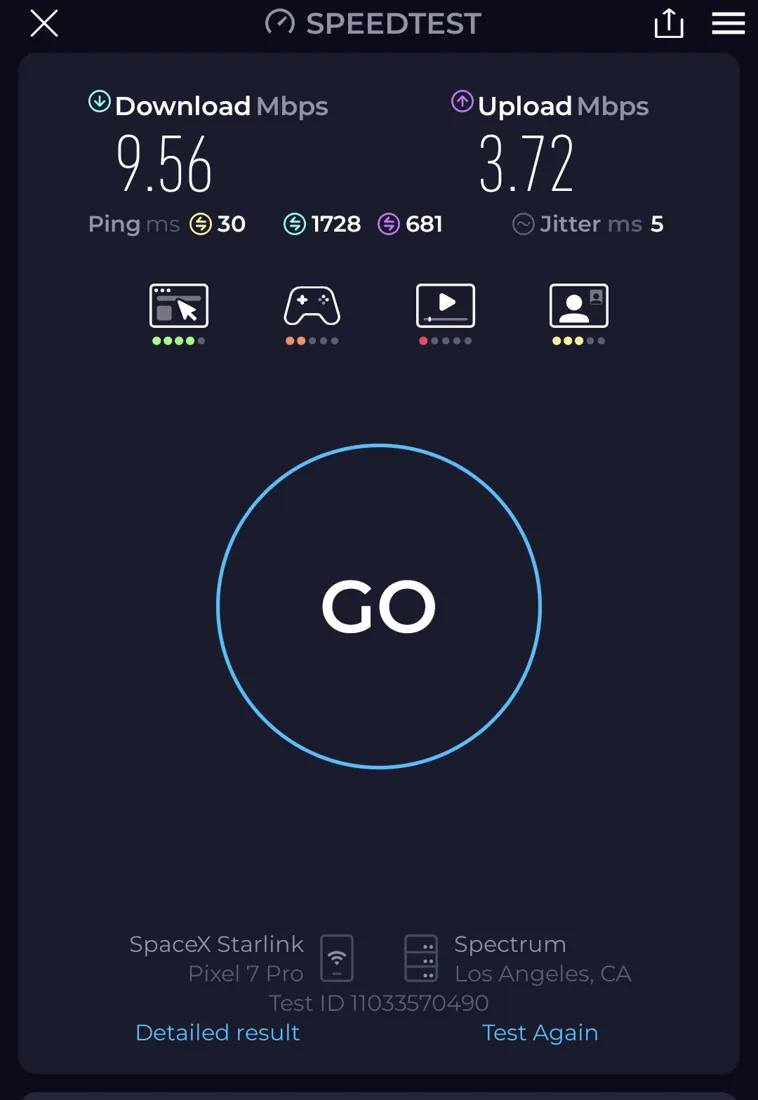
Starlink at sea: our measurements from a ship
22 November 2026
Starlink
Starlink and mesh: bypass mode or Starlink’s own nodes
22 November 2026
Services
Wi-Fi 7 and MLO in practice: what do they deliver, and when does an upgrade pay off?
22 November 2026
Security
WPA3, guest networks and smart homes: how to make Wi-Fi secure
22 November 2026
Fibre, 4G and 5G
4G and 5G router for the holiday cottage, the boat and as a backup connection
22 November 2026
Fibre, 4G and 5G
Fibre in the house: media converter, router and mesh connected correctly
22 November 2026
Coverage and placement
Network cabling: cable to mesh nodes, sockets and cabinets
22 November 2026
Coverage and placement
Wi-Fi in the office: ceiling access points, PoE and guest networks
22 November 2026
Internet via Starlink with coverage everywhere
Starlink gives a fast connection where there is no fibre, but the built-in router rarely covers a whole house, a plot or a boat. We connect Starlink to a mesh network, either with Starlink’s own nodes or in bypass mode with a separate mesh system, and we place the nodes after measuring.
Starlink at home
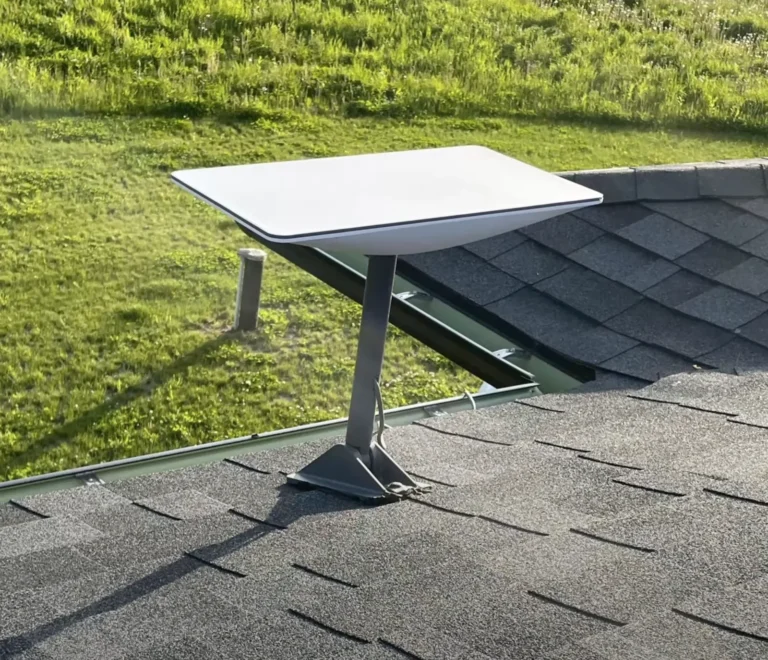
Starlink in the house with mesh nodes on every floor and cable between the nodes where possible, so that the garden gets coverage too.
The holiday cottage
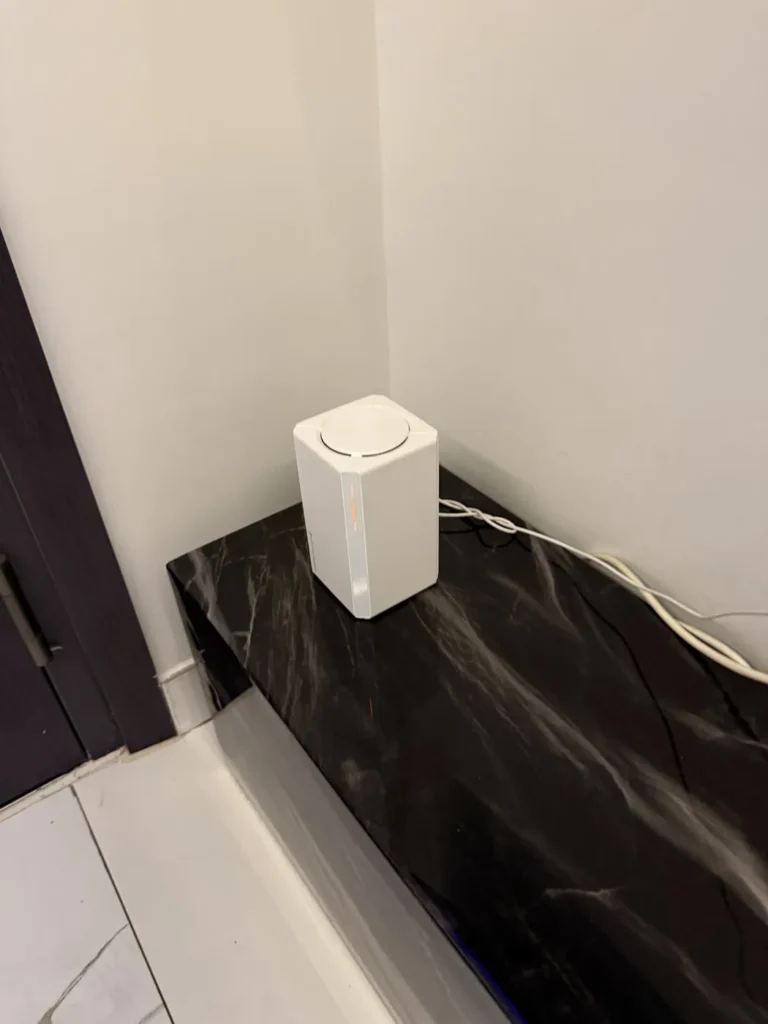
Starlink or 4G and 5G in the cottage, with Wi-Fi that reaches the outbuilding, the jetty and the deck. We also plan power, mounting and nodes.
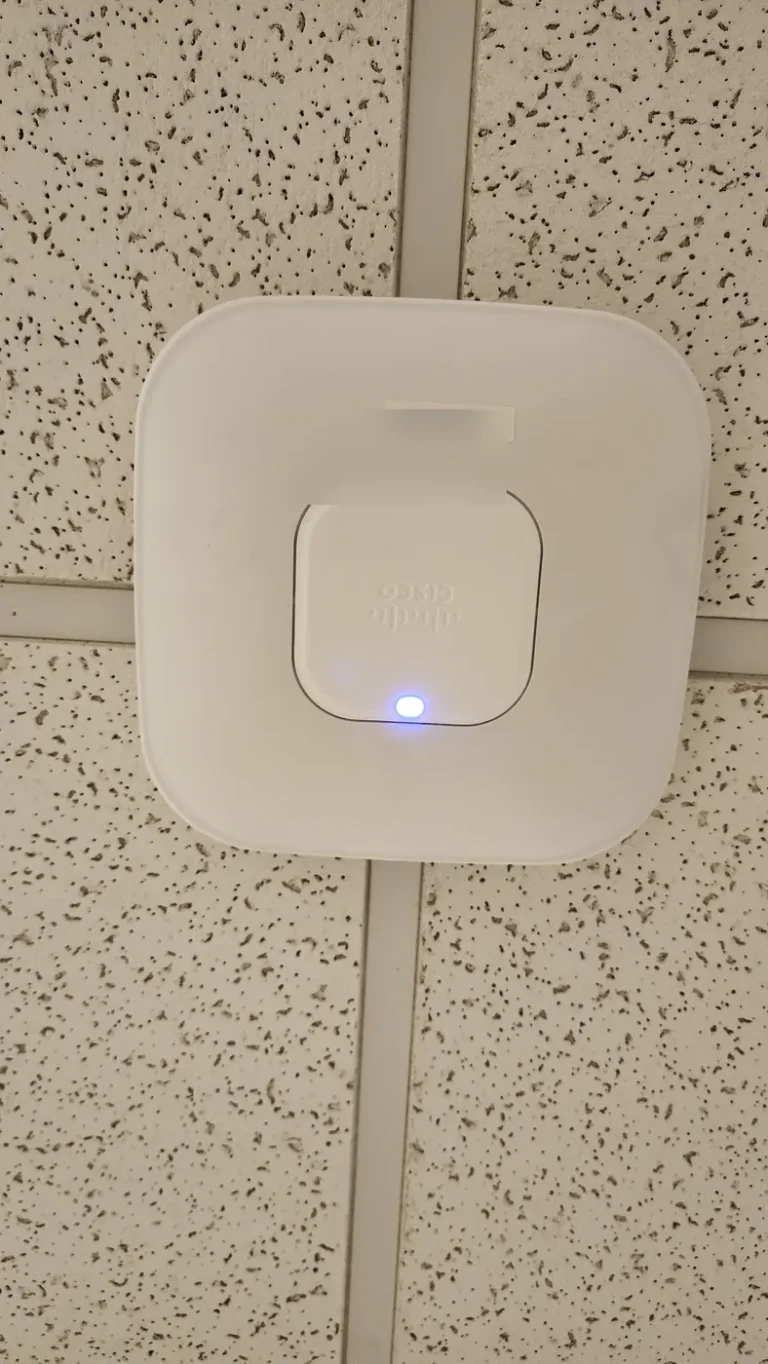
Businesses and offices
Starlink as the main or backup connection for the business, with ceiling access points, a guest network and automatic failover during outages.
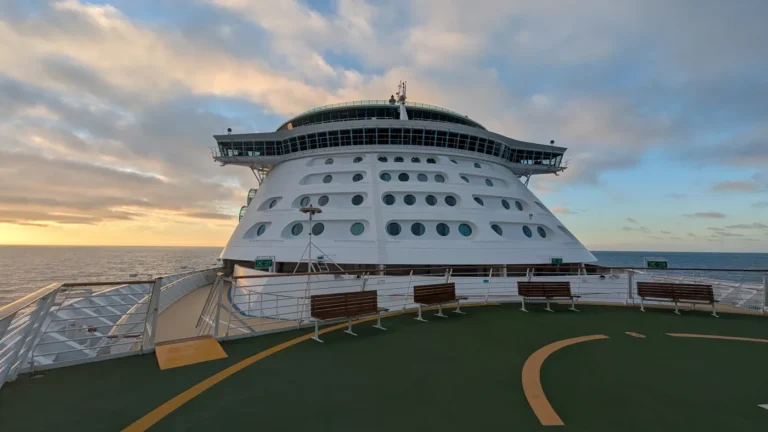
The sailing boat and at sea
Starlink on board with 12 or 24 volts and Wi-Fi throughout the boat. We have also measured how Starlink performs on a ship between Los Angeles and Ensenada.
Mesh networks with the right nodes in the right place
However, a mesh system is only as good as the placement of its nodes. Too few nodes leave weak zones, but too many nodes interfere with each other. That is why we first measure the signal, choose mesh or a traditional router to suit your conditions and run cable between the nodes where it has the greatest effect.
Mesh or a traditional router?
A traditional router is enough in a smaller flat, for example. In houses with several floors, thick walls or a large plot, however, a mesh system with wired backhaul gives even coverage and stable video calls.
The right number of nodes and their placement
First, we measure the signal strength room by room and then place each node where it both reaches the next node and covers the surrounding rooms. Therefore, you buy neither too many nor too few nodes.
Coverage in the cottage, the outbuilding and on the jetty
In a holiday cottage in particular, the distances are long and the walls are made of wood or stone. We therefore combine a 4G, 5G or Starlink connection with outdoor nodes, so that Wi-Fi reaches all the way down to the water.
Access points for businesses and offices
In the office, on the other hand, we replace consumer routers and mesh with ceiling access points, a PoE switch and separate networks for staff, guests and devices, so that meetings and video calls work in every room.
More guides on mesh and coverage
Wi-Fi keeps dropping. Our method step by step, from cable tests to channel selection and router settings. More in the guide →
Wi-Fi 7 and MLO. What the new standard delivers in practice and when an upgrade pays off. More in the guide →
Our services
Click a service to read how we work. The images come from our own assignments in houses, holiday cottages, offices and on boats.
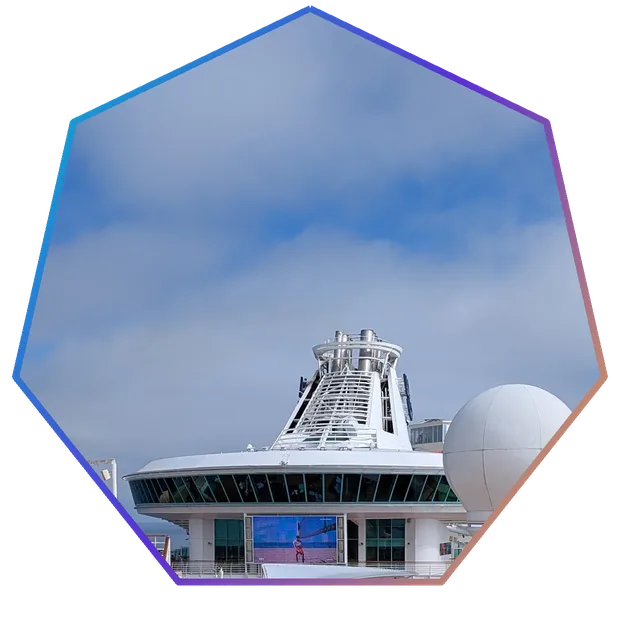
Starlink and mesh
We connect Starlink to a mesh network that covers the whole house, holiday cottage, office or sailing boat. We choose between Starlink’s own nodes and bypass mode with your own mesh system, place the nodes after measuring and run cable where needed.
Show the articles on Starlink →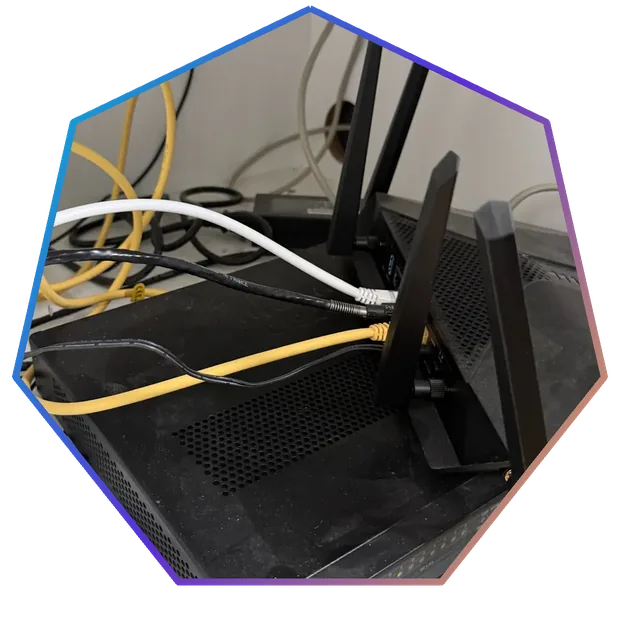
Wi-Fi 7 and MLO
We explain what Wi-Fi 7, MLO and 6 GHz deliver in practice, and we help you decide whether an upgrade pays off right now.
More → about Wi-Fi 7 and MLO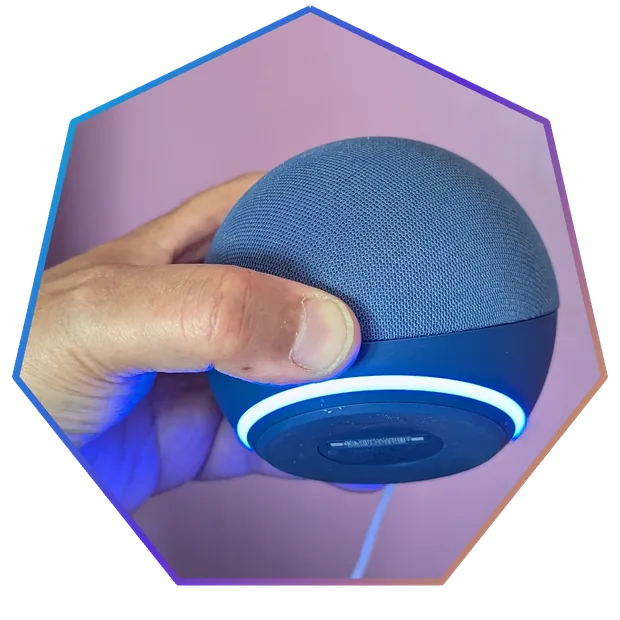
Security and guest networks
We set up WPA3, separate guest networks and a dedicated network for smart home devices, and we also update the router’s software.
More → about Security and guest networks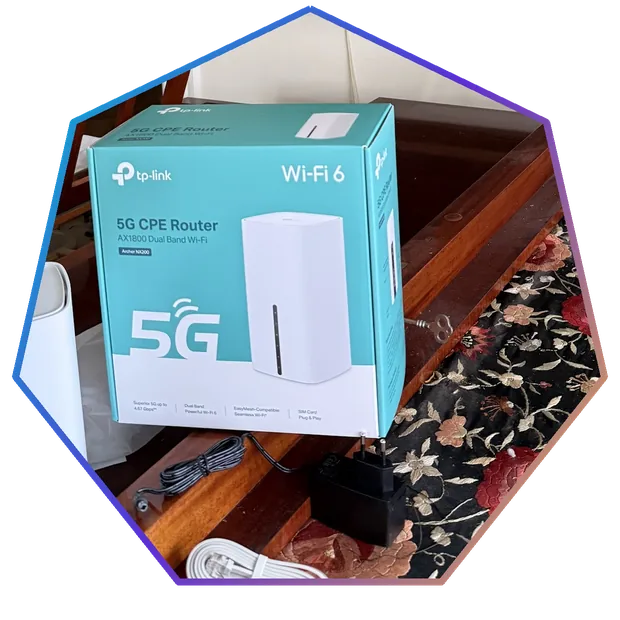
4G and 5G
We choose and place 4G and 5G routers for the holiday cottage, the boat and as a backup connection, with an external antenna when needed.
More → about 4G and 5G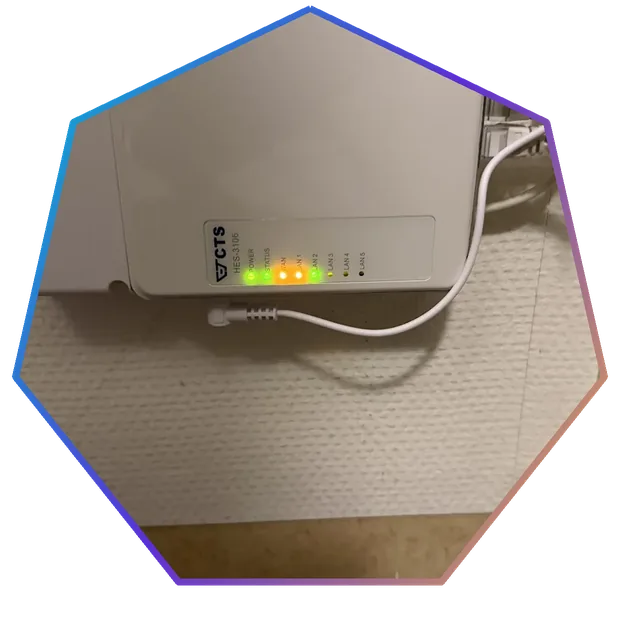
Fibre and router
We connect the media converter, router and mesh correctly from the start, so you get full speed without double NAT or two wireless networks.
More → about Fibre and router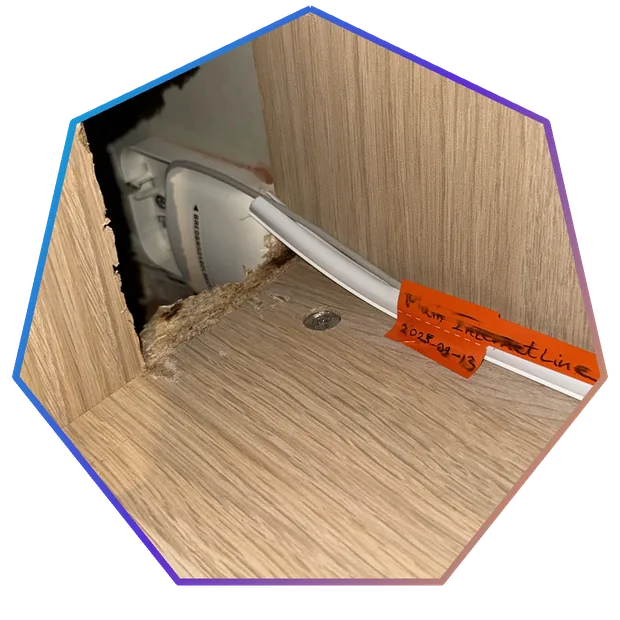
Cabling
We run network cable to mesh nodes, access points and workstations, and we also mount sockets and a tidy network cabinet.
More → about Cabling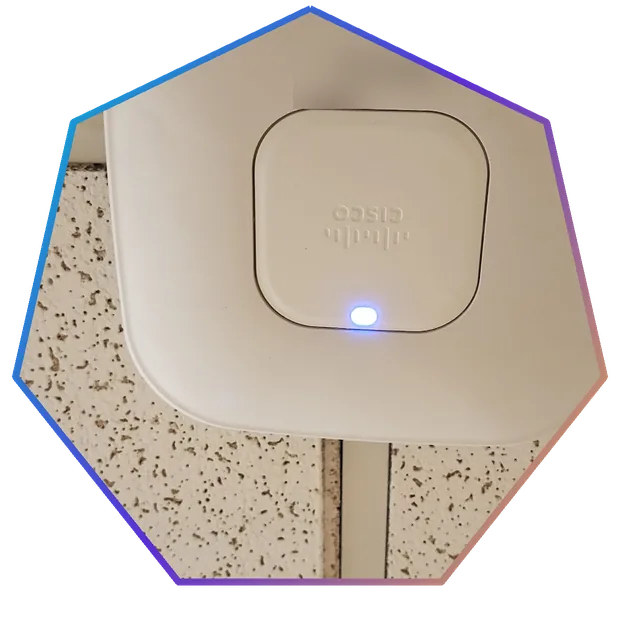
Wi-Fi for offices
We plan and install ceiling access points with PoE, guest networks and roaming, so the office handles meetings, video calls and many users.
More → about Wi-Fi for offices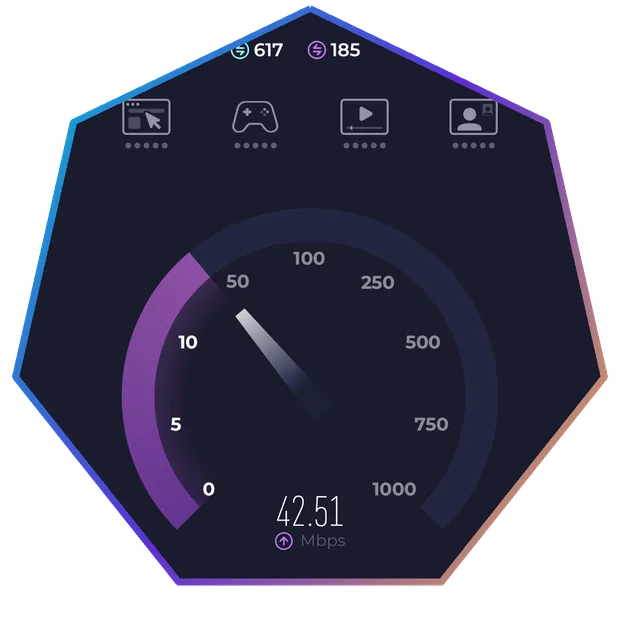
Node placement
We measure the signal room by room and work out the right number of nodes and their placement, so you buy neither too many nor too few.
More → about Node placement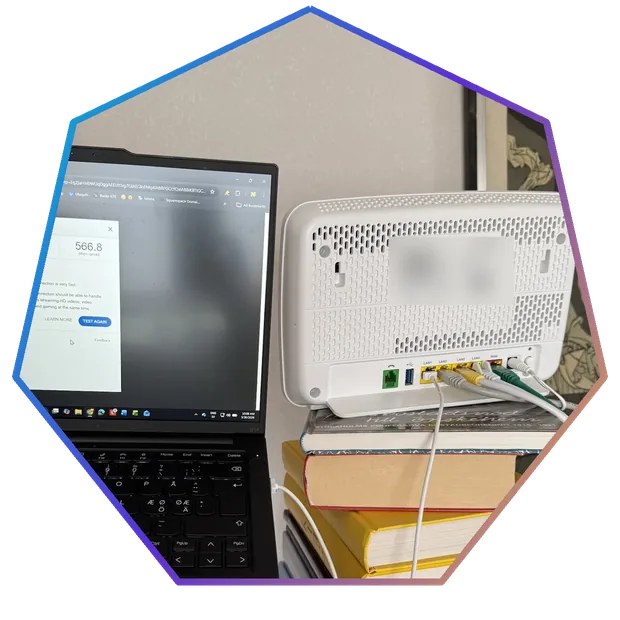
Wi-Fi troubleshooting
We find out why Wi-Fi keeps dropping or runs slowly, and then we fix the cause with measurements instead of guesswork.
More → about Wi-Fi troubleshooting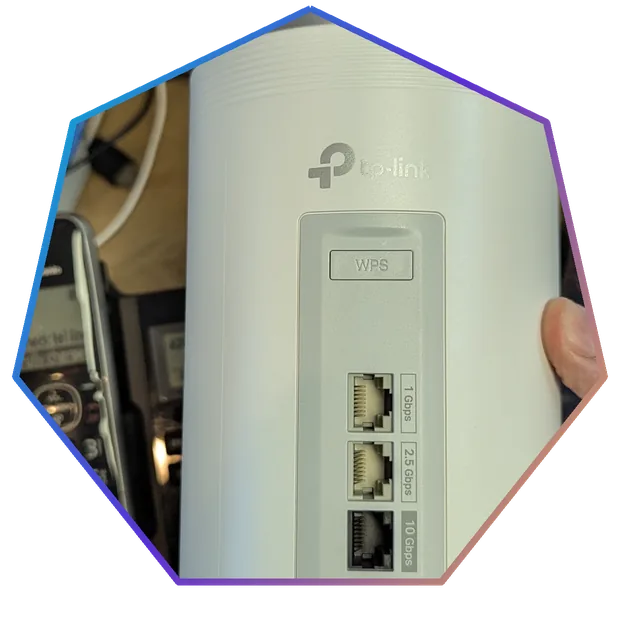
Mesh networks
We choose and install mesh systems with wired backhaul, so that the whole house, every floor and the garden get stable coverage.
More → about Mesh networksWi-Fi for every environment
Every environment has its own challenges, for example concrete walls in a flat, long distances at a holiday cottage and metal on board a boat. So choose an environment and see how we solve it.
houseHouses and terraced housesMesh and wired backhaulflatFlatNeighbouring networks, channels and placementfloorsSeveral floorsNumber of nodes and placementcottageHoliday cottage4G, 5G and outdoor nodesboatSailing boat and at seaStarlink on board and measurementsofficeOffices and businessesAccess points, PoE and guest networksConnection
fibreFibre in the houseMedia converter, router and meshsatStarlink and meshOwn nodes or bypass mode5G4G and 5GBackup connection and antennacat6CablingSockets, cabinets and backhaulStandards and security

About Wi-Fi Problem
Wi-Fi Problem is part of Datorkirurgen AB and brings together our experience of wireless networks, mesh systems, access points and connections. We have installed and troubleshot networks in houses, flats, holiday cottages and offices, and we have also measured how Starlink performs at sea. In addition, the images on the site are our own photos and screenshots from real assignments, with passwords and other sensitive details masked.
When a case concerns another area, we refer you to the right specialist within Datorkirurgen AB. Business IT Support helps businesses with IT support and Microsoft 365, for example, and Linux Service takes care of servers, scripts and databases. In this way, you always get help from the people who know the area best.

Does your Wi-Fi keep dropping?
With dropouts, weak rooms or slow Wi-Fi, we first find out whether the fault lies in the wireless network or in the connection. After that, we fix the cause, and we also measure the result.
Wi-Fi Problem is part of Datorkirurgen AB, which also helps businesses with IT support, Linux, cloud services and IT security across Sweden.
Part of Datorkirurgen AB
The same experts, different specialist areas. Choose the one that suits your needs. Links to our other websites, which are mostly in Swedish, open in a new tab.