
Network cabling in houses and flats: cable to mesh nodes, new sockets and a network cabinet, hidden in trunking. How it works. From €200 per hour.
Why cable pays off even though everything is wireless
It may sound contradictory, but the best wireless network is often built on cable. When we connect mesh nodes and access points with network cable, they do not need to pass the traffic between them by radio. Each node therefore keeps full speed, and the latency also becomes shorter and more stable. Network cabling therefore has the greatest effect in houses with several floors, in houses with thick walls and in offices. In addition, computers, TVs and games consoles that stay in one place can get their own cable, which frees up capacity on the wireless network for phones and laptops.
How we plan network cabling
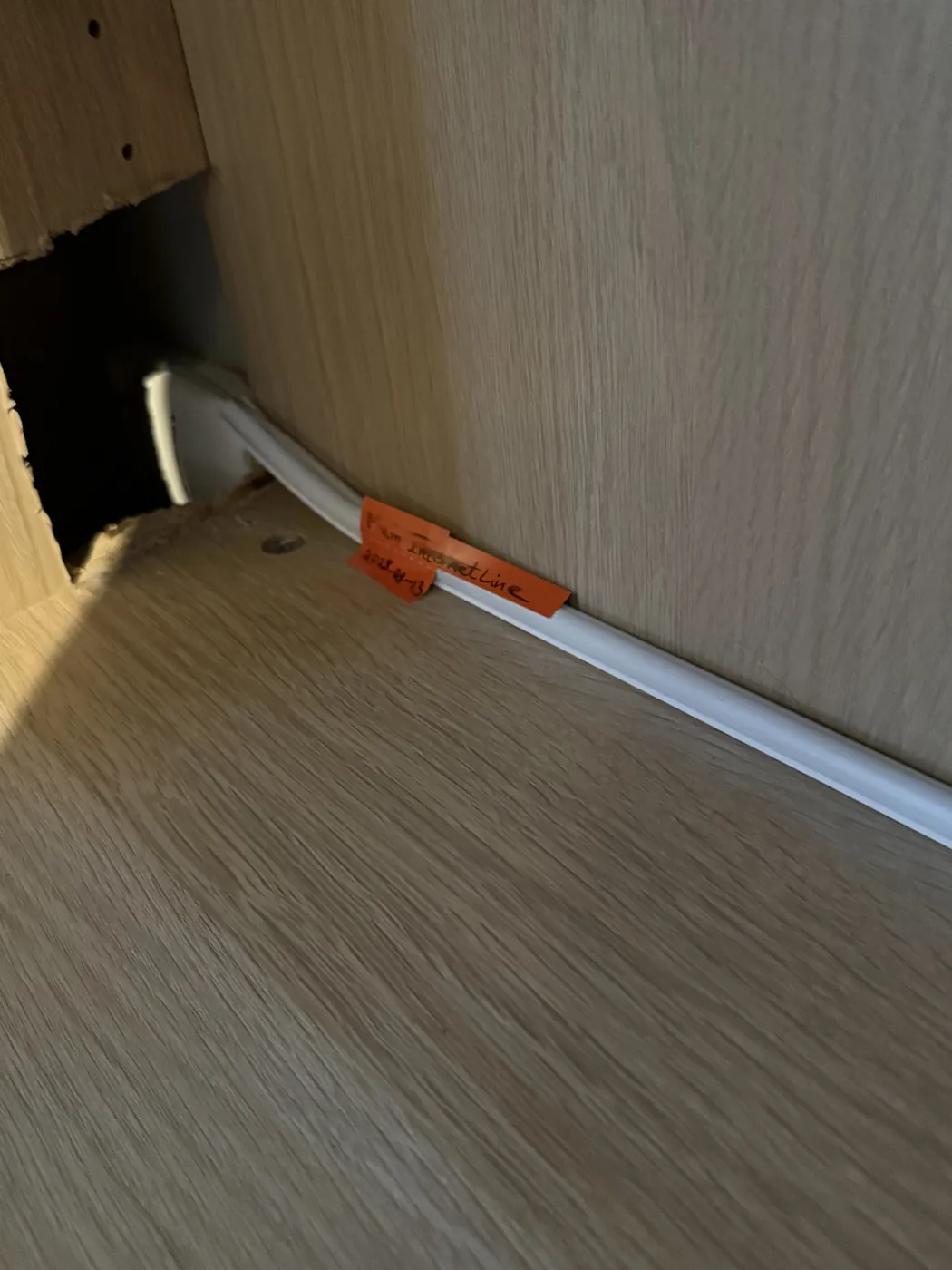
First, we find out where the connection comes in, for example the fibre’s media converter or the 4G router. After that, we decide where the mesh nodes or access points should stand, preferably after measuring the coverage. Then we look for the simplest route for the cable: existing conduits, ventilation shafts, wardrobes, basements and lofts. Many houses also have conduits from the year of construction that nobody has used. We always suggest a route that shows as little as possible, and you learn in advance what it will look like.
Which cable should you choose?
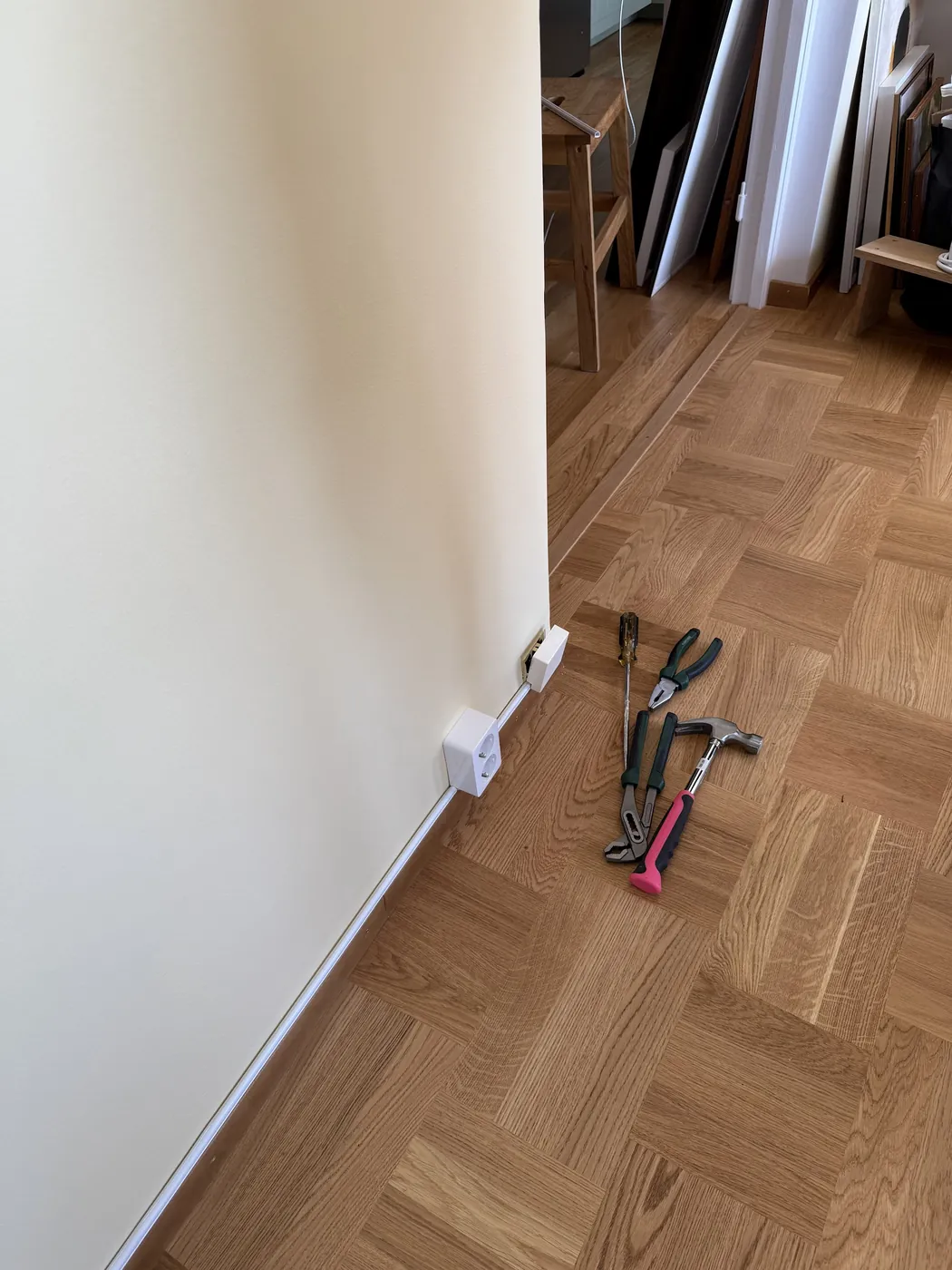
For new installations, we generally use Cat6 or Cat6a. Cat6 handles 1 Gbit/s over the full permitted length and 10 Gbit/s over shorter distances, while Cat6a handles 10 Gbit/s all the way up to 100 metres. Since newer routers and mesh systems often have ports for 2.5 Gbit/s or more, it is wise to choose a cable that will last for many years. A single cable may be at most about 100 metres between the switch and the device, which is rarely a problem in a home. Outdoors and underground, however, we use cable designed for it, because ordinary indoor cable does not withstand moisture and sunlight.
What network cabling includes
- Planning the cable route and the placement of sockets.
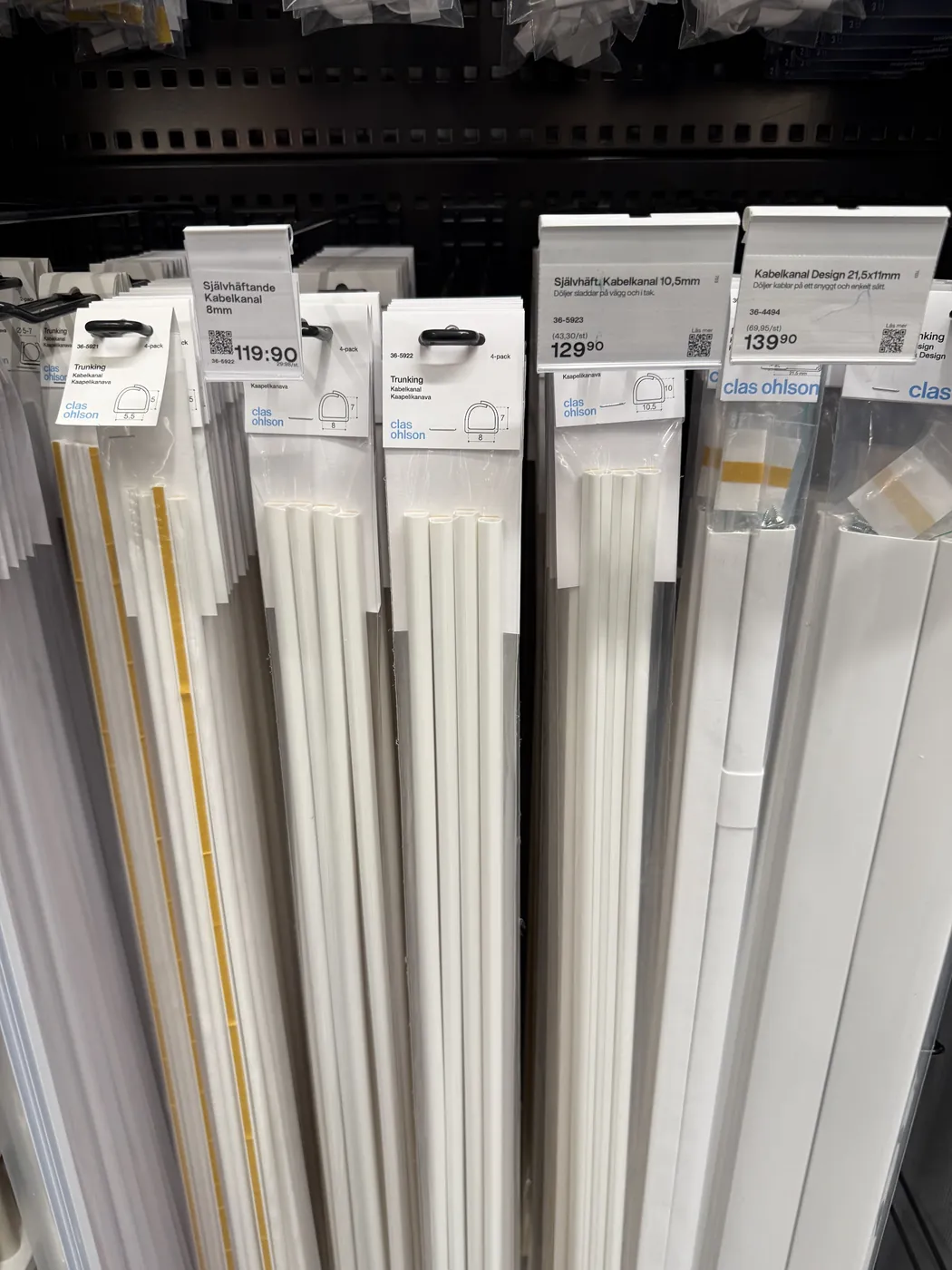
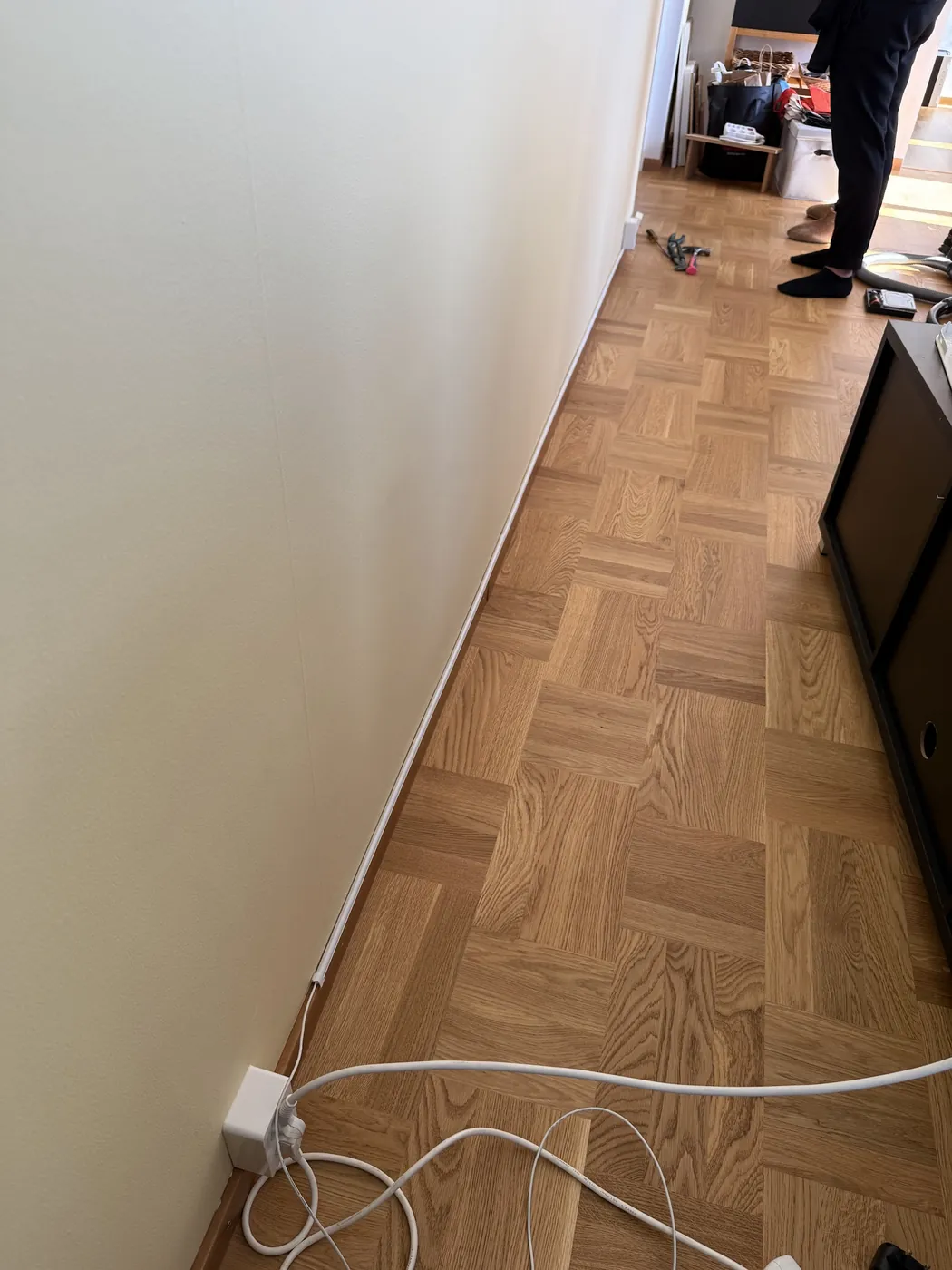
- Running the cable in conduits, trunking or along skirting boards.
- Mounting and terminating network sockets.
- Labelling every cable at both ends.
- Testing every cable after installation.
- Connecting mesh nodes, access points and the switch.
Sockets, switch and network cabinet
Every cable ends in a network socket in the room, and at the other end we gather the cables by the router or in a network cabinet. If more than four cables meet in the same place, we recommend a small cabinet or a wall shelf with a switch. That makes it easy to see what goes where, and troubleshooting becomes much faster. We also label all cables at both ends. Finally, we test every cable, so that we know it handles the speed the equipment can deliver. A cable with a damaged wire pair may still work, but only at 100 Mbit/s.
When you cannot run cable
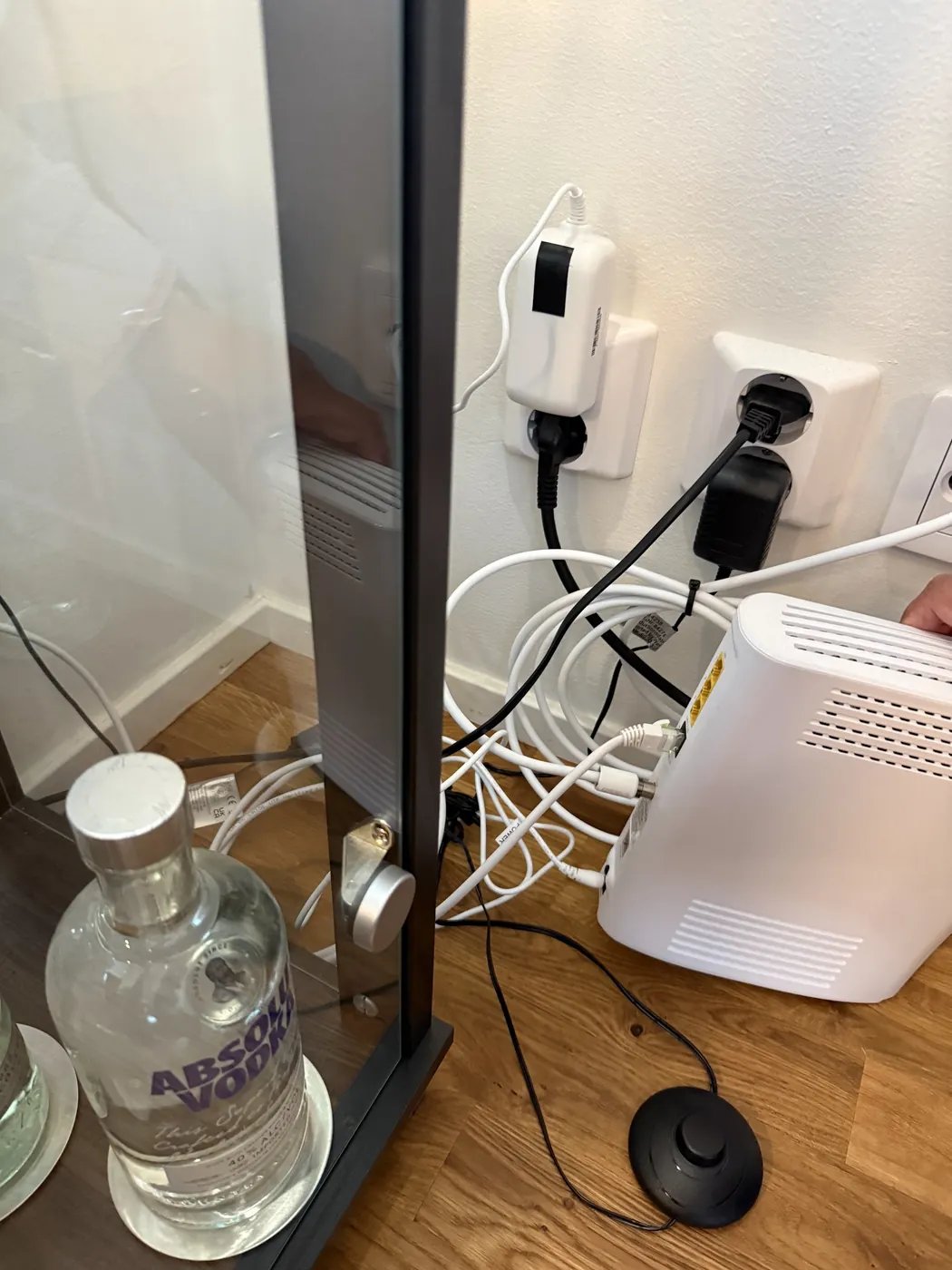
Sometimes it is not possible to run cable, for example in a rented flat or in a listed building. There are other solutions then. A mesh system with its own radio channel between the nodes often gives a good result, and in some houses networking over the power lines works. With the right adapters, an old coaxial TV socket can sometimes also carry network traffic. We always measure the result, because the effect of these solutions varies a lot between houses. We describe the placement in the guide on the right number of mesh nodes.
Electricity, qualifications and safety
Network cable is extra-low voltage, so you may run it without being a qualified electrician. However, it should be kept separate from power cables, and new power sockets or changes in the fuse box must always be carried out by an authorised electrician. When drilling through load-bearing walls, wet rooms or fire compartment boundaries, we also follow the rules that apply to the building. Datorkirurgen AB has worked with networks in businesses and homes for more than 30 years, and the same care applies in every home. You can read more about the group at Datorkirurgen AB.
Network cabling to the TV, computer and games console
Besides the mesh nodes, it often pays to run cable to the devices that stay in one place. A TV streaming in high resolution, a desktop computer and a games console use a lot of capacity, and they are also sensitive to short dropouts. With cable, they get a more stable connection, and at the same time phones and laptops get more room on the wireless network. In a study, cable also gives lower latency in video calls. If several devices stand in the same place, one cable and a small switch by the TV unit or the desk is often enough. We therefore plan the cabling for the whole house at once, so that you avoid doing the same work twice. It is both cheaper and neater than adding to it later, and it also makes it easier to move furniture afterwards.
Would you like cable to your mesh nodes?
We run network cable, mount sockets and connect mesh nodes and access points in the Stockholm area. Prices from €200 per hour excluding VAT. Describe your home →
Frequently asked questions about network cabling
Questions about network cabling
- Why should I run cable when I have Wi-Fi?
- What does network cabling cost?
- How long does it take to run network cable in a house?
- Can you run cable in a flat?
- May I run network cable myself?
- Does network cable require an electrician’s qualification?
- May network cable share a conduit with power cables?
- Can you use existing conduits?
- How do you hide the cable in the room?
- Can you run cable to the outbuilding?
Cable, sockets and cabinets
- Should I choose Cat6 or Cat6a?
- How long may a network cable be?
- What speed does Cat6 handle?
- Do I need a network cabinet?
- How many sockets should each room have?
- Can I connect a mesh node to a network socket?
- Why does my cable only run at 100 Mbit/s?
- How do you test a network cable?
- Which switch do I need?
- Can you bury outdoor cable?
When you cannot run cable
- Does networking over the power lines work?
- Does the TV socket work for networking?
- What do I do if I live in a rented flat?
- Does tri-band mesh help without cable?
- Can you run cable through the ventilation?
- Can the cable run on the outside of the house?
- How do you connect a mesh node in the basement?
- Does cable help if the fibre is slow?
- Can you measure the coverage before running the cable?
- Do you help across Stockholm?