
How many mesh nodes do you need and where should they stand? This is how we measure the signal and place the nodes in houses, holiday cottages and offices. From €200 per hour.
Why the number of mesh nodes matters so much
A mesh system consists of a main node connected to the internet and one or more mesh nodes that spread the network further. Many people buy a pack of three nodes and put them wherever there is a power socket. The result is often worse than expected. If the nodes stand too far apart, the link between them turns weak, and the speed then drops across the whole network. If, on the other hand, they stand too close together, they interfere with each other, and they also cost money unnecessarily. The right number of mesh nodes therefore depends less on the floor area and more on walls, floors and where you actually use the network.
How we measure before we place the nodes
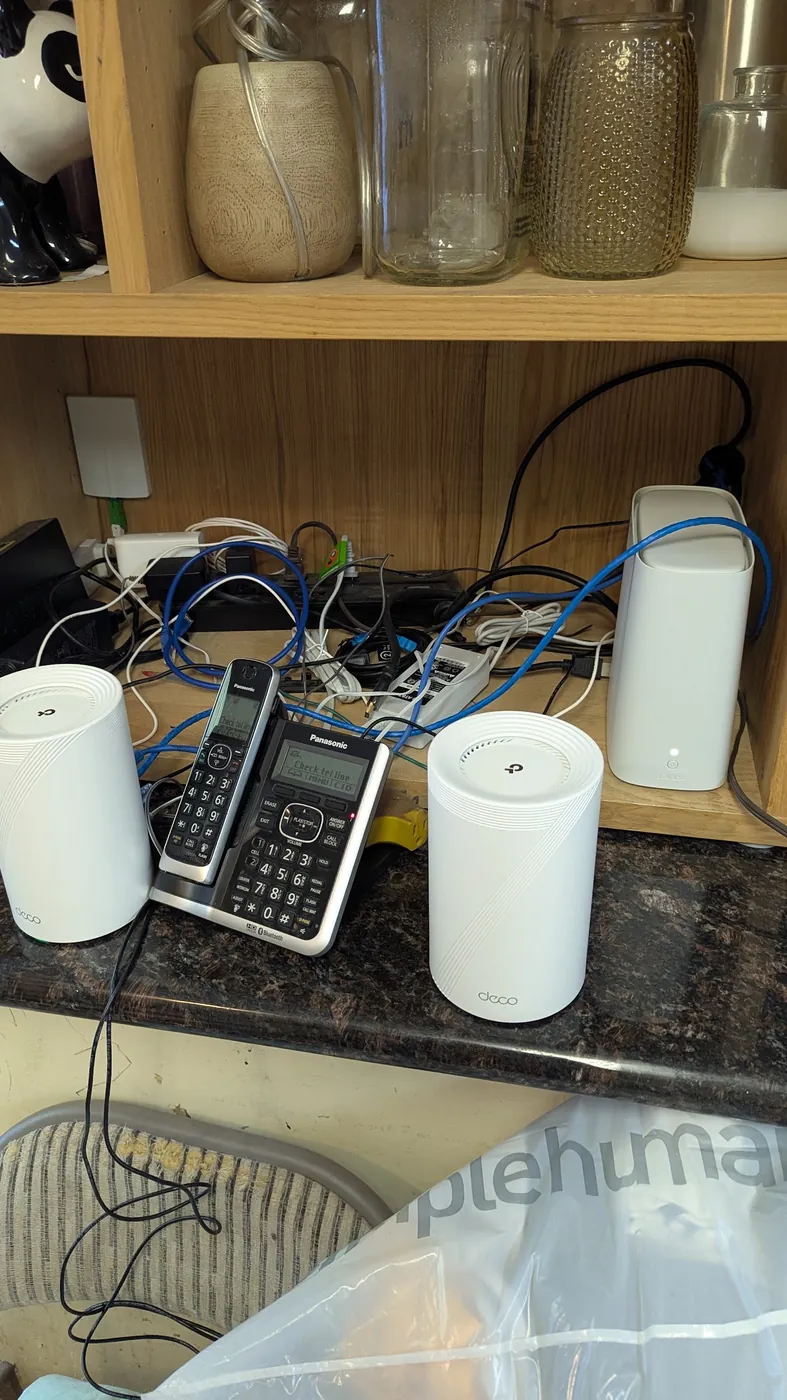
We always start with a measurement. First, we place the main node as centrally as the connection allows, and then we measure the signal strength in every room with a phone or computer. As a rule of thumb, −67 dBm or stronger gives stable video calls, while values weaker than −75 dBm tend to cause dropouts. We also measure speed and latency, because a strong signal does not help if the channel is congested. In this way, we see exactly where the coverage ends. After that, we know where the next node does the most good, and we avoid guessing.
Where should the mesh nodes stand?
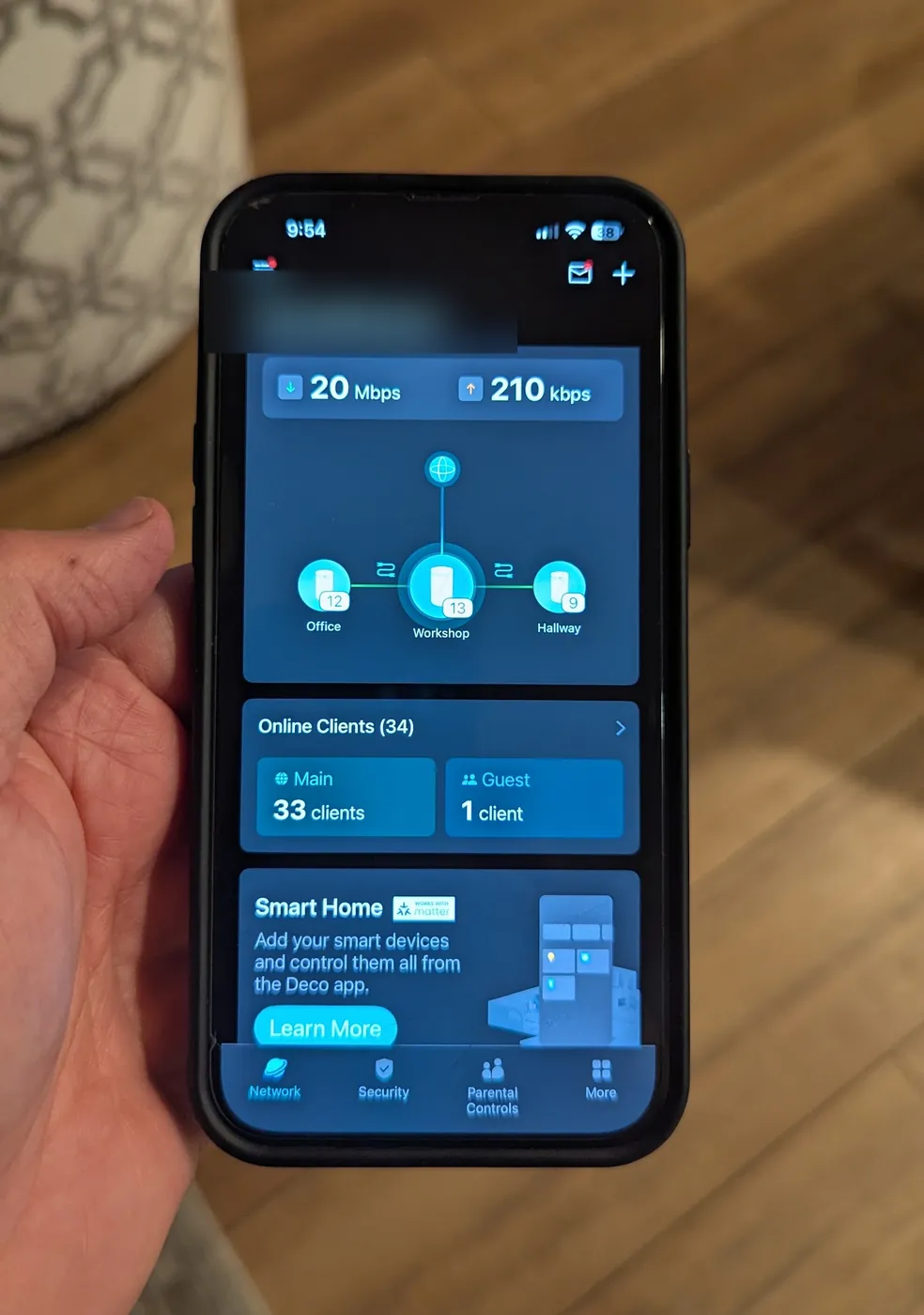
A mesh node should stand where it both reaches the previous node and covers the weak rooms. With a wireless link between the nodes, we therefore place the node roughly halfway between the main node and the room that lacks coverage, never in the weak room itself. The node should also stand in the open and preferably a little above the floor. Avoid cupboards, TV units, aquariums, mirrors and spots behind fridges or radiators, because metal and water dampen the signal heavily. In a house with several floors, we usually place one node per floor, preferably directly above each other, so that the signal crosses the floor by the shortest route.

Guide values for the number of mesh nodes
- Flat up to about 80 square metres: a good router or two nodes is usually enough.
- Single-storey house with light walls: two to three nodes.
- House with two or three floors, or with concrete and brick: one node per floor, sometimes more.
- Holiday cottage with an outbuilding and a jetty: nodes indoors and an outdoor node for the plot.
- Office: ceiling access points with cable instead of mesh, see Wi-Fi in the office.
Cable between the nodes has the greatest effect
We almost always get the biggest improvement when we connect the nodes with network cable, known as wired backhaul. The nodes then do not have to share the radio channel with your devices, and each node therefore keeps full speed. In addition, the nodes can stand further apart, because walls do not affect the cable. If there are already network sockets in the rooms, we use them. Otherwise, we run a cable, see the guide on network cabling. If you cannot run cable, a system with its own radio channel for the link between the nodes works better than a simpler system.
Common placement mistakes
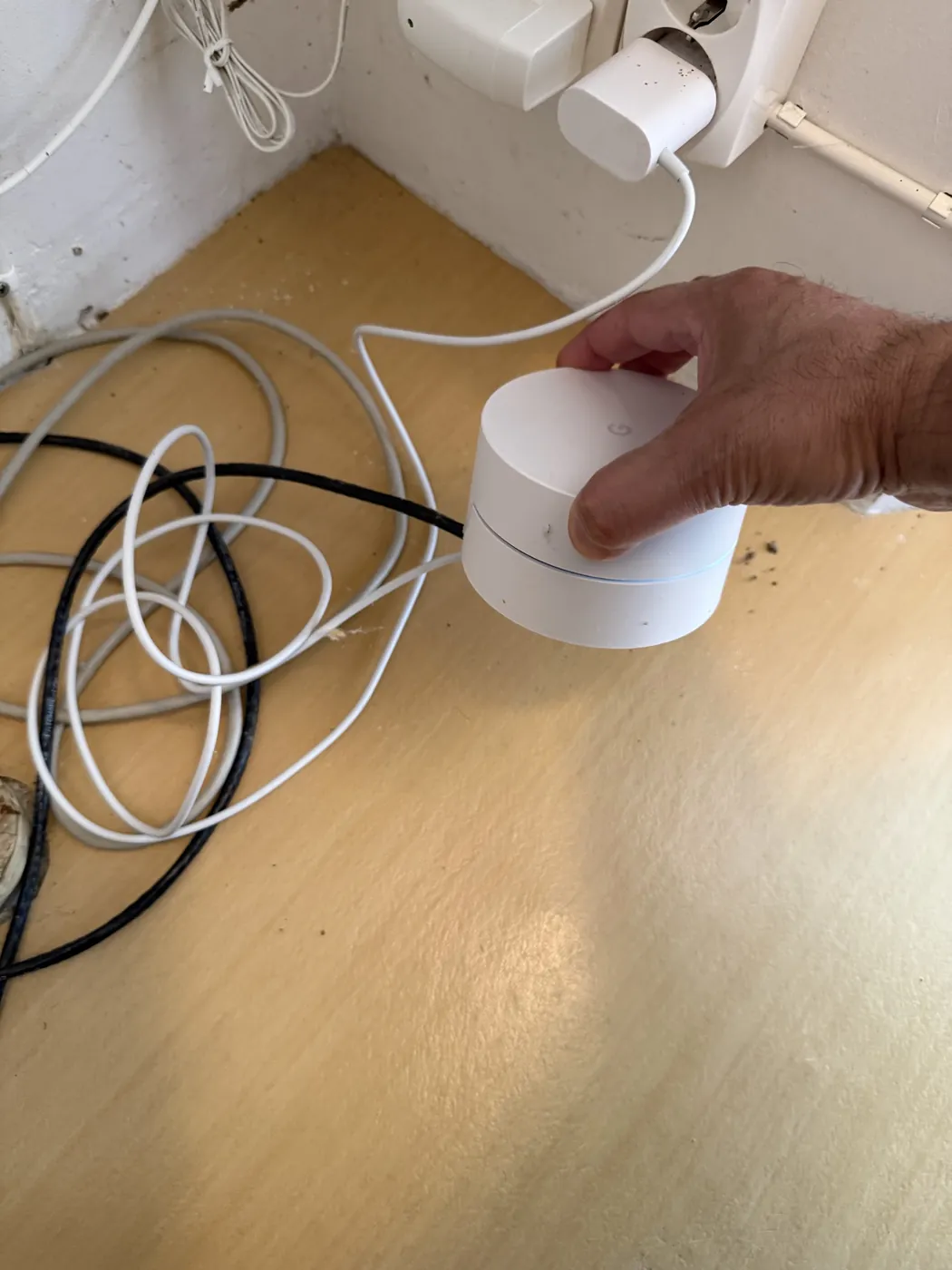
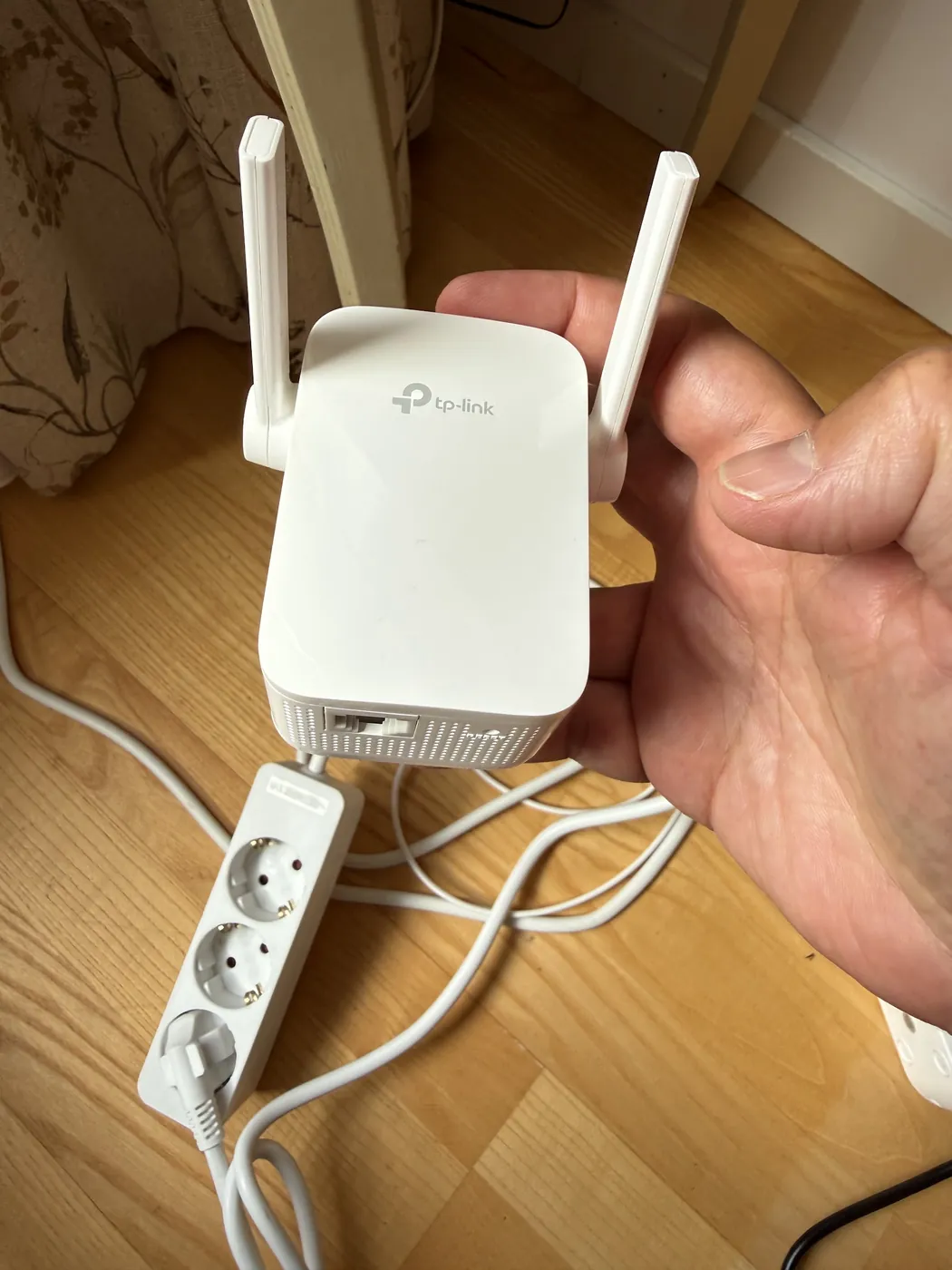
The most common mistake is putting the node in the room where the signal is already poor. The node then gets a weak link itself, and it spreads a weak signal further. Another common mistake is mixing a mesh system with an extender or with the operator’s router that also broadcasts Wi-Fi. The devices then jump between several networks with the same name, and the dropouts increase. Finally, many people forget to check in the app how the nodes actually connect. Sometimes a node goes via another node instead of directly to the main node, and the speed then halves again. We explain the difference between mesh and an ordinary router in the guide mesh router or traditional router.
Checks after placement
Once the nodes are in place, we measure again in every room. We check that each node has a strong link to the previous node and that devices switch node as you move between rooms. Furthermore, we set the channels and band steering, so that the nodes do not interfere with the neighbours’ networks. In other words, the placement is only finished when the measurement shows that it works. Business IT Support also describes how businesses build networks with mesh and MLO in the guide on network installation with mesh.
Outdoors, outbuildings and the jetty
Many people also want Wi-Fi in the garden, in the outbuilding or on the jetty. However, the signal from an indoor node passes poorly through exterior walls, especially if they have foil insulation or are made of stone. We therefore use an outdoor node that withstands rain and cold, or a node inside a window facing the plot. In the outbuilding, cable from the main building works best, but if the distance is long, a directional radio link can be an alternative. Also think about the power supply, because an outdoor node can often get power via the network cable. At a holiday cottage, we like to combine this with a 4G, 5G or Starlink connection, see the guide on 4G and 5G.
Would you like help placing your mesh nodes?
We measure, place and configure mesh nodes in houses, flats, holiday cottages and offices in the Stockholm area. Prices from €200 per hour excluding VAT. Describe your home and your network →
Frequently asked questions about mesh nodes and placement
Questions about the number of mesh nodes
- How many mesh nodes do I need in a house?
- Are two mesh nodes enough in a flat?
- How many mesh nodes does a house with three floors need?
- Can you have too many mesh nodes?
- How many mesh nodes can a mesh system handle?
- Do I need a mesh node in the basement?
- How many nodes does a holiday cottage need?
- Does the garden need an outdoor node?
- How far apart can two mesh nodes be?
- Do more nodes always give faster Wi-Fi?
Placement of mesh nodes
- Where should the main node stand?
- Should the mesh node stand in the room with poor coverage?
- How high should a mesh node stand?
- Can the mesh node stand in a cupboard or behind the TV?
- Do concrete walls affect where the nodes go?
- Should the nodes stand directly above each other between floors?
- How do I measure the signal strength in each room?
- What signal strength does a mesh node need?
- How do I see in the app how the nodes connect?
- Why does a node go via another node?
More about backhaul, equipment and help
- What is wired backhaul?
- Can I use existing network sockets between the nodes?
- Do mesh nodes work over the power grid?
- Can I mix mesh nodes from different brands?
- Should I remove my extender when I have mesh?
- Should the operator’s router broadcast Wi-Fi when I have mesh?
- Does a tri-band system help when there is no cable?
- Can you measure the coverage before I buy nodes?
- What does help with placement cost?
- Do you help with mesh nodes across Stockholm?