
Wi-Fi 7 and MLO in practice: what 6 GHz, 320 MHz channels and several bands at once deliver at home and in the office, and when an upgrade pays off.
What is Wi-Fi 7?
Wi-Fi 7 is the name of the IEEE 802.11be standard. Wi-Fi Alliance began certifying Wi-Fi 7 equipment in January 2024, and since then routers, mesh systems, phones and computers with support have reached the market. The standard builds on Wi-Fi 6 and Wi-Fi 6E. The most important new features are MLO, which lets a device use several frequency bands at once, wider channels of up to 320 MHz in the 6 GHz band and more efficient modulation. On paper, the speed therefore becomes much higher. In practice, however, the benefit depends on the home, the connection and which devices you have.
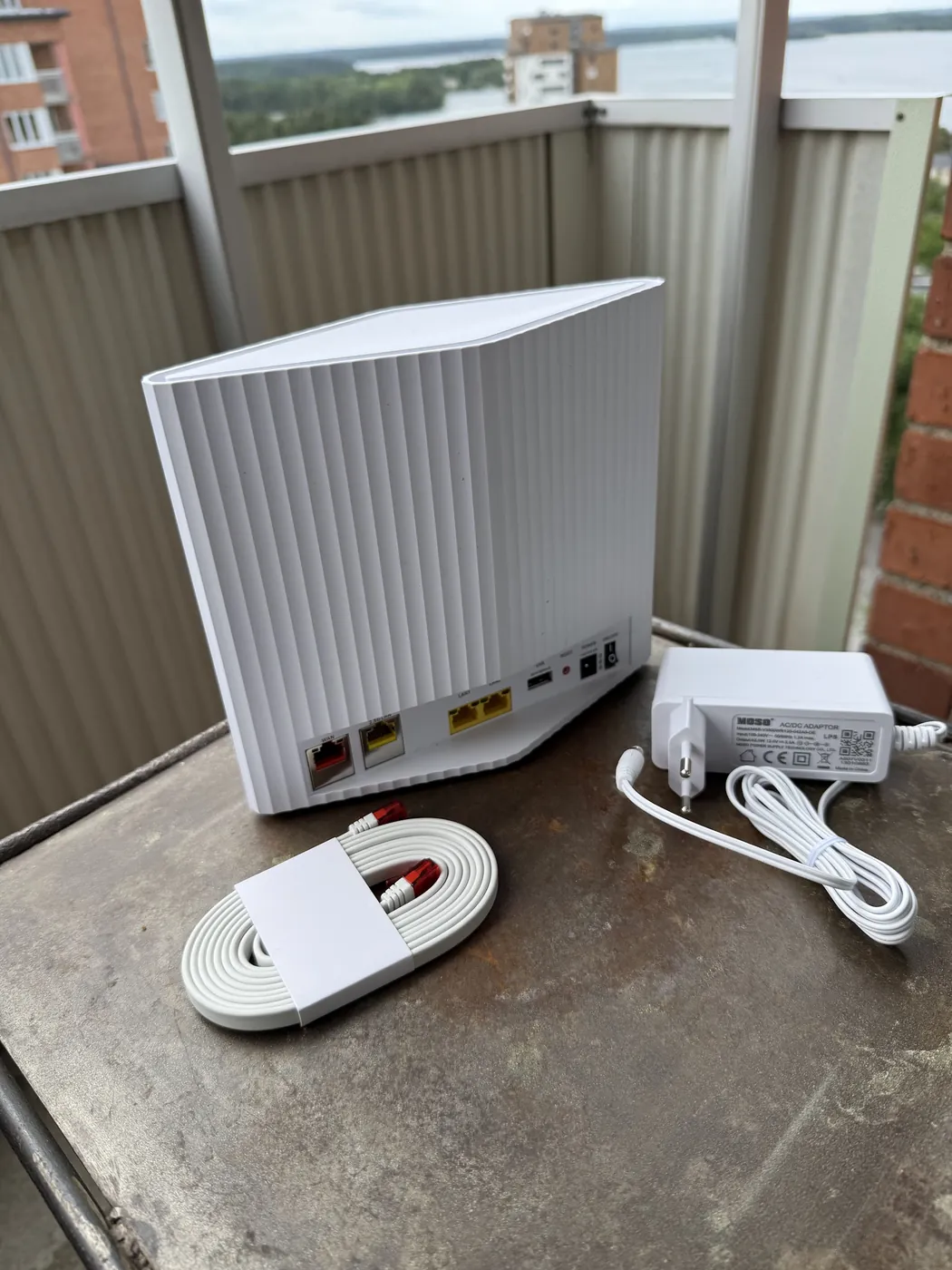
MLO in Wi-Fi 7: several bands at once
MLO stands for Multi-Link Operation. With earlier standards, a device connected to one band at a time, for example 5 GHz. With MLO, by contrast, the router and the device can use 5 GHz and 6 GHz at the same time, for example, or switch between them without interruption. This gives two advantages. First, the speed can increase when the device uses several bands together. Second, the connection becomes more stable, because the router can move the traffic to whichever band currently has the least interference. The difference is clearest in video calls and games, where short dropouts otherwise show at once. In mesh systems, the nodes can also use MLO for the link between them.
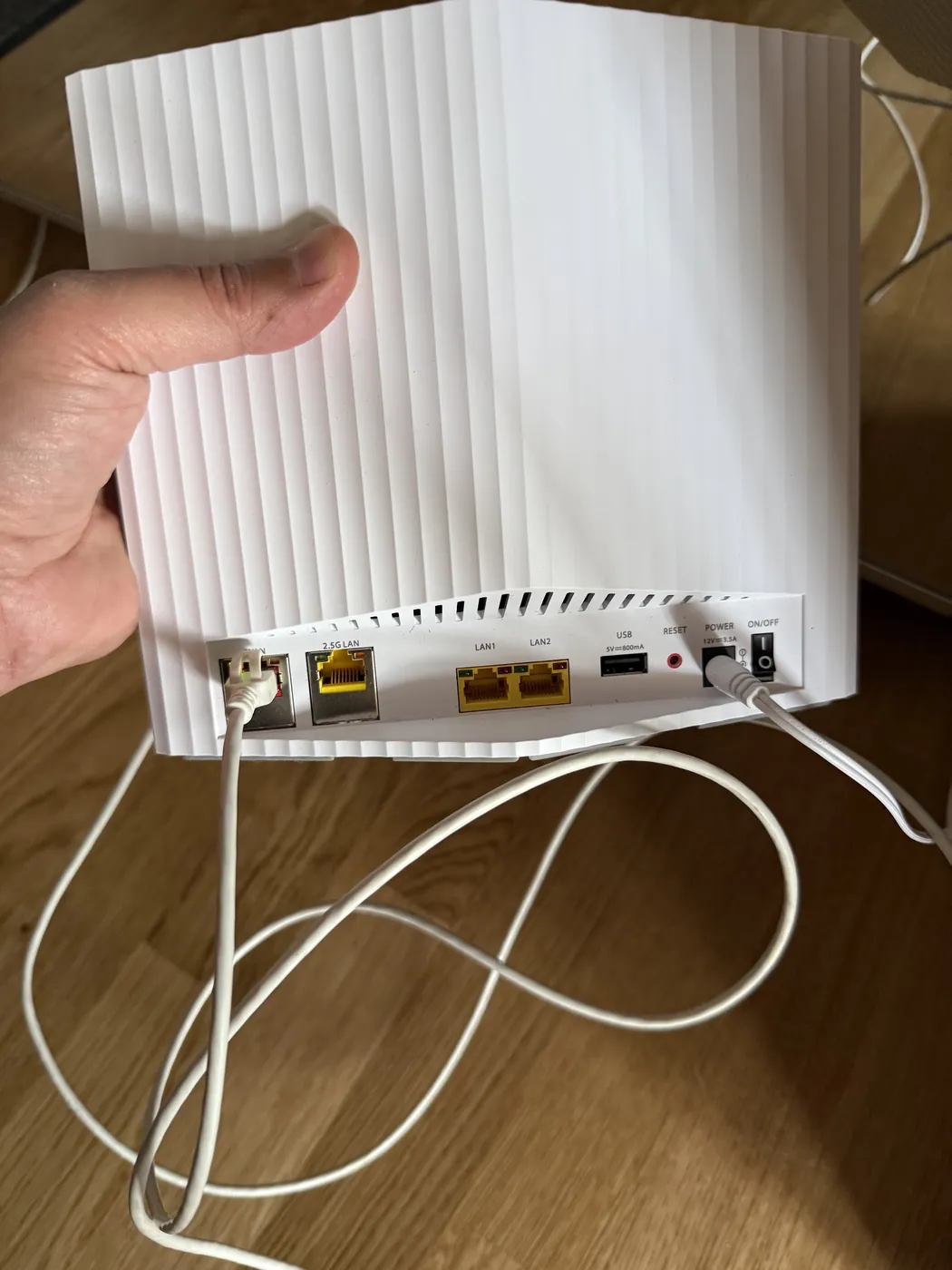
6 GHz in Sweden and Europe
In Europe, only the lower part of the 6 GHz band, 5945–6425 MHz, is open for Wi-Fi. That is less than in the USA, for example, so there is room for fewer wide channels. The EU is still discussing the upper part of the band, and the Swedish regulator Post- och telestyrelsen has said that it will make a new assessment by 2030 at the latest. In addition, 6 GHz has a shorter range than 5 GHz, and walls dampen the signal more. In practice, 6 GHz therefore gives very high speed in the same room as the router or node, but rarely through several walls. As a result, the new standard works best with more nodes or access points and with cable between them.
When does a Wi-Fi 7 upgrade pay off?
- You have fibre at 1 Gbit/s or more and want to use it wirelessly.
- Several of your computers and phones already support the standard.
- Your current router has Wi-Fi 5 or older and needs replacing anyway.
- You are building a new mesh network and can run cable between the nodes.
- Many devices are active at the same time, for example in a large family or in an office.
When is Wi-Fi 6 enough?
The new standard does not solve problems caused by placement, walls or the wrong settings. If the coverage is poor today, it rarely becomes good just because you change router. A well-placed mesh system with Wi-Fi 6 and cable between the nodes therefore often gives a better result than a single new router in the middle of the house. In addition, many devices still only support Wi-Fi 5 or Wi-Fi 6, and they get no benefit from the new features. Our recommendation is therefore to measure and fix the coverage first, and then choose the standard. There is more about this in the guides on the right number of mesh nodes and Wi-Fi troubleshooting.
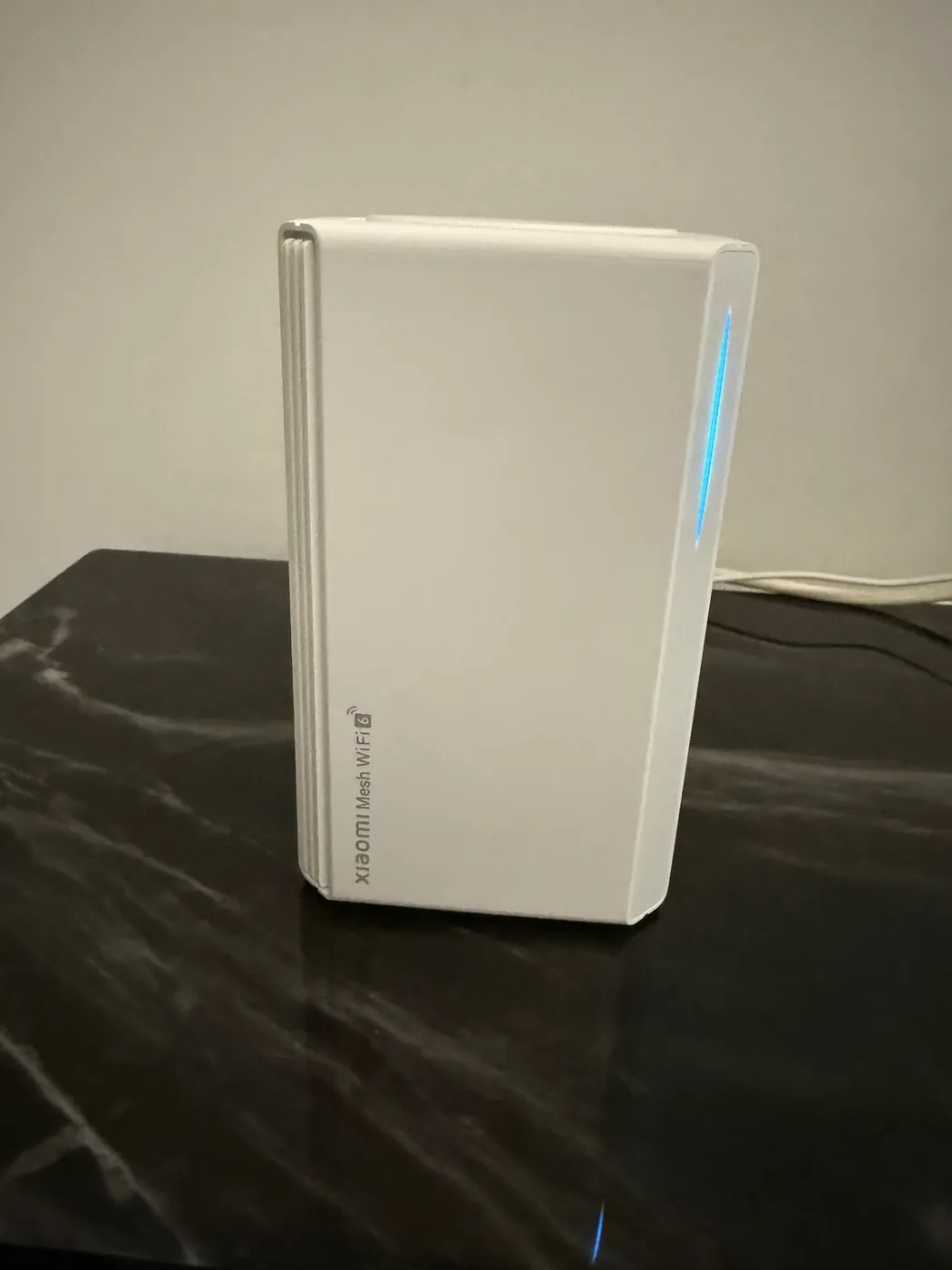
What the surrounding network needs for Wi-Fi 7
For the new standard to have full effect, the rest of the network needs to keep up. The router should have a WAN port of at least 2.5 Gbit/s if the subscription is faster than 1 Gbit/s, and the cables between the nodes should be Cat6 or better. In addition, the 6 GHz band requires WPA3, so some older devices may need a separate network. We describe the security in the guide on WPA3 and guest networks. In the office, newer access points also often need more power over the network cable, see Wi-Fi in the office.
Wi-Fi 8 is on its way
The next standard, Wi-Fi 8 or IEEE 802.11bn, is still a draft. It focuses less on top speed and more on reliability, for example more stable connections when devices move between access points. Wi-Fi Alliance expects certification around 2028 at the earliest. There is therefore no reason to wait for Wi-Fi 8 if you need a better network today. Datorkirurgen AB also writes regularly about IT and networks on datorkirurgen.se.
How we test before you buy Wi-Fi 7
Before we recommend an upgrade, we go through which of your devices support the standard, how fast the connection is and what the coverage looks like today. After that, we measure speed and latency in the rooms where you use the network most. If coverage is the problem, we fix the placement first, and sometimes that is enough. If, on the other hand, the capacity runs out, for example when many people stream and work at the same time, a new standard can make a big difference. We also compare the cost of a new system with what better placement or cable between the nodes would give. In this way, the upgrade becomes a decision based on measurements, not on the figures on the box.
Are you thinking of upgrading?
We measure your network, go through your devices and the connection, and give a recommendation before you buy new equipment. Prices from €200 per hour excluding VAT. Describe your network →
Frequently asked questions about Wi-Fi 7 and MLO
Questions about Wi-Fi 7
- What is Wi-Fi 7?
- What is the difference between Wi-Fi 6, 6E and the new standard?
- How fast is Wi-Fi 7 in practice?
- Do my devices need support for the new standard?
- Do older devices work with a new router?
- Is an upgrade worth the money?
- Does the new standard give better coverage?
- What are 320 MHz channels?
- What does 4096-QAM mean?
- When was 802.11be finalised as a standard?
MLO and 6 GHz
- What is MLO?
- How does MLO work in a mesh system?
- Does MLO give more stable video calls?
- Which 6 GHz frequencies are allowed in Sweden?
- Why does 6 GHz have a shorter range than 5 GHz?
- Does 6 GHz require WPA3?
- Will Europe open the upper part of 6 GHz?
- Do I need more nodes with 6 GHz?
- Can 6 GHz pass through walls?
- Does 6 GHz interfere with other devices?
Upgrades, Wi-Fi 8 and help
- When does it pay to upgrade?
- Is Wi-Fi 6 still enough?
- Does the router need a 2.5 Gbit/s port?
- Which cable should run between the nodes?
- Do newer access points need more power?
- What is Wi-Fi 8?
- Should I wait for Wi-Fi 8?
- Can you measure whether a new router would help us?
- What does a review of the network cost?
- Do you help businesses upgrade their network?