
4G and 5G router for the holiday cottage, the boat and as a backup connection for businesses: placement, external antenna and mesh. From €200 per hour.
When mobile broadband is the right choice
A 4G or 5G router receives the connection from the mobile network and shares it as Wi-Fi and over network cable. It therefore suits places without fibre, for example the holiday cottage, the countryside or on board a boat. It is also a good complement to fibre for businesses and for people who work from home, because it can take over when the fibre goes down. An alternative in places with poor mobile coverage is Starlink, which we describe in the guide on Starlink and mesh. With the right placement and the right antenna, however, a 5G router often gives more than enough speed for both work and streaming.
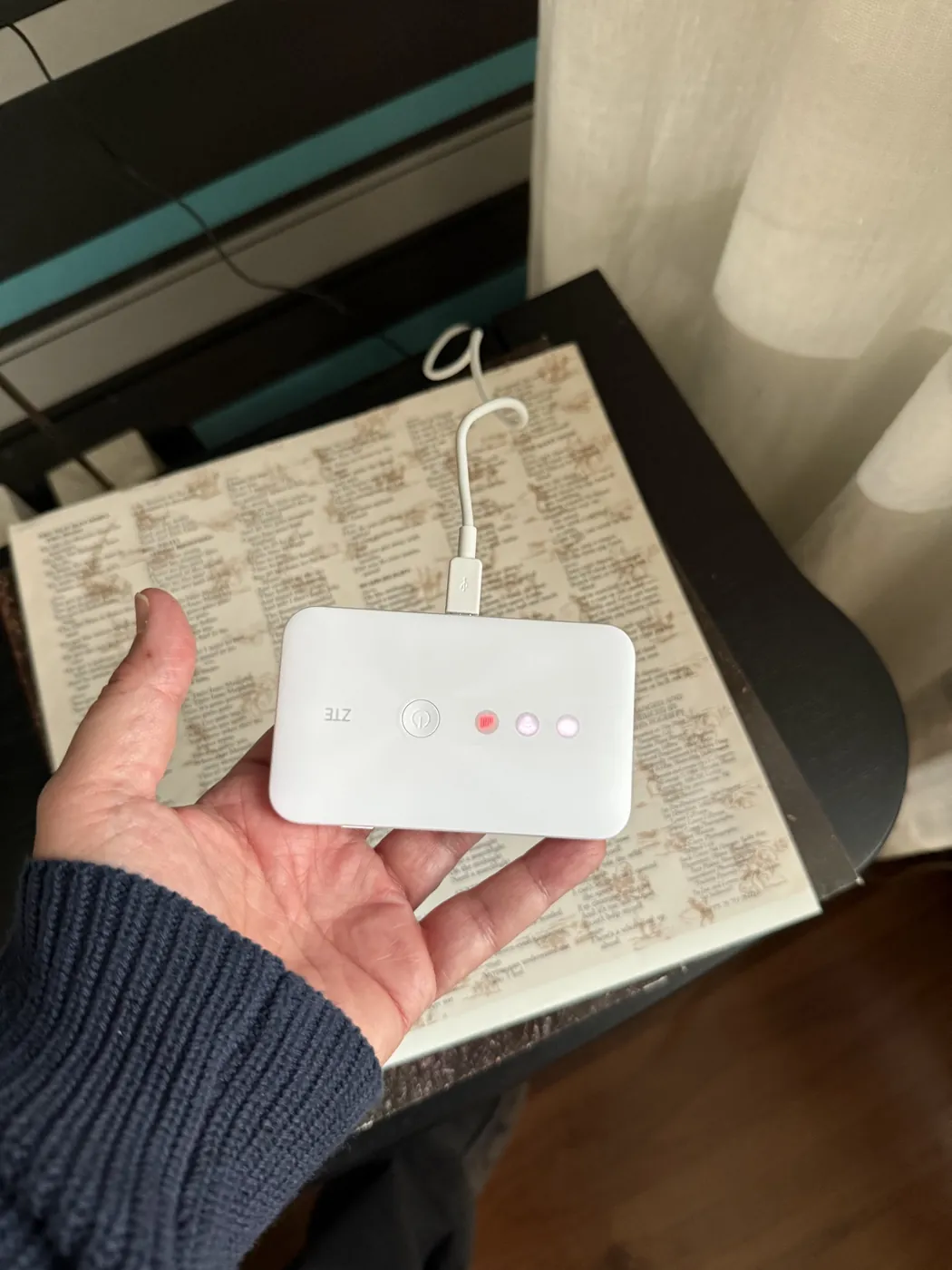
Pocket router or fixed router?
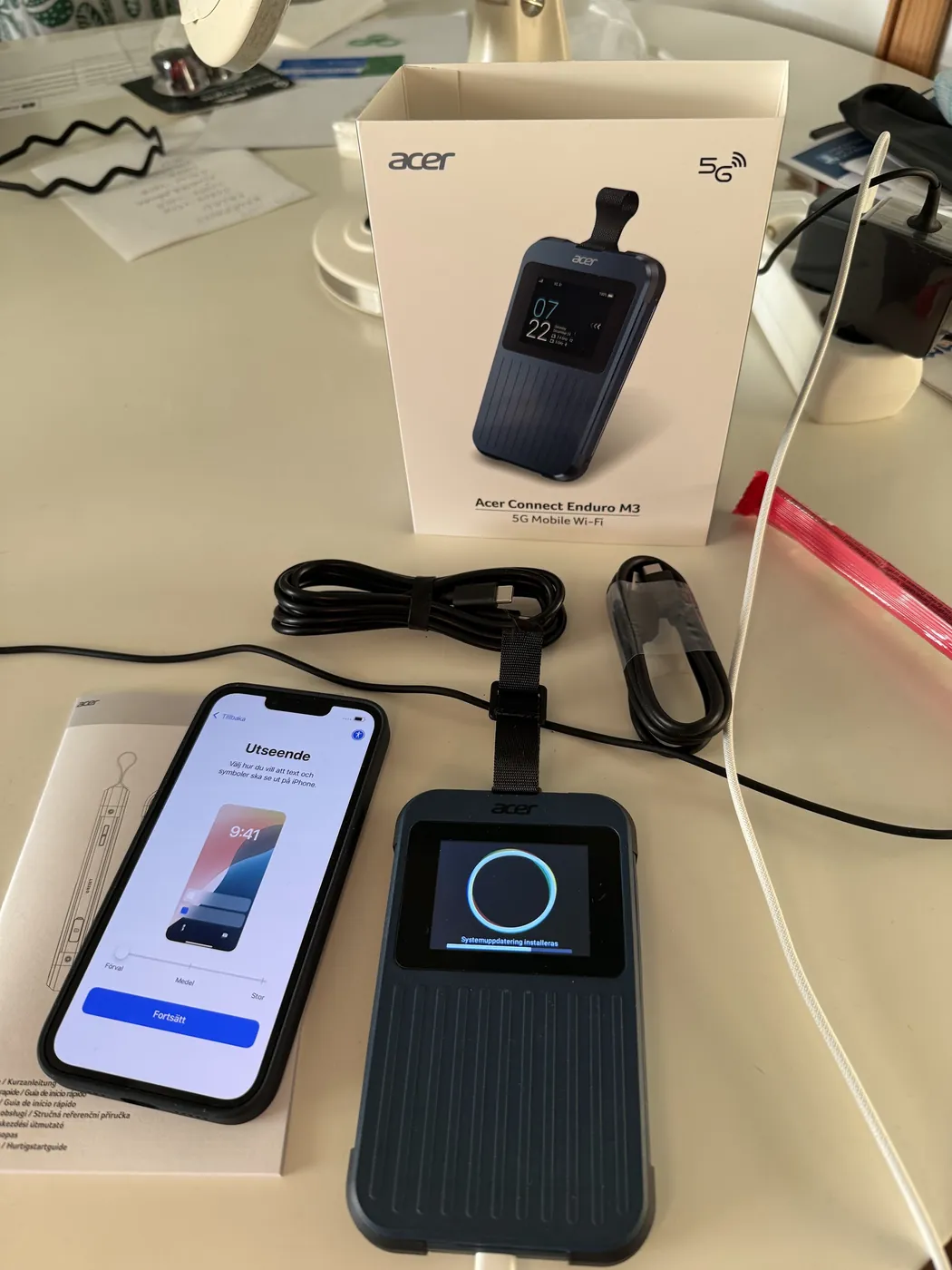
A pocket router is small, runs on battery and suits travel and a couple of devices. At the holiday cottage and at home, however, it is rarely enough, because the antennas are small and the wireless network is weak. A fixed 4G or 5G router has larger antennas, more network ports and often a socket for an external antenna. We can also connect it to a mesh system, so that the network reaches the outbuilding, the deck and the jetty. We therefore recommend a fixed router for everything except temporary use.
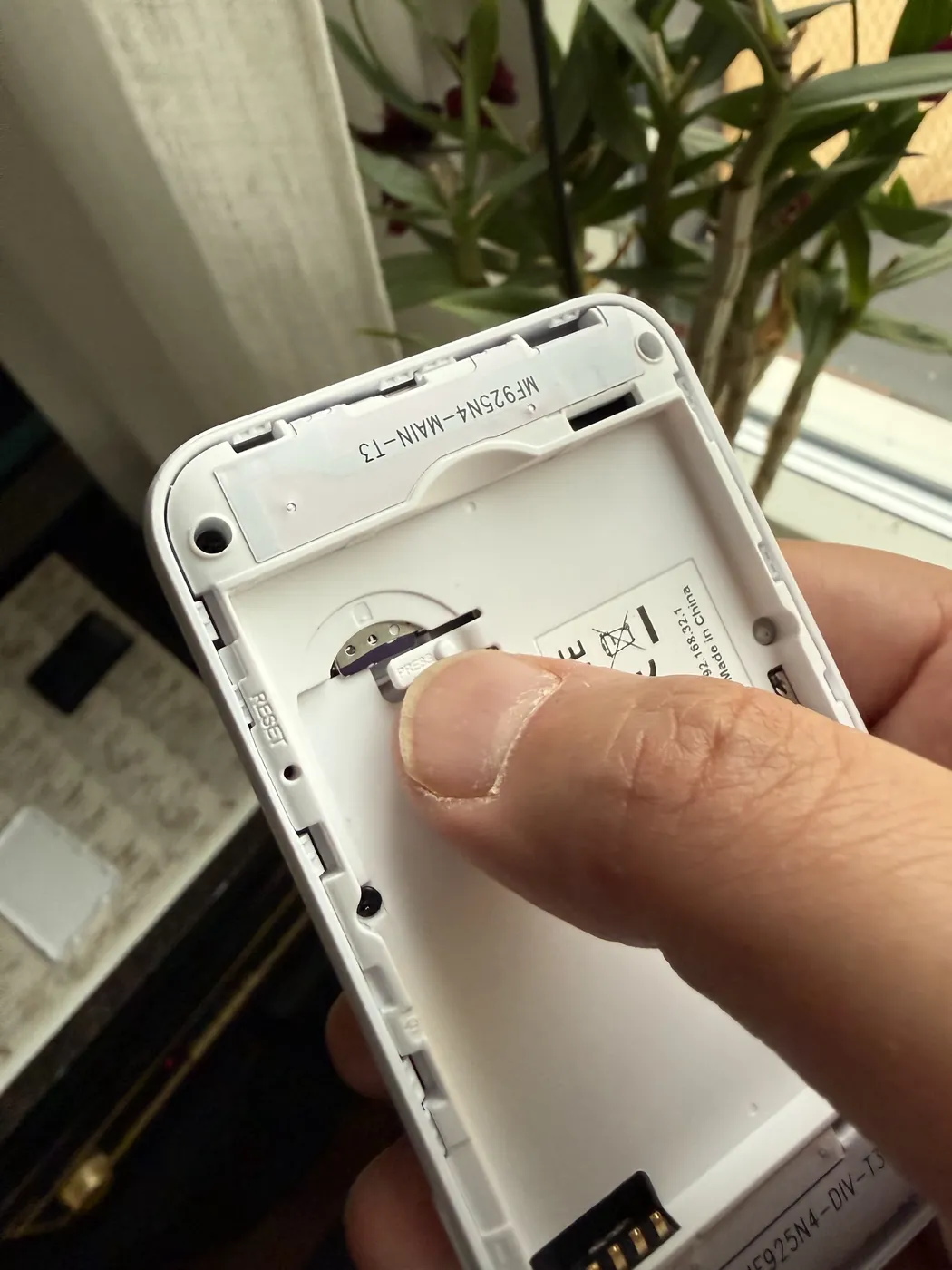
Placement decides how fast the 5G router gets
The router should stand where the mobile signal is strongest, and that is rarely in the middle of the house. We therefore measure the signal in several rooms and at several heights before the router gets its place. A window facing the nearest mast is often the best spot, and an upper floor is generally better than a basement. Metal foil in insulation, energy-efficient glass and metal roofs also dampen the mobile signal heavily. Once the router stands by the window, we spread Wi-Fi further through the house with mesh nodes, preferably with cable between the nodes. In this way, both the mobile signal and the wireless network get the best possible position.
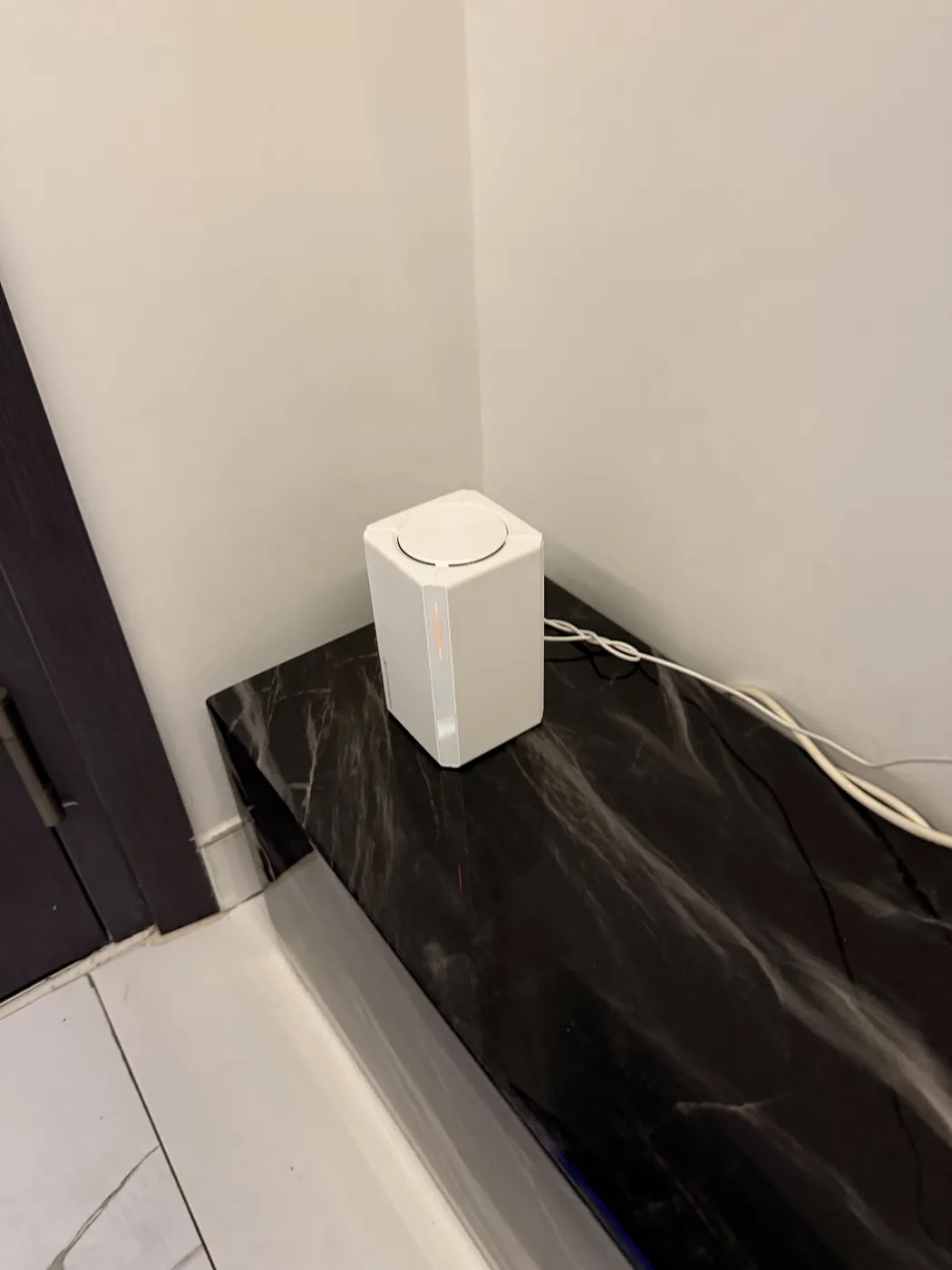
An external antenna for the 5G router
When the signal is weak even by the window, an external antenna helps. We mount it on the facade or the roof and point it towards the mast. A directional antenna gives the most gain, while an omnidirectional antenna suits a boat, where the direction keeps changing. The antenna must match the router’s frequency bands, and 4G and 5G generally require two cables or an antenna with dual connectors. The cables should also be as short as possible, because every metre dampens the signal. We verify the result with a measurement before and after mounting.
Checklist for a 4G or 5G router
- Check the operators’ coverage maps and measure on site.
- Choose a subscription based on how much data you use.
- Place the router where the mobile signal is strongest.
- Use an external antenna when the signal is weak.
- Spread Wi-Fi further with mesh instead of moving the router.
- Update the router’s software regularly.
A 5G router as a backup connection for businesses
For a business, an outage in the connection often costs more than a backup solution. We therefore connect a 4G or 5G router to the company’s router or firewall, and we set up automatic failover. When the fibre goes down, the mobile network takes over shortly after, and when the fibre comes back, the router switches back. We always test the failover by disconnecting the fibre under controlled conditions. Also compare with the guide on Wi-Fi in the office and Business IT Support’s guide on Starlink for businesses.
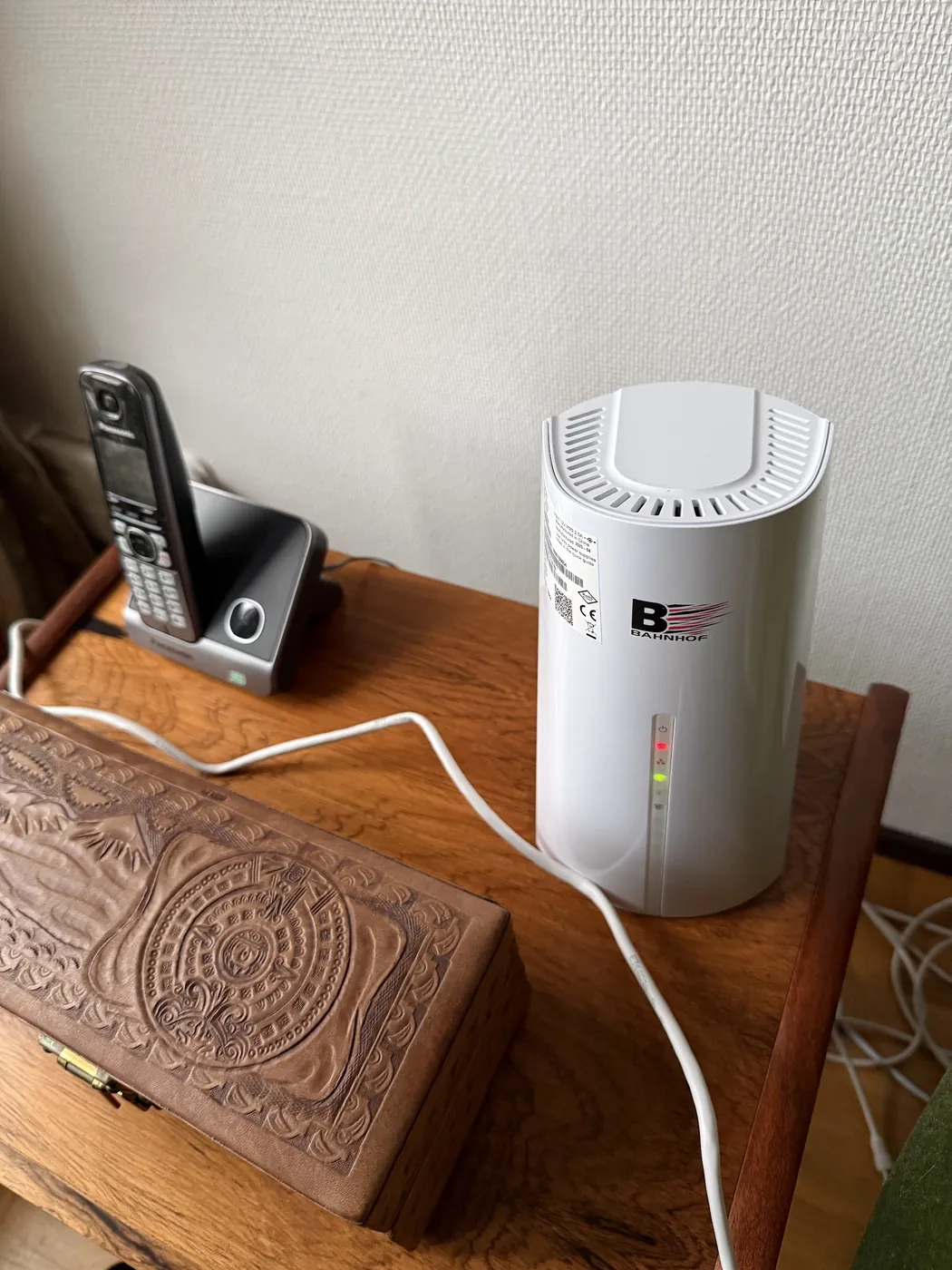
The holiday cottage and the boat
At the holiday cottage, we often combine a 5G router by the window with an outdoor node that covers the plot. If the cottage stands empty in winter, we also set up the router so that alarms, cameras and heating control keep working. On a boat, a router for 12 or 24 volts fits, and an omnidirectional antenna often suits it best. Out at sea, however, the mobile network does not reach far, and Starlink is then an alternative. Our measurements of Starlink on board a ship are in the article on Starlink at sea.
Subscription, data volume and operator
The router is only half the solution, because the subscription and the operator often decide more than the device itself. First check the operators’ coverage maps, and then measure on site with a phone from each operator if possible. Coverage can differ a lot between two neighbouring properties, especially in the archipelago and in hilly terrain. After that, choose a subscription that suits how you use the network. High-resolution streaming uses several gigabytes per hour, so a family that works and streams at the holiday cottage can use several hundred gigabytes a month. An unlimited subscription is often simplest, but some operators lower the speed after a certain amount of data. The speed can also vary over the day, because everyone in the area shares the same mast. We therefore prefer to measure on several occasions before deciding on placement and antenna. In this way, you get a connection that works even on a rainy Friday evening in July, when all the neighbours are there too.
Would you like help with 4G or 5G?
We choose, place and set up 4G and 5G routers and antennas in houses, holiday cottages, on boats and at businesses. Prices from €200 per hour excluding VAT. Describe where the router will stand →
Frequently asked questions about 4G and 5G routers
Questions about 4G and 5G routers
- What is the difference between a 4G and a 5G router?
- Is a 5G router worth the money?
- How fast is mobile broadband at the holiday cottage?
- Is a pocket router enough at the holiday cottage?
- Which subscription should I choose?
- Can I use my mobile subscription in the router?
- How do I know which operator has the best coverage?
- Can 5G replace fibre?
- Does the 5G router work for streaming and video calls?
- How much data does a family use per month?
Placement and antenna
- Where should the 5G router stand?
- Why is the signal weak indoors?
- Does energy-efficient glass dampen the mobile signal?
- When do I need an external antenna?
- Should the antenna be directional or omnidirectional?
- How do you mount an antenna on the roof?
- How long may the antenna cable be?
- Can the router stand by the window while mesh spreads Wi-Fi?
- How do you measure the mobile signal?
- Does updating the router’s software help?
Backup, boats and help
- How does a backup connection for businesses work?
- Does the router switch over automatically when the fibre goes down?
- Can 5G back up Starlink or the other way round?
- Does the 4G router work on a boat?
- Which router suits 12 volts?
- How far out to sea does the mobile network work?
- Can alarms and cameras at the cottage use 4G?
- What does help with a 4G or 5G router cost?
- Can you mount the antenna for me?
- Do you help in the archipelago?