
Secure Wi-Fi with WPA3, guest networks and a separate network for smart home devices, cameras and printers, at home and in the office. From €200 per hour.
Why Wi-Fi security often falls short
Most wireless networks have a password, but on its own it is rarely enough. Many routers also still use old encryption settings, and the owners have often shared the password with neighbours, tradespeople and guests for several years. At the same time, the number of connected devices has grown sharply, so the risk grows too. Cameras, speakers, lamps, TVs and printers often sit on the same network as the computers with banking apps and work documents. If one of the devices has a security flaw, an attacker can therefore use it to reach everything else. WPA3, guest networks and a separate network for smart home devices reduce that risk.
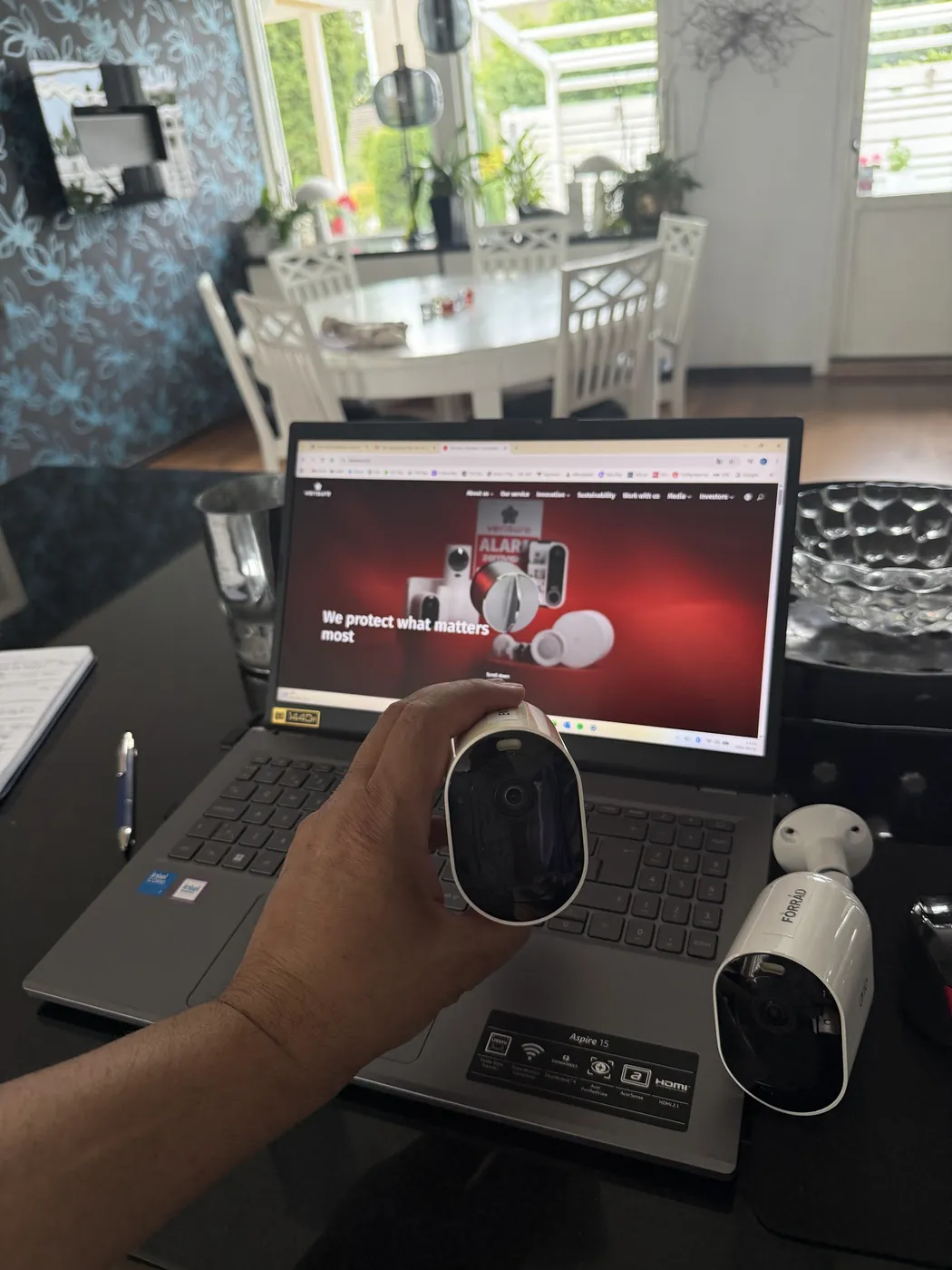
What is WPA3?
WPA3 is the latest security standard for Wi-Fi and succeeds WPA2. The biggest difference is how the device and the router use the password when connecting. With WPA3, an attacker cannot record the connection and then guess the password at leisure on their own computer, which was possible with WPA2. In addition, the 6 GHz band requires WPA3, that is, for Wi-Fi 6E and Wi-Fi 7. Some older devices, however, cannot handle WPA3. The router can then run in a mixed mode, where newer devices use WPA3 and older ones WPA2, but that mode is somewhat weaker. We therefore choose the setting based on which devices you have.
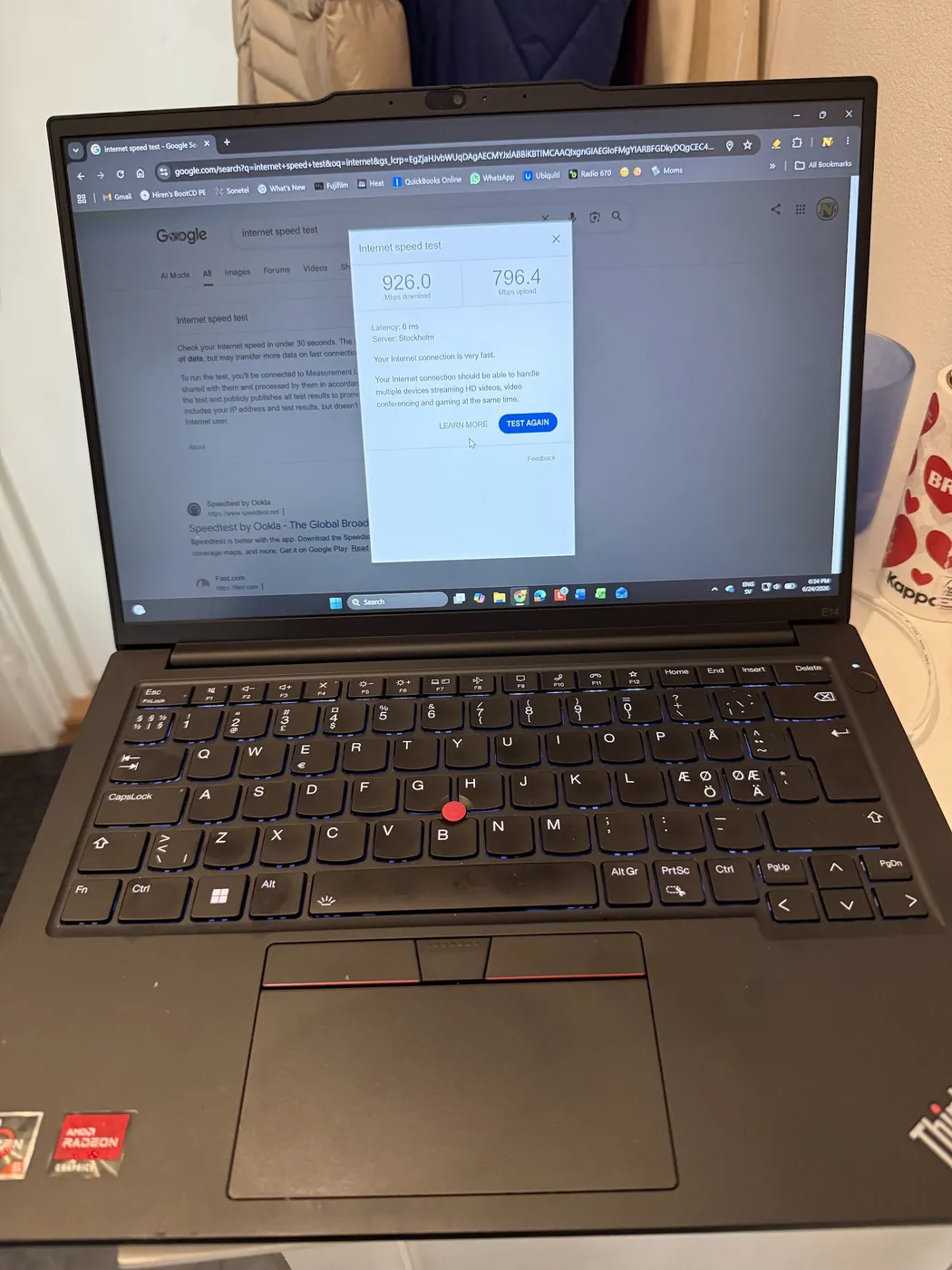
Guest networks and WPA3 for visitors
A guest network, in other words, is a separate wireless network that only gives access to the internet. Visitors therefore cannot see your computers, printers or storage devices. The guest network gets its own name and its own password, and you can change the password at any time without affecting your own devices. In the office, we can also limit the speed on the guest network, so that visitors do not take all the capacity. Many mesh systems and routers already have a built-in guest network, but it is often turned off by default. We therefore turn it on, give it a clear name and set a password that is easy to share but hard to guess.
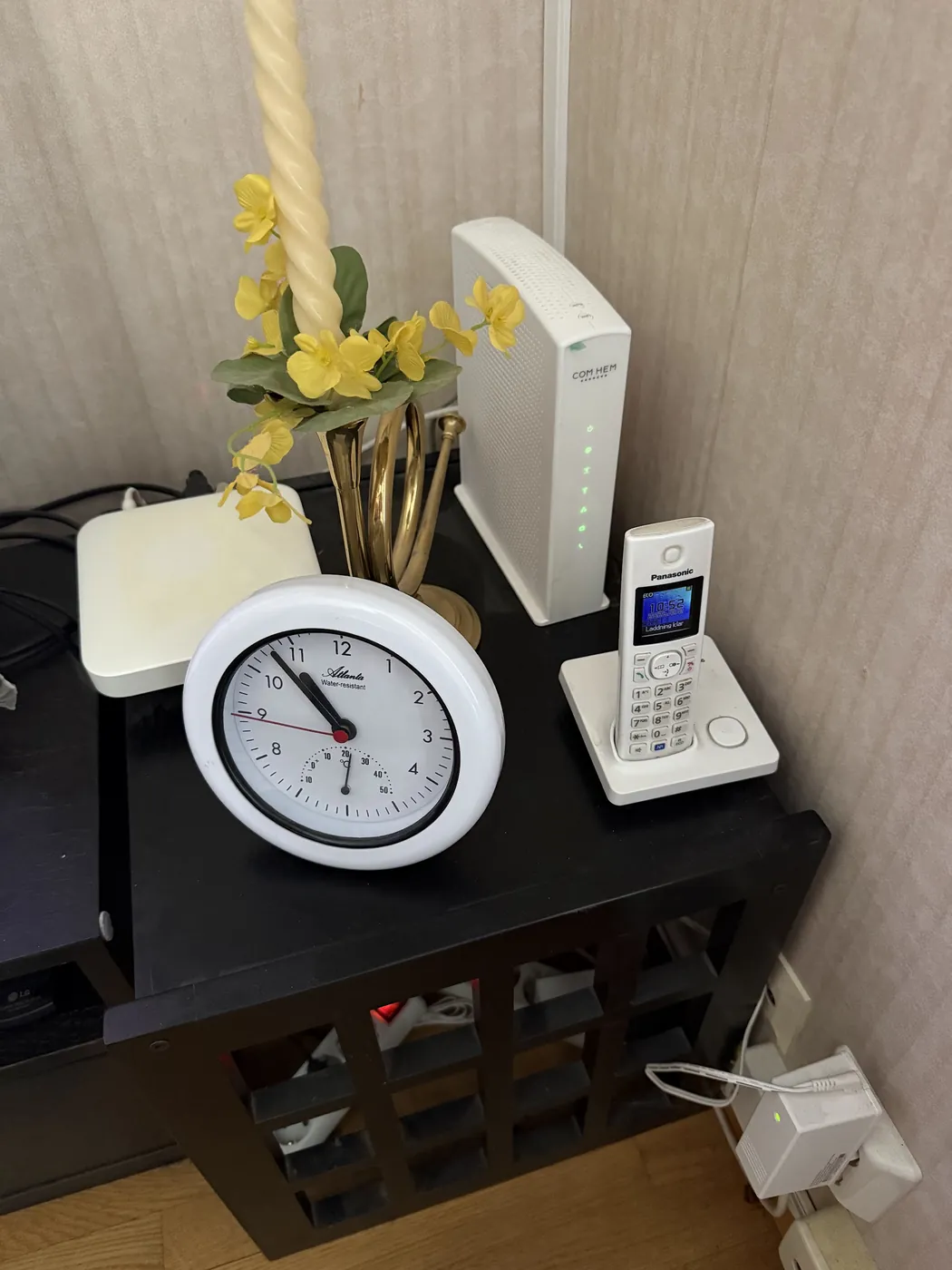
A separate network for smart home devices
Manufacturers often update smart home devices rarely, and some stop receiving updates after a few years. That is why we place them on a network of their own, separate from computers and phones. It can be the guest network, a dedicated network for devices or a separate network segment in a more advanced router. Many devices also only support 2.4 GHz, so that network often gets its own name on that particular band. It also becomes easier to see which devices exist in the home. In this way, the devices connect reliably, and at the same time they reach no sensitive information.
Quick check of the security in your Wi-Fi
- Does the router use WPA3, or WPA2 with AES if older devices require it?
- Have you changed the router’s administrator password from the default?
- Is the router’s software up to date?
- Is there a guest network for visitors?
- Do cameras and smart devices sit on a network of their own?
- Are WPS and remote access turned off if you do not use them?
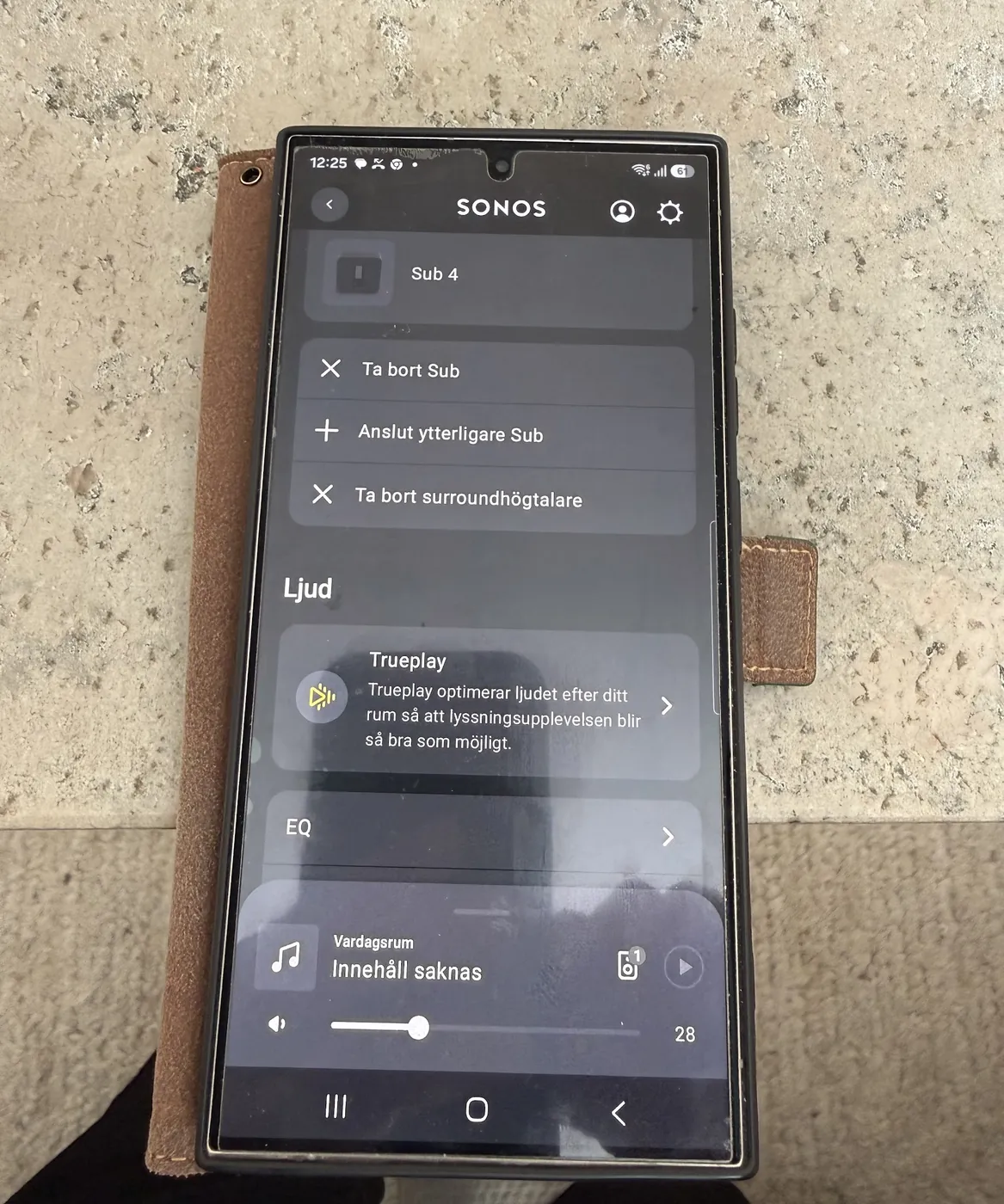
The router’s own security
The router is the network’s front door, so it needs maintenance. First, change the administrator password if it is still the one printed on the label. Then update the software and preferably turn on automatic updates. Also turn off features that nobody uses, for example WPS, remote management over the internet and open ports. You should therefore replace a router that no longer receives updates. The same hardening principles apply to servers, and Linux Service describes them in the guide on hardening Linux servers.
WPA3 and security in the office
In the office, we go one step further. Staff get personal logins to the wireless network instead of a shared password, so that you can quickly lock out an employee who leaves. Printers, cameras and meeting room equipment get networks of their own, and at the same time we separate the guest network completely from the rest. There is more about this in the guide on Wi-Fi in the office. Never send passwords for Wi-Fi or the router by email or form, neither to us nor to anyone else. Instead, we go through such details together on site or during a call.
Children, parental controls and scheduled networks
Many routers and mesh systems also have built-in parental controls. With them, you can pause the internet for the children’s devices at bedtime or block certain types of websites, for example. The feature often relies on each device belonging to a profile in the app, so you need to add new phones and tablets when you buy them. Bear in mind, however, that parental controls in the router only apply at home, since the phone can use the mobile network instead. A schedule for the guest network can also be useful, so that the guest network is only on when you have visitors. We are happy to go through these settings with you, and at the same time we explain how you change them yourselves in the app. In this way, security becomes something you can manage day to day, not just a one-off effort.
Would you like a more secure Wi-Fi?
We go through the router and set up WPA3, guest networks and a separate network for smart home devices, at home and in the office. Prices from €200 per hour excluding VAT. Describe your network →
Frequently asked questions about WPA3, guest networks and smart homes
Questions about WPA3
- What is WPA3?
- What is the difference between WPA2 and WPA3?
- Does my router support WPA3?
- Why can some devices not connect with WPA3?
- What is mixed mode with WPA2 and WPA3?
- Do Wi-Fi 6E and Wi-Fi 7 require WPA3?
- Is WPA2 still secure?
- How long should the Wi-Fi password be?
- How often should I change the Wi-Fi password?
- What is WPS and should it be turned off?
Guest networks and smart homes
- What is a guest network?
- How do I create a guest network?
- Can guests see my computers on the guest network?
- Should smart home devices sit on the guest network?
- Why do smart devices only connect to 2.4 GHz?
- Are surveillance cameras a security risk?
- How do I protect speakers and smart lamps?
- Can a TV be a security risk?
- Should the printer sit on a network of its own?
- Can mesh systems create several networks?
The router, the office and help
- How do I change the router’s administrator password?
- How do I update the router’s software?
- When is it time to replace an old router?
- Should remote management of the router be turned off?
- How do employees get personal logins to Wi-Fi?
- How do we lock out an employee who has left?
- Can you review the security of our Wi-Fi?
- How do I send passwords to you securely?
- What does a security review cost?
- Do you help both homes and businesses?