
Wi-Fi in the office that handles meetings and many users: ceiling access points, PoE, guest networks and roaming. We plan and measure. From €200 per hour.
Why an ordinary router is not enough in the office
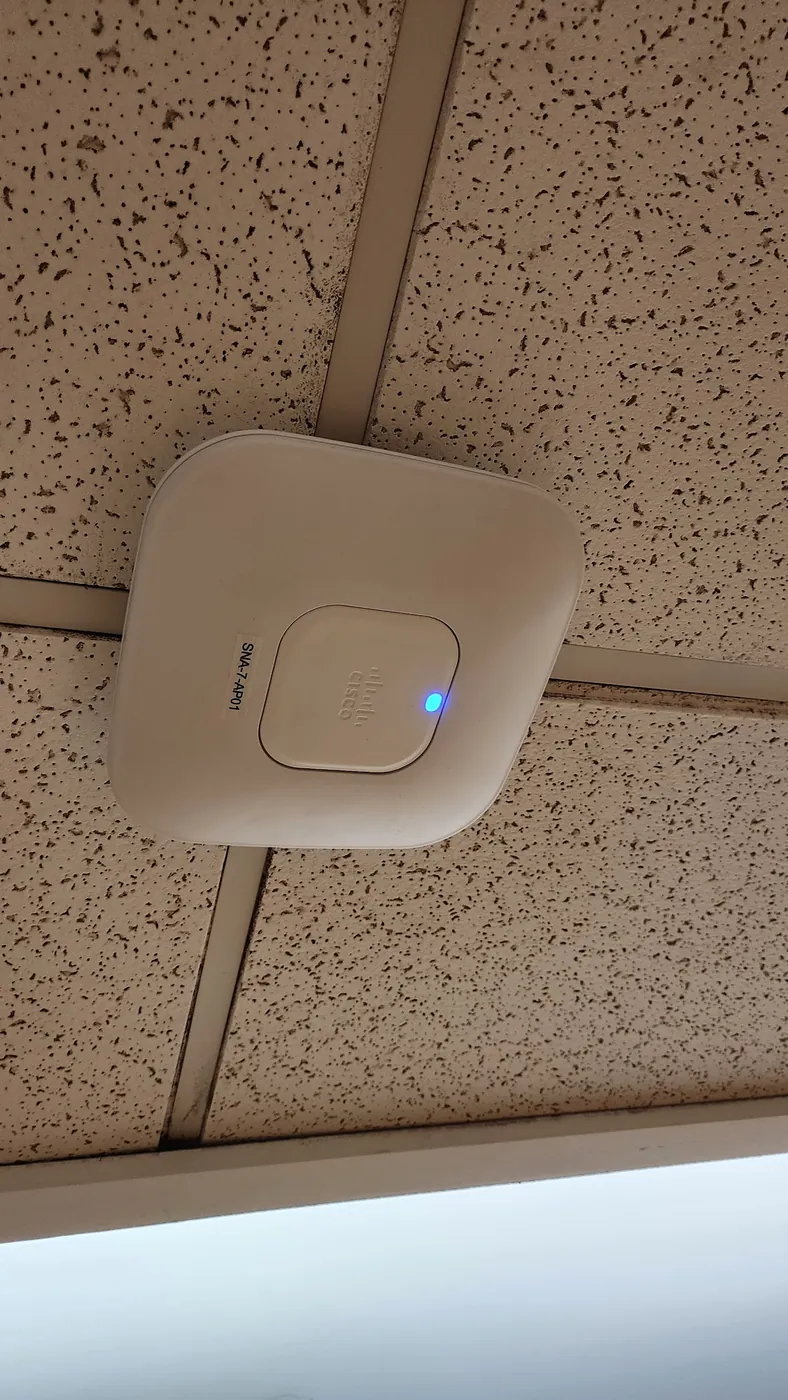
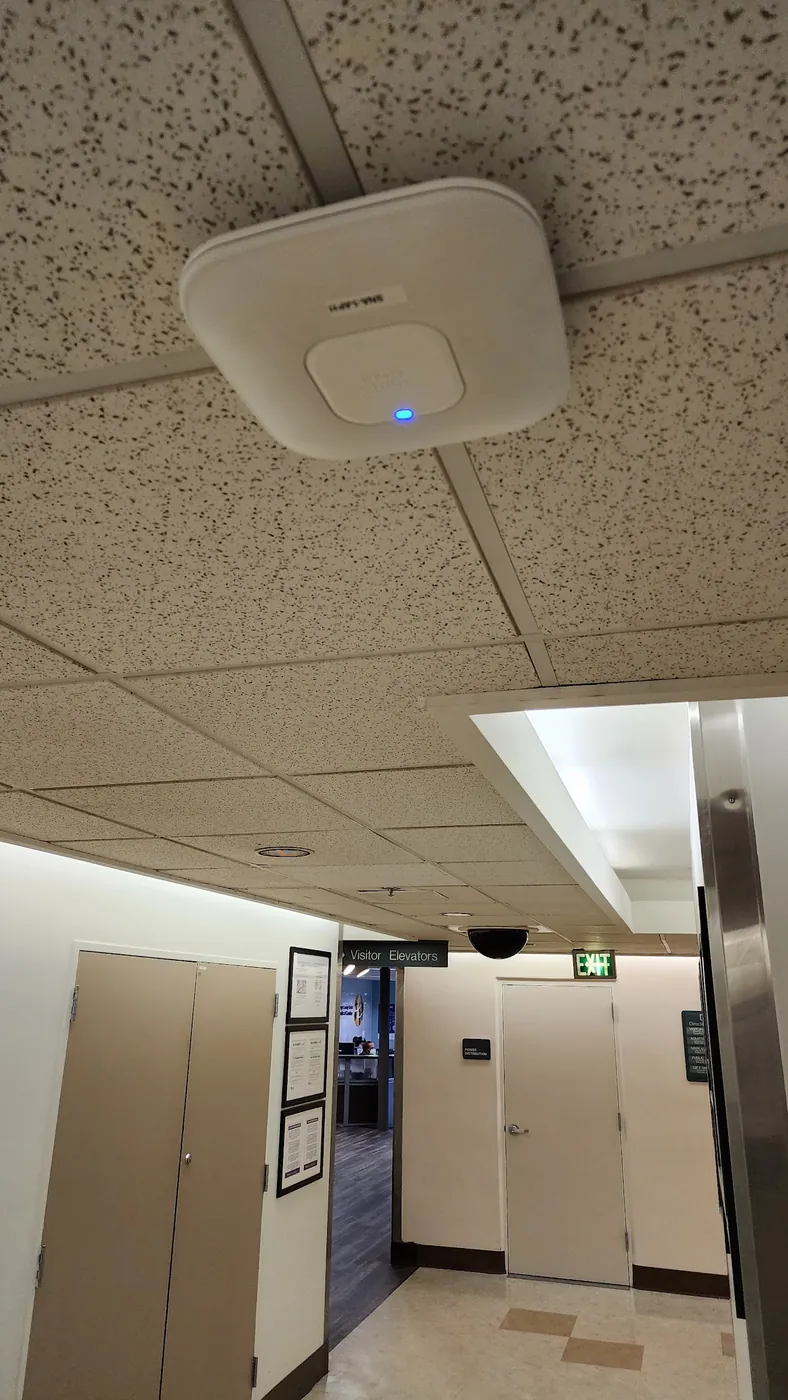
An office makes completely different demands from a home. There are more users, more video calls and often glass walls, lifts and concrete that dampen the signal. A router or mesh system for home use is built for around ten devices, so it starts to stutter when some thirty computers and phones connect at the same time. We therefore build Wi-Fi in the office with access points in the ceiling, connected by network cable to a switch. Each access point then covers a defined area, and at the same time we can manage the network centrally. In this way, every room gets stable coverage, and you avoid the usual dropouts during meetings.
How we plan Wi-Fi in the office
First, we go through the floor plan and the premises. We note the wall materials, where the meeting rooms are and how many people work in each part of the office. Then we measure the signal and the interference from the neighbours’ networks, because office buildings are often full of wireless networks. After that, we place the access points so that every area gets coverage from at least one point, and from two in large open spaces. We also plan capacity, not just coverage. In other words, a meeting room for twenty people often needs its own access point, even if the signal from the corridor reaches in.
PoE: power and network in the same cable
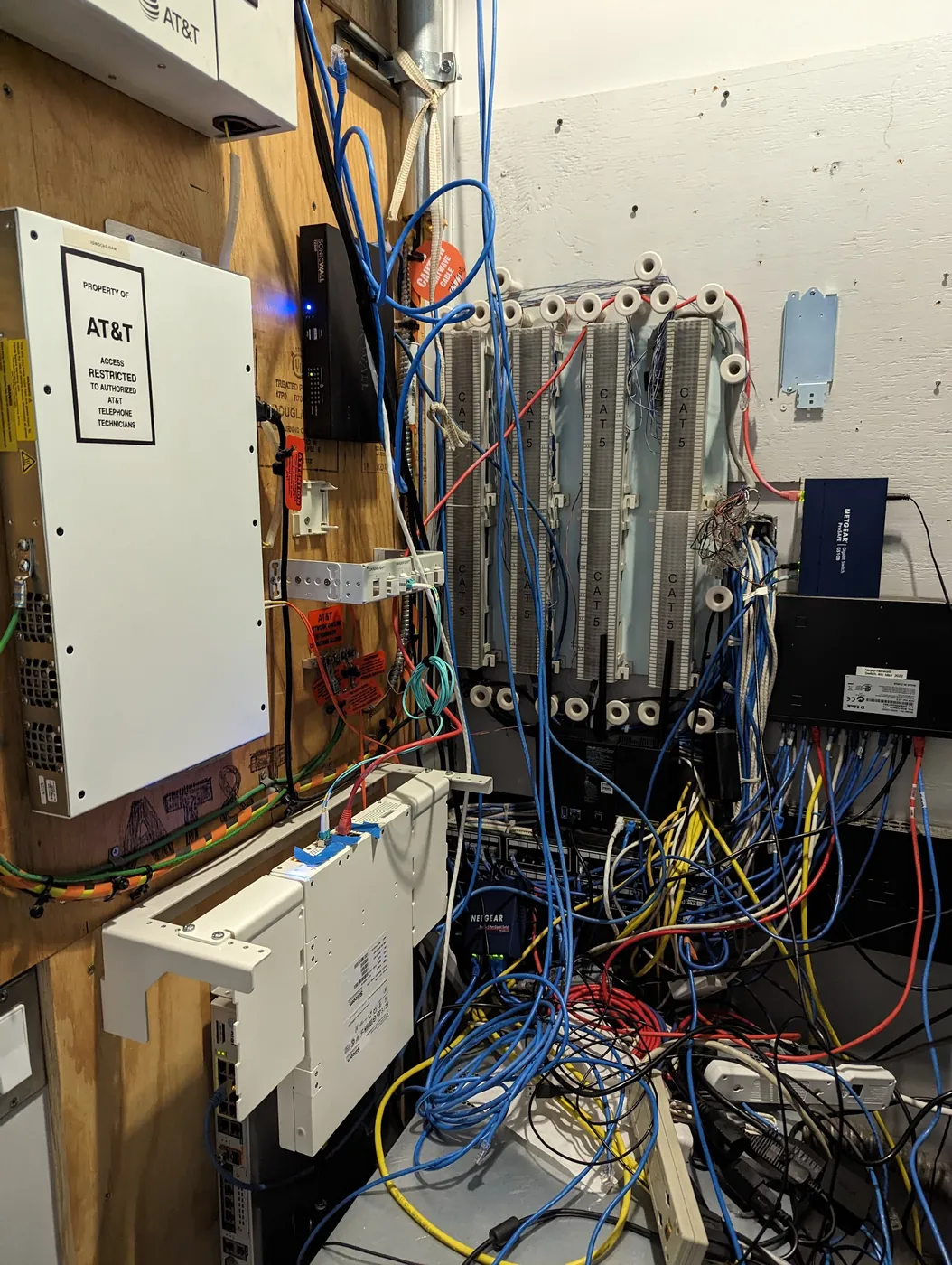
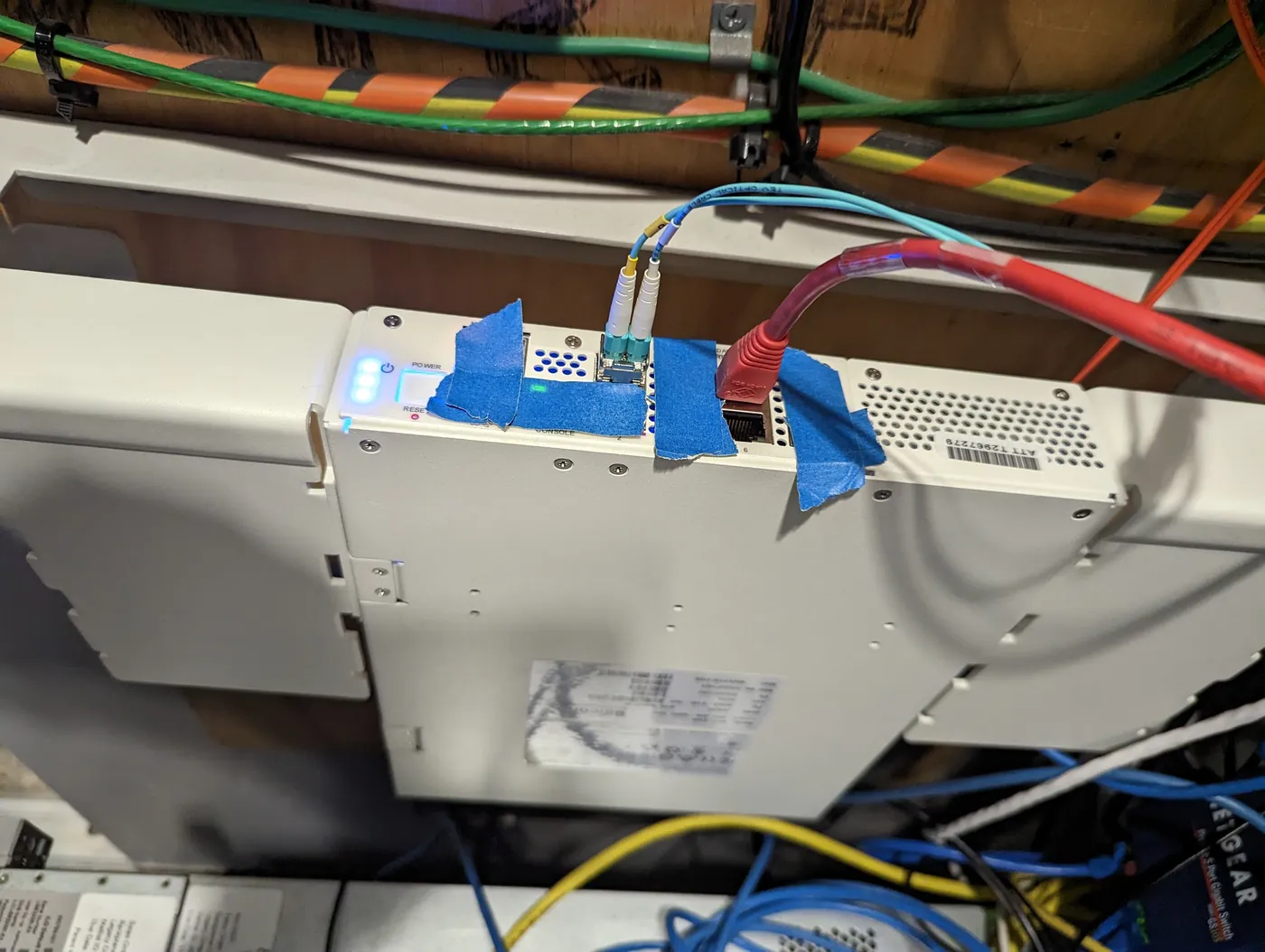
The access points get both power and network through the same cable, known as PoE. No power socket is therefore needed in the ceiling, and we can also restart the access points remotely via the switch. The installation thus becomes both neater and more secure. The switch in the network cabinet, however, must handle the power that the access points require. Older PoE under 802.3af gives up to 15.4 watts per port, PoE+ under 802.3at gives up to 30 watts and the newer levels under 802.3bt give more than that. Newer access points for Wi-Fi 6E and Wi-Fi 7 often require PoE+ or more. We therefore check the switch’s total power budget before we mount more points.
Guest, staff and device networks
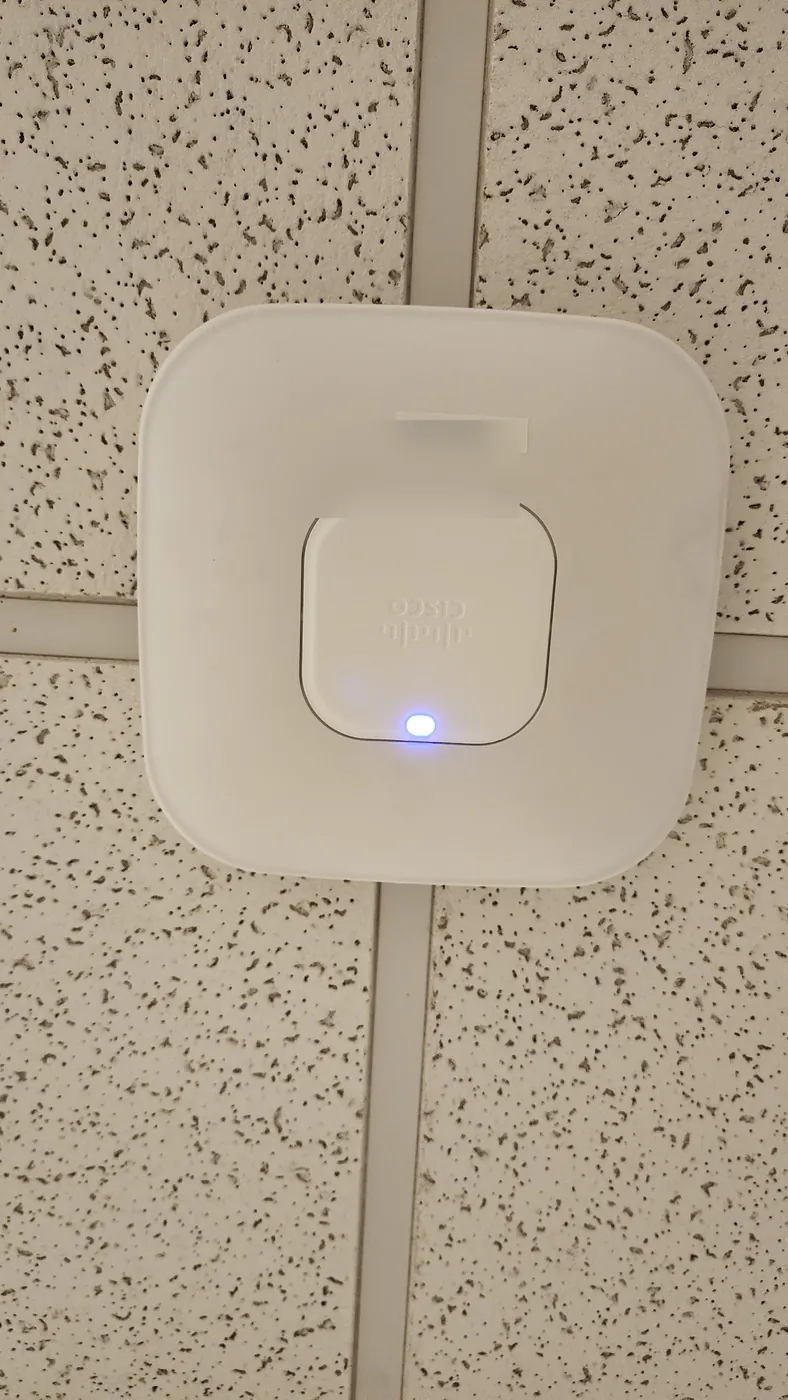
In the office, different users should sit on different networks. Staff connect to a protected network with WPA3, preferably with personal logins. Visitors get a guest network that only reaches the internet and cannot see printers, servers or other computers. We also place printers, cameras and other connected devices on a network of their own. In this way, nobody can use a vulnerable device to get further into the network. There is more about wireless security in the guide on WPA3 and guest networks.
Roaming in Wi-Fi in the office
When an employee walks from the desk to the meeting room during a call, the computer should switch access point without the call dropping. This is called roaming. We configure the access points so that they help devices choose the right point, for example with the 802.11k, 802.11v and 802.11r standards. We also adjust the transmit power, because a point that transmits too strongly holds on to devices for too long. Finally, we set the channels so that neighbouring points do not interfere with each other. In an open-plan office, we also place the points in a grid, so that each point only needs to cover its part of the area. In this way, users spread evenly, and no single point becomes overloaded when everyone sits at their desks. We then test the roaming with the computers and phones that employees actually use, because different devices behave differently when the signal weakens.
A backup connection when the fibre goes down
Even the best wireless network stands still if the internet connection disappears. We therefore often recommend a backup connection via 4G or 5G, and Starlink in places without fibre. The router then switches over automatically when the main connection goes down. There is more about this in the guides on 4G and 5G routers as a backup connection and Starlink and mesh. For businesses that need help with the whole IT environment, there is also Business IT Support’s guide on Starlink for businesses.
Measurement and documentation after the installation
Once the access points are mounted, we measure coverage, speed and latency in every room. We also check that roaming works by walking around the premises during an ongoing video call. After that, you receive short documentation with a plan of the access points’ placement, which networks exist, which channels the network uses and how we have configured the switch. The documentation makes future troubleshooting easier, and it also helps when you rebuild the office or hire more staff. When needed, we can also monitor the network continuously and get an alert if an access point stops responding. In this way, we often find faults before the employees notice them. Finally, we recommend that you update the software in access points and switches regularly, because the updates fix both security holes and performance problems.
Does your office need better Wi-Fi?
We plan, install and measure Wi-Fi in offices in the Stockholm area, and we troubleshoot existing networks remotely across Sweden. Prices from €200 per hour excluding VAT. Describe your office →
Frequently asked questions about Wi-Fi in the office
Questions about Wi-Fi in the office
- Why is an ordinary router not enough in the office?
- How many access points does an office need?
- Where should the access points go?
- Does every meeting room need its own access point?
- Can you use mesh in an office?
- How many users can one access point handle?
- Why do the computers lose Wi-Fi during meetings?
- Do the neighbouring companies’ networks interfere with our Wi-Fi?
- How do you measure the coverage in the office?
- Does Wi-Fi 7 help in the office?
PoE, switches and installation
- What is PoE?
- Which PoE standard do the access points need?
- How much power can our switch deliver?
- Do access points need power sockets in the ceiling?
- Which network cable suits the access points?
- Can you mount access points in a suspended ceiling?
- Can you sort out the network cabinet?
- How long may the cable to an access point be?
- Can we reuse existing cables?
- How long does an installation take?
Guest networks, security and operation
- How do you create a guest network in the office?
- Should printers sit on a network of their own?
- What is WPA3 and do we need it?
- Can every employee get their own Wi-Fi login?
- What is roaming between access points?
- What do 802.11k, 802.11v and 802.11r mean?
- Do we need a backup connection?
- Does Starlink work as a backup for the office?
- What does Wi-Fi in the office cost?
- Can you take over the operation of our wireless network?