
Mesh router or traditional router? We explain the difference, when mesh pays off and how the right number of nodes and backhaul cover the whole home.
A mesh router consists of several units, called nodes, that together form one shared wireless network. A traditional router, by contrast, transmits from a single point. The difference only becomes clear when the home is large, has several floors or thick walls. In that case, one router is rarely enough, whereas a mesh system can give even coverage throughout the house. In this guide, we explain how the technology works, when a mesh router pays off and which mistakes still make mesh slow.
How a traditional router works
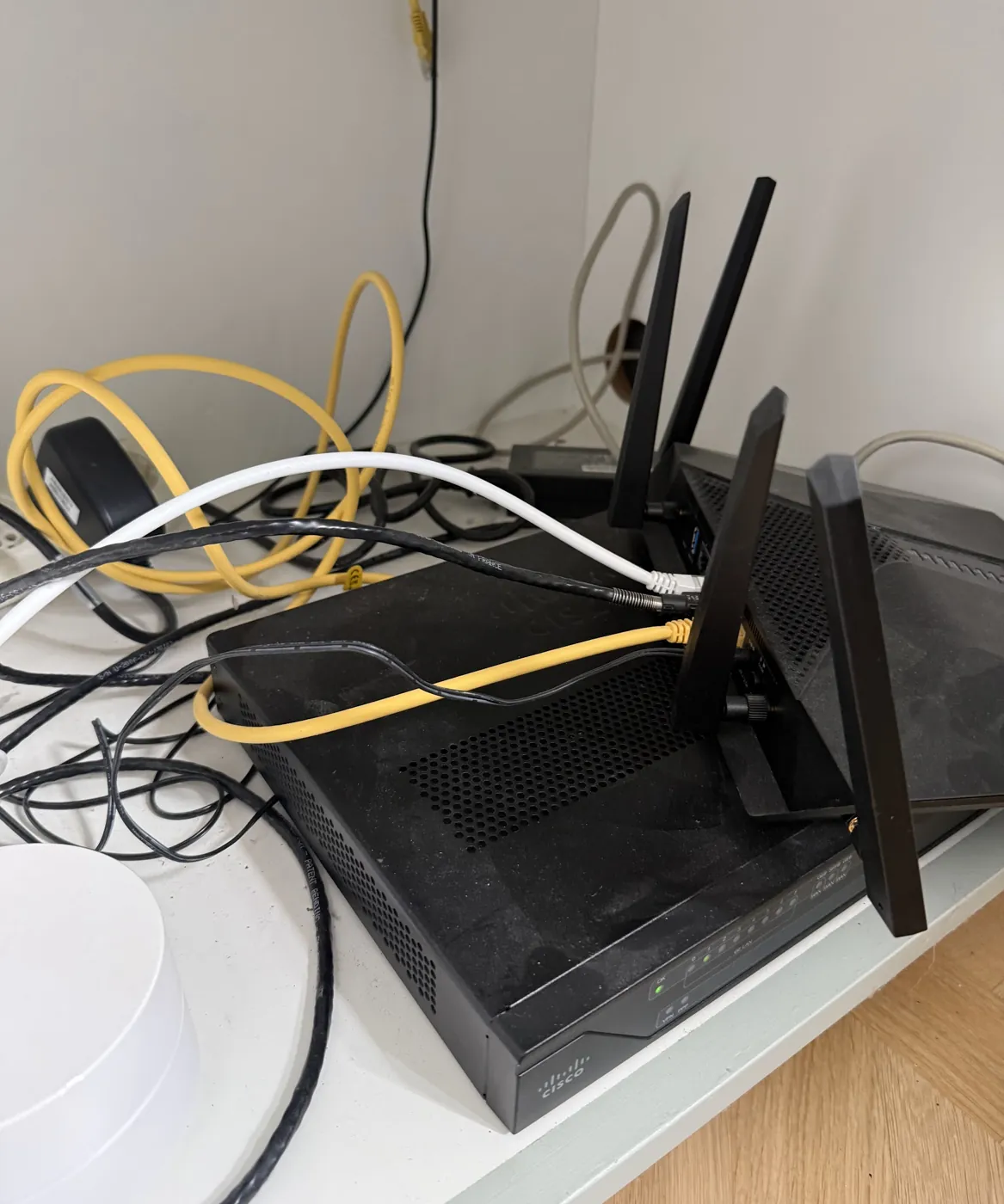
A traditional router connects to fibre, cable TV or mobile broadband and transmits Wi-Fi from its own antenna. The signal weakens with distance and with every wall, floor and piece of furniture it passes. Concrete, brick and tiles dampen it the most, which is why coverage is often good in the living room but weak in the bedroom. In addition, more antennas on the router do not automatically give a longer range, because the antennas mainly send several data streams at the same time. A traditional router therefore suits a flat or a smaller house where the router can sit in a central spot.
How a mesh router works
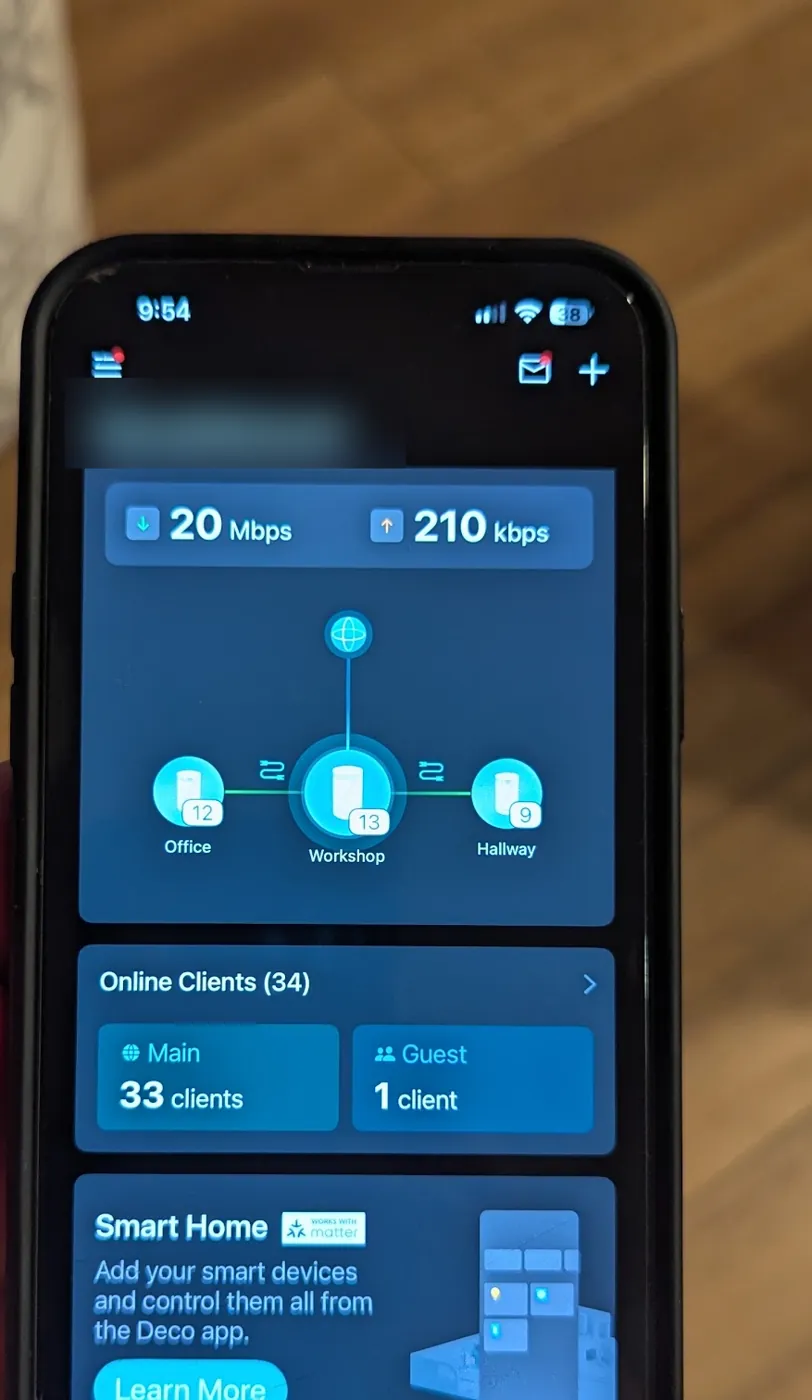
A mesh router is really a system. The first node connects to the internet and acts as the main router, while we place the other nodes around the home. All nodes broadcast the same network name, so your phone, computer and TV can switch to the node with the best signal without you changing network. The nodes also talk to each other over a link called backhaul. It can be wireless or run over network cable. With cable, the nodes get full capacity between them, whereas wireless backhaul shares the radio resources with your devices.
When a mesh router pays off
A mesh router pays off above all in houses, terraced houses and flats with several floors or long floor plans. It is also a good choice when the router has to sit next to the fibre box at one end of the house. Furthermore, mesh suits holiday cottages where the outbuilding, deck and jetty need coverage, as well as small offices. However, mesh rarely pays off in a 60-square-metre, two-room flat with a centrally placed router. There, a modern router usually gives the same result at a lower cost. That is why we always start by measuring the signal and speed in every room before we suggest mesh.

Backhaul decides how fast a mesh router becomes
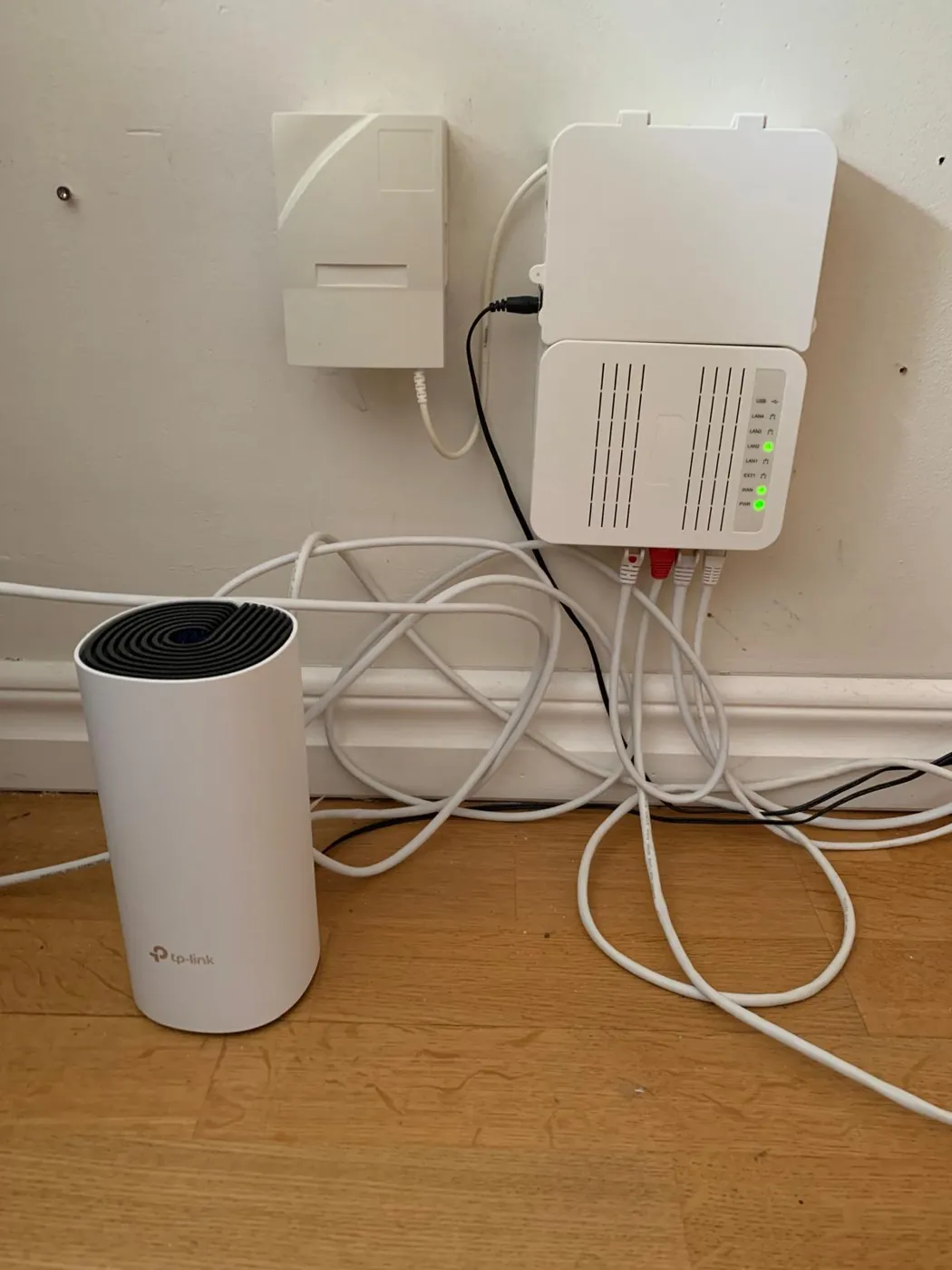
The most common reason why a mesh system feels slow is backhaul. When the nodes only link up wirelessly, each node has to both talk to your devices and pass the traffic on to the main node. Consequently, capacity drops with every step in the chain. With network cable between the nodes, known as wired backhaul, the problem disappears. If you cannot run cable, a mesh system with a separate radio band for backhaul can give a better result. If there are already network sockets in several rooms, it is therefore often worth using them for the nodes. Even a single cabled step, for example between floors, makes a big difference. That is why we describe placement and cable in the guide on the right number of mesh nodes.
Mesh router compared with a traditional router
- Coverage: mesh covers several rooms and floors, while a router mainly covers its immediate area.
- Roaming: mesh moves devices between the nodes, while a router with an extender often forces a change of network.
- Cost: mesh costs more, but it replaces routers, extenders and powerline adapters.
- Placement: mesh needs the right distance between the nodes, otherwise the backhaul turns weak.
Common mistakes with mesh
The first mistake is placing the nodes too far apart. A node in a weak signal zone only passes the weak signal on. The second mistake is putting the nodes on the floor, behind the TV or inside a cupboard. The third is mixing in the operator’s router, so that the network gets double NAT, which can disturb games, VPN and video calls. Finally, many people buy more nodes than they need. More nodes mean more radio hops, so the right number matters more than many. We go through placement in the guide on the right number of mesh nodes.
How we choose between mesh and a router
First, we measure signal strength, speed and latency in every room and check the connection into the home at the same time. After that, the floor plan, wall materials, number of devices and the option to run cable decide whether a mesh router, a more powerful router or access points is the right solution. Finally, we measure again, so that you see the result in figures. For businesses, our sister site Business IT Support also describes network installation with mesh Wi-Fi, MLO and CAT7. Meanwhile, the industry keeps developing the standards; Wi-Fi Alliance, for example, describes how Wi-Fi 7 and MLO can use several bands at once.
How we choose for you
We start by measuring the coverage in your home and asking how you use the network. After that, we suggest either a better-placed router or a mesh system with the right number of nodes. In this way, you only pay for the equipment you actually need.
Would you like help choosing?
Describe your home, the floors and where the router sits, and we will suggest a solution. Prices from €200 per hour excluding VAT. Wi-Fi Problem is part of Datorkirurgen AB. Datorkirurgen AB →
Frequently asked questions about mesh routers
Questions about mesh and a traditional router
- What is the difference between mesh and an ordinary router?
- Do I need a mesh router in a flat?
- How many mesh nodes do I need?
- Is mesh better than an extender?
- What is backhaul in a mesh network?
- Can I connect the mesh nodes with network cable?
- Why is my mesh network slow?
- Can I keep the operator’s router with mesh?
- What is double NAT?
- Can I mix mesh nodes from different brands?
Mesh router: nodes, backhaul and placement
- Where should the main node stand?
- May the mesh nodes stand on the floor?
- Does mesh work through concrete walls?
- Does mesh give faster internet?
- Is mesh good for video calls and streaming?
- What is roaming in mesh?
- Does the mesh router need Wi-Fi 7?
- How far apart can mesh nodes be?
- Can mesh cover the garden and outbuildings?
- Does mesh work at the holiday cottage?
More about mesh in houses, cottages and offices
- How do you measure coverage in a mesh network?
- Can you have a guest network in a mesh system?
- Do smart home devices affect the mesh network?
- Should I turn off Wi-Fi in the operator’s router?
- Is mesh expensive?
- Can Wi-Fi Problem install mesh remotely?
- What does help with mesh cost?
- Does mesh work with Starlink?
- How do I know whether I need mesh or access points?
- How long does a mesh router last?